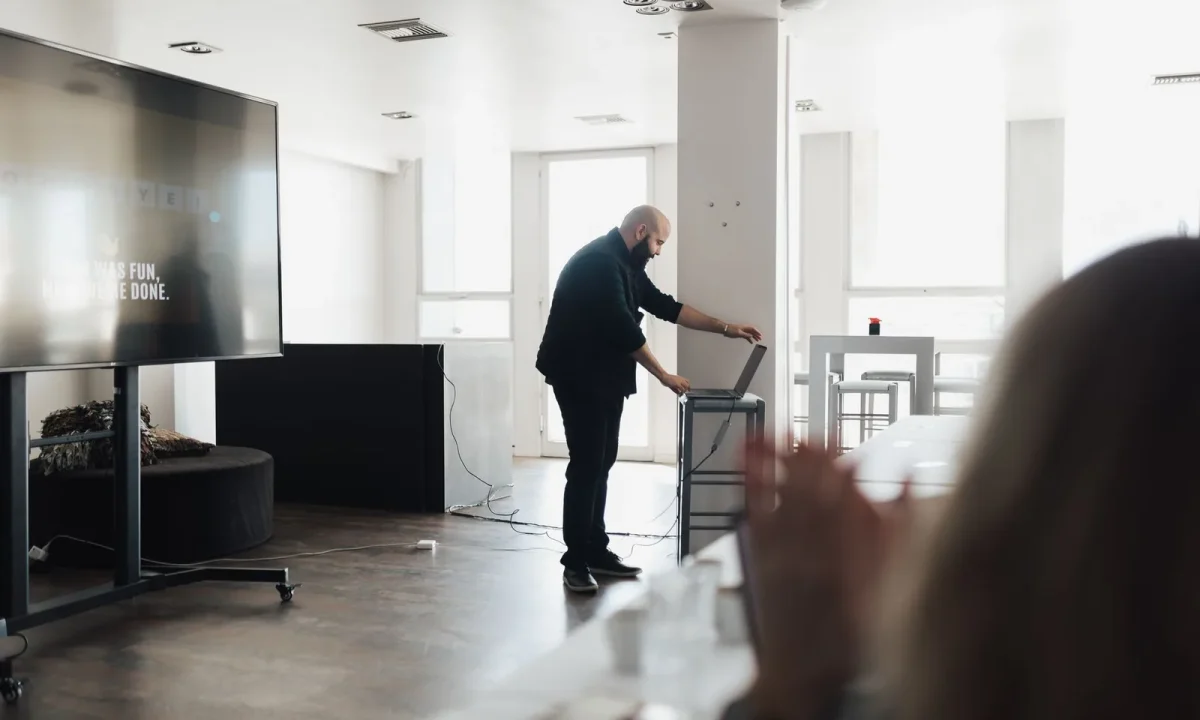
A teleprompter can make your delivery smooth, but it can also make you look like you are reading rather than connecting. Interacting with viewers is the skill that keeps your on-camera presence human, even when your script is scrolling in front of you. In this guide, you will learn how to blend teleprompter cues with engagement strategies so your audience feels spoken to, not talked at.
Why Interacting With Viewers Matters On Camera
Attention online is conditional. Viewers decide within seconds whether a video feels like a message addressed to them or a monologue delivered at them, and they reward the difference with their watch time. Research on nonverbal communication has long suggested that eye contact, facial expression, and conversational rhythm are among the strongest signals of sincerity and credibility. When you interact with viewers, you activate those signals on purpose instead of hoping they appear by accident. The result is content that feels like a conversation, which is the format audiences are most willing to stay inside of.
The difference between reading and connecting
Reading is a mechanical act: your eyes track text, your mouth reproduces it, and the output is technically correct. Connecting is a social act: you deliver the same words while signaling that they are meant for a specific person on the other side of the lens. The teleprompter makes the first part easy, which is exactly why it makes the second part easy to neglect. A presenter who recites flawlessly but never lifts their gaze can be perfectly clear and still feel hollow, because clarity without directedness does not create relationship. The distinction you should train for is not “smooth versus rough” — it is “recited versus offered.”
How interaction boosts retention and trust
When a presenter asks a question, pauses, or reacts to something the audience might be thinking, the viewer’s brain shifts from passive reception to active participation. That shift is small but powerful: it gives the viewer a job in the exchange, and people rarely abandon a task they have already joined. Public research on audience attention consistently shows that direct address and eye contact are associated with higher perceived trustworthiness and better recall of the message. Interaction also buys you forgiveness — an audience that feels engaged will tolerate a stumble that an unfocused audience would treat as a reason to click away. These are not guarantees, but they are strong enough trends to justify building engagement strategies into every recording.
What viewers notice when eye contact drops
Most viewers cannot articulate why a video feels off, but they can feel it immediately. The classic tell is the “reading look”: eyes drifting to one side, a slight downward tilt of the head, and a face that goes neutral between sentences. Another is the flat spot — the moment where a presenter’s voice continues but their expression stops responding to the meaning of the words. Viewers also notice when a presenter never returns to the lens after looking away, which makes the whole session feel like an observation rather than an address. If you want a quick diagnostic, watch the first thirty seconds of your last recording with the sound off. You will see the pattern that your audience felt without being able to name it.
How a Teleprompter Affects Your Connection With the Audience
Understanding your equipment is the first step toward not letting it dictate your presence. A teleprompter changes where your eyes rest, how far you sit from the lens, and how much mental bandwidth you have left for expression. The hardware itself is not the problem — the unexamined relationship between the glass, the camera, and your gaze is. Once you know how the setup reads on camera, you can design around it deliberately instead of compensating after the fact.
Where the glass sits and where your eyes go
With a standard beam-splitter rig, the glass sits directly in front of the camera lens, and your eyes need to be roughly level with the text to stay close to the optical axis. If the glass is mounted too high or too low, your eye line drifts and the illusion of direct address breaks. Even a few degrees of drift is enough for viewers to register that you are looking at something rather than at them. The practical fix is to bring the text to your eyes instead of raising your chin to the text: adjust the stand, raise the tripod, or change your seating height. Small mechanical corrections here usually improve your on-camera presence more than any performance technique.
The illusion of eye contact with a beam-splitter setup
The reason beam-splitter glass exists is that it reflects the script while transmitting the image of the lens behind it, so the presenter can read and appear to look straight at the audience. The illusion works only when your eyes stay in a narrow window around the lens and when your blinks and glances feel natural rather than mechanical. Many presenters read word by word in a tight horizontal sweep, which produces a subtle side-to-side eye movement that viewers perceive as scanning. Wider phrase-based reading — taking in several words at once and letting your eyes rest — keeps the gaze steady and the illusion intact. For a deeper look at how the technology supports connection, see Understanding Audience Engagement Teleprompters: How They Work.
Common mistakes that break the connection
Three mistakes account for most of the broken-connection footage out there. The first is reading at a speed you cannot emotionally match, which produces correct words delivered with a slightly desperate pace. The second is never breaking eye contact at all — staring at the lens without blinking or shifting can feel more like surveillance than conversation. The third is letting your body freeze: hands disappear, shoulders lock, and the face stops punctuating the sentences. None of these are prompter failures; they are the result of giving all your attention to the text and none to the delivery. The fixes are covered in Audience Engagement Teleprompters: Common Mistakes to Fix.
Building Engagement Strategies Into Your Script
Interaction is far easier when the script itself asks for it. If your copy is a flat wall of sentences, you will read it as a flat wall of sentences, no matter how disciplined you are. The most reliable way to change your performance is to change the artifact you are reading from — to turn the script into a set of instructions for how to behave, not just what to say. That means formatting the document so that pauses, emphasis, gestures, and eye-line shifts are visible at a glance while the text scrolls.
Writing pauses and questions into your copy
A pause is the simplest form of interaction because it gives the viewer a moment to think, and thinking is what converts listening into engagement. Write the pauses into the script explicitly, so they survive the pressure of recording. Questions work the same way, even when nobody answers out loud: “Have you ever tried this and felt silly doing it?” invites the viewer to nod, and that nod is the beginning of loyalty. Both devices work best when they arrive before a key claim, because they prime attention rather than interrupt it. For more on structuring delivery around moments like these, read Effective Strategies for Interacting with Viewers During Presentations.
Marking emphasis and vocal shifts in the script
Emphasis is where meaning lives, and teleprompters flatten it unless you mark it. Use a simple markup system that is readable at a glance while scrolling: [PAUSE] for a full beat, UP for the phrase you want to lift, DOWN for the phrase you want to drop into a quieter register, and italics for words that should carry a slight smile. A section of script might look like this:
- [PAUSE] Most presenters get this wrong — and it costs them.
- The fix is simple. UP You do not need new gear.
- You need ONE habit: look up before every key claim.
Keep the system consistent across your whole library so you are not relearning it every session. Consistency is what turns markup into reflex.
Using short sentences to leave room for reaction
Long sentences demand sustained concentration from both the reader and the listener, and they leave no gaps for the audience to respond. Short sentences create rhythm, and rhythm is what makes spoken content feel alive on camera. They also give you natural landing points where you can lift your eyes, smile, or gesture without losing your place in the text. If a paragraph runs past three or four sentences, split it and insert a break marker. Your delivery will improve immediately, and so will your viewer’s ability to follow you.
Script formatting that supports natural delivery
Beyond markup, the visual structure of the document matters. Use generous line lengths and large type so you are not chasing small text, and break lines at natural breath points rather than at the edge of the page. Avoid orphan words at the end of lines, because your eye will flick to the next line for a single syllable and the movement shows on camera. Mark section changes with a clear divider so you know when to shift tone. These are small engineering decisions that compound into a noticeably more human performance — part of a broader approach covered in Creating Engaging Content with Teleprompters.
Teleprompter Cues That Signal Real Interaction
Cues are the bridge between a well-written script and a present human being. They are short reminders embedded in the text that tell you when to look up, move, change expression, or acknowledge the viewer. The best cues are invisible to the audience and impossible for you to miss while reading. They work because they externalize decisions you would otherwise have to make mid-sentence, which is exactly the moment when cognitive load is highest.
Eye-line markers and glance timing
An eye-line marker is a simple notation such as [LOOK] placed just before the line you want to deliver straight into the lens. Placing it one sentence early gives your eyes time to travel without appearing abrupt. The timing rule that works for most presenters is to return to the lens at the start of each new thought and to hold the gaze for the full sentence. Glances away should happen at punctuation, never in the middle of a clause, because mid-clause movement reads as distraction. Over a few sessions this becomes automatic, and the footage starts to look like a person talking rather than a person reading.
Cue words that prompt a smile or a lean-in
Some lines deserve a shift in posture, not just tone. Mark them with cues like [LEAN IN] before a confidential aside or [SMILE] before a warm or humorous beat. These prompts matter because the body leads the voice: when you lean in, your vocal energy changes on its own, and the viewer registers the shift as intimacy. Cue words are also useful for breaking the monotony of a long talking-head take, since they introduce physical variation without requiring new camera angles. The practice of placing them well is explored further in Mastering Teleprompter Cues for Engaging Presentations.
Gesture prompts placed next to key lines
Gestures give your hands something to do and give the viewer something to look at, both of which reduce the sense that you are glued to a script. Place prompts like [HANDS: OPEN] next to lines where you invite the audience in, or [COUNT ON FINGERS] next to lists. Keep them minimal — two or three per minute of footage is usually enough to keep the frame alive. Too many prompts will scatter your attention, so reserve gestures for the moments that carry the most meaning. Pairing gestures with your strongest claims makes those claims feel more confident and more deliberate.
Practice reading cues without breaking flow
Cues only work if processing them does not slow you down. The way to get there is low-stakes repetition: run the script three times at a comfortable pace, then three more at slightly faster speed, keeping the cues intact. On the fourth or fifth pass, the markers stop being interruptions and start functioning like musical notation — read, understood, and expressed without conscious effort. If a particular cue consistently trips you, rewrite it in a shorter form or move it earlier in the line. A cue that costs you flow is worse than no cue at all.
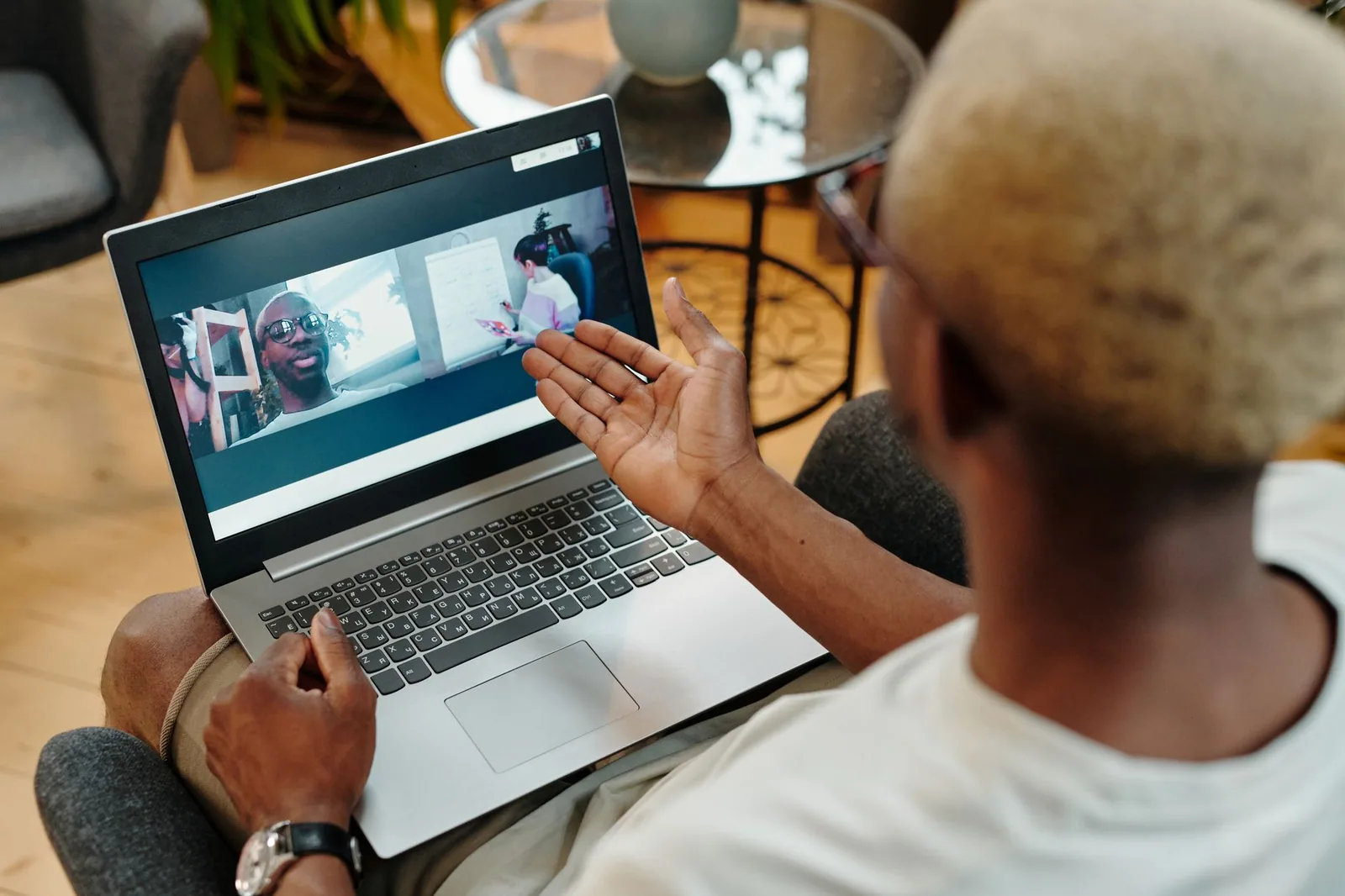
Live and Interactive Formats: Talking With Real-Time Comments
Live formats raise the stakes because the audience can respond while you are still speaking. That pressure is also the opportunity: a live stream gives you real feedback to interact with, which makes the conversation literal instead of implied. The challenge is structural. You have a script to follow, a chat to monitor, and a clock to respect, and none of those three things will wait for you. The solutions are procedural rather than performative — they live in your rundown and your operating habits.
Reacting to chat while keeping your place in the script
The most common live failure is losing your place, which usually happens when you try to read chat from the same screen that carries your script. The fix is separation: put chat on a second display positioned just off the lens, and glance at it only at the marked comment windows in your rundown. Reading a single comment in full before responding also helps, because partial reading produces vague replies that satisfy no one. When you do respond, say the commenter’s name — it is the cheapest, fastest form of interaction available to a live host, and regulars will show up more often because of it.
Structuring a rundown so Q&A has its own window
Q&A embedded randomly inside scripted content usually degrades both. Instead, give the live chat a defined block with a defined duration, and announce when it starts and ends. That structure tells the audience when to submit questions and tells you when it is safe to engage without abandoning your script. It also gives your producer or moderator a clear mandate, which matters more than people expect — a moderator with no defined window will either stay silent or interrupt constantly. For rundown patterns that work, see Step-by-Step Audience Engagement Teleprompters That Work.
Techniques for hosts using a live streaming teleprompter
Live prompters deserve their own operating rules. Slow the scroll slightly below your natural reading speed so you always have a sentence of buffer available when you need to look away. Keep your prompter font larger than you would use for recorded work, since you will be glancing rather than reading continuously. Use a hotkey to pause the scroll whenever you engage with chat, then resume deliberately — an uncontrolled scroll while you are talking to the camera is the fastest way to lose a sentence. These habits are covered in more depth in Practical Tips for Using Audience Engagement Teleprompters and Maximizing Audience Engagement with Teleprompters: A Guide.
Practing Interaction Until It Feels Natural
Everything described so far becomes reliable only through repetition. The goal of practice is not perfection — it is moving interaction techniques from deliberate effort into automatic habit, so that your attention is free to focus on meaning. Three drills cover most of what you need, and none of them require a studio, a crew, or expensive equipment. What they require is honest self-review, which is the part most presenters skip.
Drill: read the script, then summarize it to camera
Read your script exactly as written, then immediately deliver a thirty-second summary without the prompter. The summary version almost always sounds more connected, because you are speaking from understanding rather than from text. Compare the two recordings and note where the scripted version felt flatter, then mark those lines for revision. Over time this drill reshapes your writing so that the script itself sounds more conversational before you even begin rehearsing.
Recording self-tests and reviewing eye contact
Record a one-minute take from your normal setup and review it with the audio muted, watching only your eyes and face. Count how many seconds elapse between your glances to the lens and note whether your expression changes at the marked beats. This is the fastest way to see the patterns that your brain smooths over during recording. Save a baseline clip in your first week and compare it monthly — improvement in eye contact is much easier to see across weeks than across minutes.
Rehearsing with a colleague who feeds you comments
A rehearsal partner who interrupts you with realistic viewer comments will teach you to recover, acknowledge, and return to your script without panic. Ask them to be specific and occasionally off-topic, because real audiences are both. After each run, have them report where they felt you were actually talking to them versus reciting at them. The feedback is blunt, but it is the most accurate signal available before publishing. Run this rehearsal once before any high-stakes recording, and your delivery will be noticeably steadier.
Measuring Whether Your Viewer Interaction Is Working
Interaction techniques should be judged by their effects, not by how confident they feel while you are performing. Fortunately, the signals you need are mostly public and already in your analytics. The discipline is to read those signals as a group rather than reacting to any single number in isolation.
Watch-time, comments, and other public signals
Watch time and completion rate are the clearest indicators that viewers stayed with you, and improvements in early retention often follow changes to eye contact and pacing. Comment volume and comment quality are another useful pair: a rise in specific, personal replies usually means your address felt directed. Shares and saves suggest that viewers found the content worth attaching to their own identity. None of these metrics prove causation on their own, but consistent movement across several of them after a change in your interaction habits is a strong signal.
Audience feedback you can gather directly
Direct feedback fills in the gaps that analytics leave. Ask one question at the end of a video — “Did this feel like I was talking to you, or at you?” — and you will often get more useful data than a survey of twenty questions. In live formats, chat is your feedback channel in real time; if viewers start greeting each other instead of responding to you, your interaction has likely dropped off. For a framework on reading and acting on these signals, see Engagement Strategies: Enhance Your Presentations Effectively.
Adjusting your approach based on what you observe
Change one variable at a time so you can attribute results honestly. If you add glance markers and speed the scroll simultaneously and retention improves, you will not know which change mattered. Keep a simple log: date, change made, metrics observed, verdict. After six to eight recordings you will have a personal playbook grounded in your own footage rather than in generic advice, which is far more reliable than anything written by someone who has never met your audience.
Conclusion
Interacting with viewers is not a replacement for a well-written script — it is what makes the script feel like a conversation. Build engagement strategies into your copy, mark teleprompter cues that remind you to look up, pause, and respond, then rehearse until those habits run on their own. Start with one new interaction technique in your next recording, review the footage, and layer in the next one.
Frequently asked questions
How do I keep up with chat without getting distracted from the content I’m creating?
Use short, scheduled check-ins rather than reading continuously: glance at chat every few minutes or during natural pauses like loading screens and transitions. Pick out two or three messages to respond to at a time so the audience feels heard without you losing your train of thought. Many streamers also assign a moderator or use highlighted-message tools so the most relevant questions surface first.
What should I do when the chat is quiet and nobody is talking?
Ask specific, low-effort questions instead of open-ended ones — for example, "Which of these two options should I try next?" works better than "Say hi in chat." Give viewers a few seconds of silence after asking, and acknowledge the first person who answers to reward participation. Repeating this pattern trains your audience that responding leads to an interaction they can count on.
How do I handle trolls or toxic comments during a live stream?
Do not argue or give them extended airtime, since attention is usually the goal. Address it once with a calm, brief dismissal if needed, then mute, time out, or block so the conversation can move on. Setting clear rules in your channel description and having moderators enforce them consistently prevents most problems before they escalate.
Should I reply to every comment on my videos and streams?
Early on, replying to nearly everything builds a loyal base and signals that you value your audience, which platforms reward with better reach. As you grow, prioritize thoughtful questions, first-time commenters, and recurring community members rather than trying to answer each one. Consistency matters more than volume, so pick a level you can sustain without burning out.
How can introverted or shy creators interact with viewers comfortably?
Lean on structured formats that remove the pressure of spontaneous conversation: polls, Q&A segments, chat games, or answering written questions on a schedule. Text-based interaction through chat and comment replies counts as real engagement and can be a comfortable bridge to on-camera interaction. Start with short, predictable segments so social interaction has a clear beginning and end.
Recording with a script? Try Lumi.
Keep your script near the camera and out of your final video. Try free for 3 days.
Learn more


