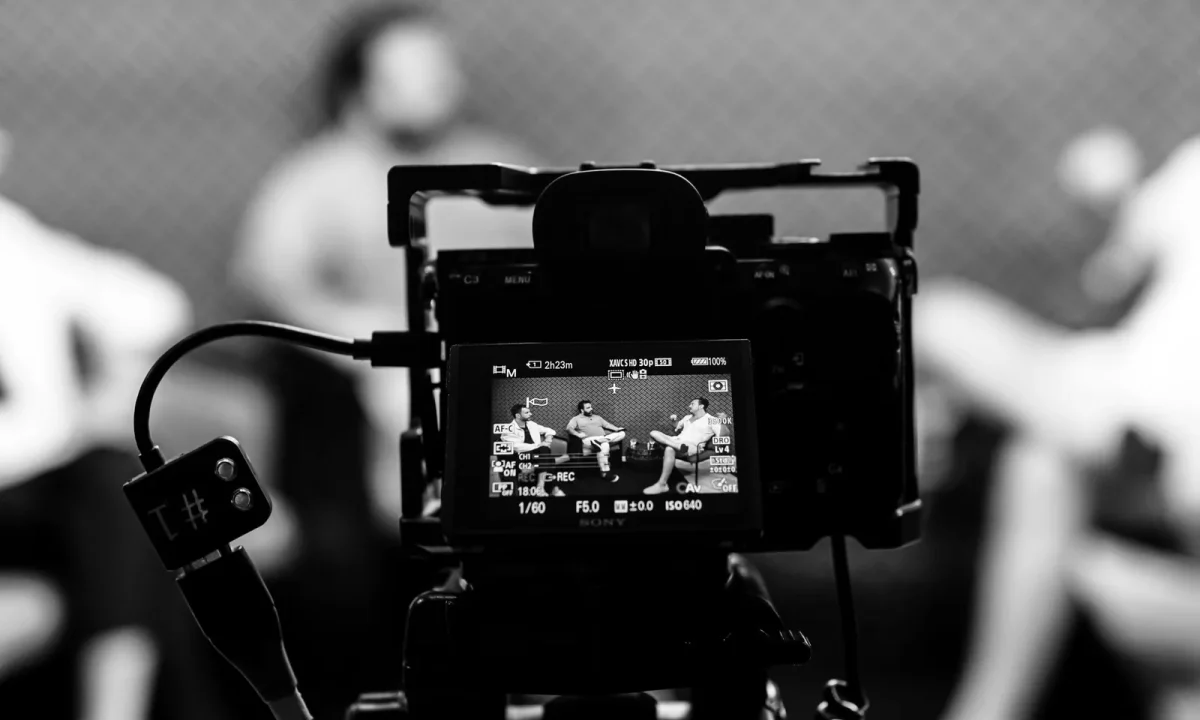
A teleprompter for interviews can make you sound polished and prepared, but small setup and delivery errors quickly show up on camera. This guide walks content creators, video producers, public speakers, and educators through the most common mistakes, why they happen, and the practical fixes that keep your interview natural, confident, and on message.
Why Interview Setups Fail Before the First Question
Most interview problems are decided before the interviewer ever speaks. When the prompter is treated as an afterthought — mounted quickly, never tested, script written the night before — the recording session starts with a disadvantage that no amount of editing can fully hide. The audience senses discomfort even when they cannot name it, and a single awkward first answer sets the tone for the entire piece. Treating setup as a real phase of production, with its own checklist and its own rehearsal window, prevents the majority of issues that surface on camera.
Treating an interview like a scripted monologue
The first and most damaging mistake is writing and reading an interview as if it were a monologue. In a teleprompter for presentations setup, you control the entire flow, so a continuous, fully written script makes sense. An interview is different: questions arrive unpredictably, follow-ups branch in new directions, and the viewer expects a conversation, not a recitation. When every answer is read word for word, the delivery flattens — pauses feel mechanical, reactions arrive a half-second late, and the natural back-and-forth that makes interviews engaging disappears. Write answers as flexible outlines instead: a strong opening line, two or three supporting points, and a clean closing thought.
Skipping a rehearsal with the actual lens and distance
Rehearsing at your desk with a laptop screen is not the same as rehearsing on set. Text size, scroll speed, and eye line all change the moment the camera is in position, and a script that felt comfortable on a monitor can feel cramped behind glass. Skipping the on-set run-through means discovering these problems during the take, when retakes cost time and confidence. Spend at least ten minutes reading your cues aloud in the exact chair, at the exact distance, with the prompter running at the speed you intend to use. This single habit eliminates a surprising share of delivery problems before they happen.
Choosing the wrong prompter type for the format
Prompter hardware is not one-size-fits-all, and picking the wrong type for the format quietly sabotages the shoot. A setup tuned for a teleprompter for vlogging — close to the lens, casual, often handheld or on a small stand — behaves very differently from a studio interview rig with a larger glass and a remote operator. If your hardware forces you to sit farther from the lens than the script requires, your eye line drifts and the read becomes obvious. Match the rig to the distance, the number of cameras, and whether someone will control the scroll for you.
Script Mistakes That Break Interview Flow
The script is where most interview failures originate, because it shapes everything downstream: scroll speed, eye movement, pacing, and how spontaneously you can respond. Dense, over-polished writing feels safe on paper but becomes a cage on camera. The goal is a script that supports your message while leaving room to listen, react, and adapt — something you can glance at rather than depend on line by line.
Writing full paragraphs instead of keyword cues
Full paragraphs force you into continuous reading, which is the fastest way to sound like you are reciting. Paragraphs also hide the structure of your answer, so when a follow-up question arrives, you lose your place and stall. Keyword cues — short phrases that trigger the idea rather than dictate the wording — let you speak in your own voice while staying on message. For example, instead of a three-sentence explanation of your research process, cue yourself with “sample size → method → one key finding.” You will deliver the same content, but with natural rhythm and room to breathe.
Overloading the script with jargon and nested clauses
Jargon-heavy sentences and nested clauses are hard to read at scroll speed and even harder to say aloud without stumbling. When a sentence requires you to hold three ideas in your head simultaneously, your eyes race ahead of your mouth, and the delivery fractures into awkward pauses. Simplify: one idea per sentence, technical terms defined in plain language, and clauses broken apart rather than stacked. If a sentence cannot be spoken comfortably in a single breath, it is too complex for a prompter — rewrite it before the camera rolls.
Ignoring natural question-and-answer rhythm
Interviews have a cadence: question, beat, answer, beat, follow-up. Scripts that ignore this rhythm read like essays, and essays do not sound like conversations. Leave visual space in your script — line breaks, section markers, or clear transitions — so you can pause after each point and re-engage with the interviewer. This is also where cue placement matters: the prompter should show your next thought while you are finishing the current one, never racing ahead or leaving you staring at blank glass. Treat the script as a score with rests, not a wall of text.
Scroll Speed and Timing Errors on Camera
Scroll speed is the mechanical heart of any prompter setup, and it is where technical habit meets performance. Too fast and you chase the text; too slow and you stall, repeating filler phrases while waiting for the next line. Neither looks natural on camera, and both pull attention away from your message. Tuning speed is not a one-time setting — it depends on the script density, your speaking pace, and how much improvisation the interview allows.
Reading faster than you can think
When the scroll moves at reading speed rather than speaking speed, you begin processing words before you have formed the thought behind them. The result is a flattened, hurried delivery where emphasis disappears and key points blur together. Set the speed slightly below your natural conversational pace so that your brain stays a beat ahead of the text. That margin is where eye contact, facial expression, and genuine reaction live — the qualities that make an interview feel human rather than performed.
Letting the scroll pause while you answer follow-ups
Follow-up questions are where unattended prompters fail most visibly. If the text keeps moving while you respond off-script, you return to a paragraph you have already passed, or worse, you never find your place again. The fix is structural: mark clear re-entry points in the script, and either control the scroll yourself with a foot pedal or remote, or brief your operator to hold at section markers. Some presenters keep a simple rule — when a follow-up arrives, the scroll stops, and it resumes only when they signal readiness. This keeps the conversation flowing without turning the next take into a scavenger hunt.
No backup plan when an answer runs long
Answers routinely run longer than planned, especially when the subject becomes animated or a follow-up opens a new thread. Without a backup plan, you either rush to catch up with the scroll or abandon the script mid-answer and lose your structure. Build slack into the timing: leave a few seconds of buffer between sections, keep a printed or tablet copy of the script within reach, and agree on a subtle hand signal with your operator if you need to skip ahead. Flexibility under pressure is a skill, and it is far easier to execute when the backup is already in place.
Eye Line and Placement Problems Viewers Notice
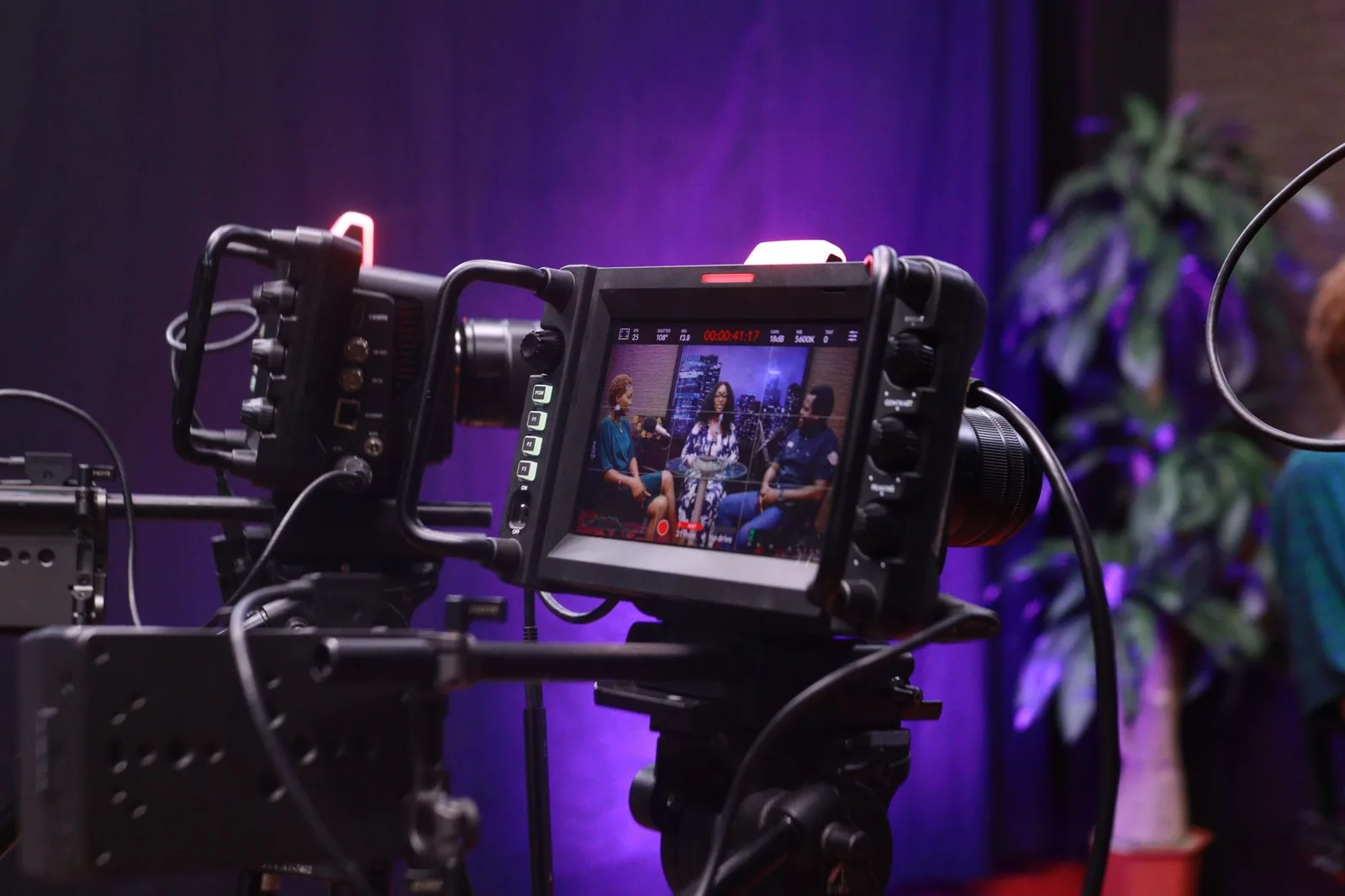
Eye line is the single most visible quality marker in a prompter-assisted interview. When it is right, the viewer feels directly addressed; when it is wrong, the viewer can tell immediately that the speaker is reading. Proper eye line is what separates a professional interview from an obviously read one — and it is almost entirely a placement problem, not a talent problem. Correcting it usually takes minutes, which makes it one of the highest-return fixes available before a shoot.
Mounting the prompter too far off the lens axis
If the glass sits well away from the lens, your gaze drifts sideways every time you check a line, and the camera catches that shift. Even a few degrees of offset reads as “looking past the interviewer” to a attentive viewer. Mount the prompter as close to the lens axis as your rig allows, using a through-the-lens design or a small-footprint mount when possible. The tighter the alignment, the more your natural glances read as direct eye contact rather than as reading behavior.
Standing or sitting at an awkward distance from the glass
Distance changes everything: too close and the text forces narrow, darting eye movements; too far and you lean forward, straining your posture and breaking the frame. Each position also affects how the reflection behaves on the glass, which compounds lighting problems covered later. Sit or stand at the distance where a full line of text can be read with minimal head movement, and confirm it during rehearsal with the actual camera framing. Comfortable distance produces a relaxed posture, and relaxed posture is what reads as confidence.
Chasing the text with visible head movement
When scroll speed or text size forces you to track lines physically, the camera records a subtle but persistent head bob that no amount of charisma can mask. The remedy is to reduce how much tracking is required: larger text, fewer words per line, slower scroll, and keyword cues instead of full sentences all help. Keep your head still and let your eyes do the work — the eyes move far less visibly than the head. Practicing this in a dry run builds the muscle memory you need to stay steady under real recording pressure.
Voice, Pacing, and Delivery Slip-Ups
Even a perfectly placed prompter cannot rescue a delivery that sounds read. Voice and pacing are where preparation shows, and they are also where most speakers underestimate how much the prompter influences them. The text on the glass subtly dictates your rhythm, so without conscious effort, your answers begin to mirror the script’s structure rather than your natural speech patterns. Awareness of these tendencies — plus a few deliberate habits — keeps the delivery conversational.
Dropping into a flat reading tone
A flat tone is the classic signature of prompter dependence: volume stays even, pitch narrows, and every sentence lands with the same weight regardless of importance. Viewers disengage quickly because flat delivery signals disinterest even when the content is strong. Counter it by marking emphasis in your script — underline or capitalize the words you want to stress — and by deliberately varying your pace between setup lines and payoff lines. Reading with expression is a practiceable skill, and a rehearsal where you exaggerate vocal variety will feel right on camera even if it feels theatrical in the room.
Not pausing after key points or transitions
Pauses are the punctuation of spoken language, and prompter scripts often eliminate them by running lines together. Without a pause after a key point, the viewer has no moment to absorb the idea before the next one arrives, and transitions blur into the surrounding content. Insert explicit break markers in your script — a blank line, a slash, or a simple “[pause]” — so the scroll gives you room to stop. A well-placed pause also buys you a fraction of a second to glance at the interviewer and reconnect, which strengthens the sense of genuine dialogue.
Ignoring breathing, filler words, and emphasis
Under scroll pressure, speakers often rush their breathing, producing shallow breaths, audible gasps, and a string of filler words as they scramble to keep pace. The fix begins with the script: shorten sentences so each thought fits a comfortable breath, and build small gaps between sections for recovery. During rehearsal, record yourself and listen specifically for “um,” “uh,” and repeated starts — these are reliable indicators that the scroll is too fast or the cues are too dense. Emphasis works the same way: if every word carries equal weight, none of them land, so choose deliberately where to lean in.
Technical and Lighting Oversights
Technical failures rarely announce themselves in advance; they appear as a reflection across the glass, an app freeze mid-answer, or a battery that dies three questions in. These issues often stem from the same habits covered in teleprompter app setup guides — skipping device checks, ignoring environmental lighting, and assuming everything will hold for the duration of the session. A short, disciplined checklist before the interview prevents the majority of these disruptions and protects the takes you have already captured.
Glare or reflections on the prompter glass
Glass reflects everything in front of it, and a stray light source can produce a bright streak that obscures text for the speaker and creates a visible artifact for the camera. The problem is worst with overhead fixtures, windows, and unflagged fill lights positioned near the lens axis. During your lighting pass, view the glass from the camera’s perspective and from the speaker’s perspective — both matter. Flag or reposition any source that appears in the reflection, and adjust the prompter angle by small increments until the text is clean for you and invisible to the camera.
App or device instability mid-interview
A prompter app that crashes, lags, or unexpectedly updates mid-session turns a smooth conversation into a restart. Notifications, low storage, and background processes are common culprits, and they are entirely preventable. Put the device in airplane mode, close competing apps, charge it fully, and run the script end-to-end at least once before the interview begins. If your setup allows, keep a secondary device loaded with the same script as an instant fallback — switching devices should take seconds, not minutes.
No audio, battery, or backup checklist
Audio and power failures are less glamorous than framing mistakes but far more destructive, because they can invalidate an entire session. A wireless mic that drops out, a camera battery that dies on the final question, or a recorder that was never armed will not reveal themselves until you review the footage. Build a pre-shoot checklist that covers microphone levels and monitoring, fresh batteries plus spares, storage capacity, and the availability of a printed script. Run through it out loud with your crew so nothing rests on one person’s memory.
A Quick Pre-Interview Checklist to Catch Every Mistake
The difference between a smooth interview and a frustrating one is usually a single, repeatable pre-flight routine. A checklist compresses everything above into a few minutes of verification, so problems surface in the quiet before the shoot instead of during it. Treat it as non-negotiable, even for short-form or remote interviews — especially for those, where there is less room to recover.
Script, scroll, and eye line test
Read the script aloud at your intended speed and confirm that cues are short, transitions are marked, and no sentence forces a rushed breath. Then verify the mechanical side: scroll speed set slightly below your speaking pace, re-entry points flagged for follow-up questions, and the prompter mounted as close to the lens axis as possible at a comfortable reading distance. Finally, check the eye line on the monitor — your gaze should land on the lens when you look up from the text, with no visible head tracking as lines advance. If any of these three fail, fix them now rather than compensating during the take.
Lighting, audio, and device checks
Inspect the prompter glass from both the speaker’s and camera’s viewpoints, flagging any glare or reflection that could obscure text or appear in frame. Confirm the device is in airplane mode, fully charged or plugged in, running the latest tested version of the app, and backed up by a secondary copy of the script. On the audio side, set levels with the speaker actually talking, monitor through headphones, and confirm recording is active on every device in the chain. These checks take under five minutes and eliminate the failures that are most expensive to repair after the fact.
A dry run with a real question set
The final step is a full dry run: have someone ask your actual questions, or the closest approximation you have, and answer them while the prompter runs exactly as it will during recording. This is where scroll stalls, eye-line drift, and tone problems become visible — and where you can adjust them while adjustments are still cheap. If you want a deeper framework for structuring and rehearsing this process, our guide on Mastering Teleprompter Usage walks through the full workflow from first draft to final take. Complete the dry run once, fix what it reveals, and you will walk into the interview already knowing how it will feel.
Keep in mind that interviews are only one format. When the same prompter has to serve different deliverables, compare approaches in How to Use a Teleprompter for Interviews: A Complete Guide, How to Use a Teleprompter for Various Video Formats Effectively, and Mastering the Teleprompter for Presentations: A Comprehensive Guide. For more casual formats, see The Ultimate Guide to Using a Teleprompter for Vlogging.
Conclusion
Most teleprompter for interviews mistakes come from preparation gaps, not equipment limits. The failures that show up on camera — recited delivery, drifting eye line, stalled scroll, flat tone — trace back to scripts written too densely, setups never rehearsed, and technical checks skipped in the rush to start recording. Treat the prompter as a system: write keyword cues instead of paragraphs, tune scroll speed below your natural pace, mount the glass as close to the lens as possible, and plan explicitly for follow-up questions and long answers. Each fix is small on its own, but together they determine whether the viewer sees a confident conversation or an obvious read.
Tighten your script, tune your scroll speed, align your eye line with the lens, and rehearse the full conversation once before recording. Do that, and the prompter disappears into the background while your answers stay confident and conversational. Start with the pre-interview checklist above on your very next shoot, then expand your technique with the related guides on Understanding Teleprompters for Video Formats, Practical Ways to Use a Teleprompter for Video Formats, and Maximizing Your Teleprompter for Video Formats: Best Practices. If you are still troubleshooting, review Avoiding Common Mistakes with Teleprompters for Video Formats, follow the sequence in Teleprompter for Video Formats: A Step-by-Step Workflow, and use Which Teleprompter for Video Formats Fits Your Project? to confirm your rig matches the job.
Frequently asked questions
Does using a teleprompter make an interview look scripted or fake?
Only if the delivery is read word for word with a flat, reciting tone. The fix is to write the script in conversational language, use short phrases or bullet cues instead of full sentences, and rehearse until you can paraphrase naturally while glancing at the screen. Viewers notice robotic delivery far more than they notice the prompter itself.
Where should the teleprompter be positioned relative to the interview subject?
It should sit as close to the camera lens as possible, at the subject’s eye level, so the reading gaze reads as eye contact with the audience. Placing the screen off to the side or above the lens creates a visible sideways or upward glance that instantly signals the person is reading. A beam-splitter glass mounted directly in front of the lens solves this best, but a tablet clamped just below the lens works for most interview setups.
How fast should teleprompter text scroll during an interview answer?
The scroll speed should match the subject’s natural speaking pace, ideally slightly slower so they can pause, breathe, and add spontaneous emphasis without falling behind. Most software lets you adjust words per minute or control speed manually with a foot pedal or operator. If the subject keeps rushing or tripping over words, the text is moving faster than their conversational rhythm and needs to slow down.
Is it a mistake to use a teleprompter for a job interview or live Q&A?
Yes, for unscripted formats like job interviews, panel discussions, or audience Q&A, a teleprompter is usually counterproductive because answers must react to what was actually asked. It works only for prepared opening statements, self-introductions, or rehearsed talking points. For genuine back-and-forth, use a confidence monitor with keyword cues instead of full text.
How long should a teleprompter script be for a short interview clip?
Keep it tight: roughly 130 to 150 words per minute of finished video, so a two-minute answer stays around 250 to 300 words. Longer blocks of text increase the chance of a stumble and make the delivery feel like a monologue rather than an interview response. Break the script into short, single-idea chunks so the subject can pause naturally between points.
Should interview answers on a teleprompter be written word for word?
Verbatim scripts are one of the most common causes of stiff, unnatural performance. Experienced users write in short prompts or bullet fragments and expand on them in their own words, which preserves the conversational tone an interview demands. Reserve full sentences only for exact quotes, legal disclaimers, or precise product names and statistics.
Recording with a script? Try Lumi.
Keep your script near the camera and out of your final video. Try free for 3 days.
Learn more


