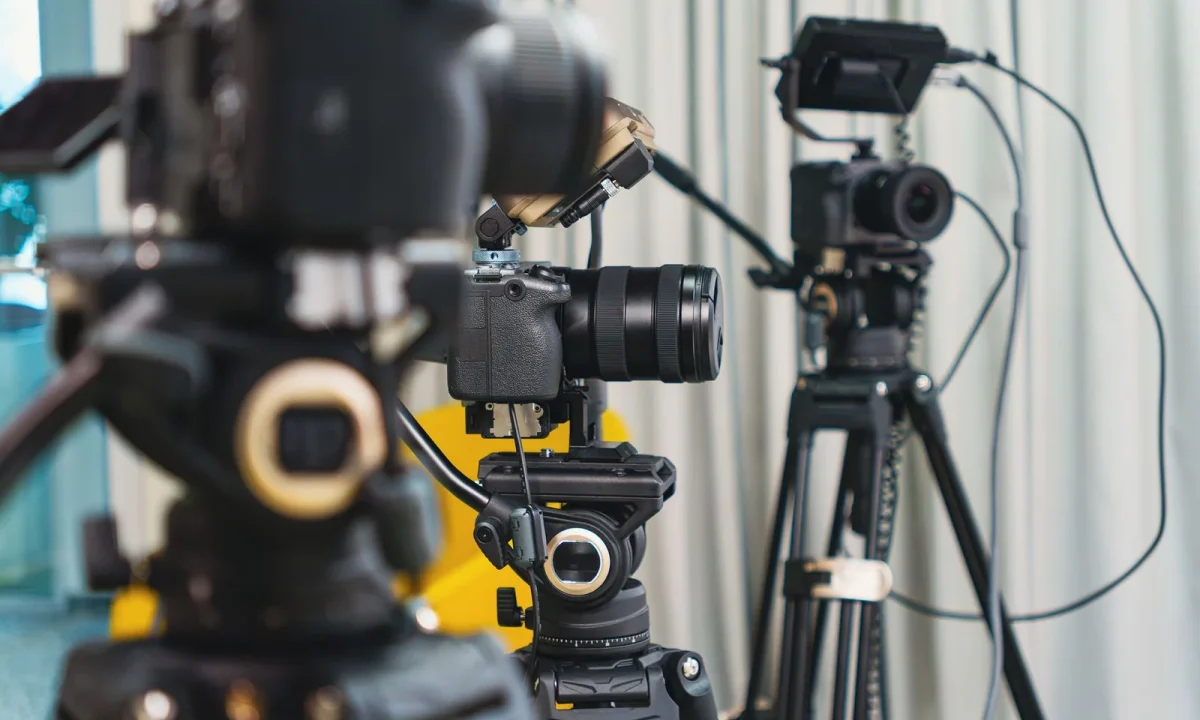
A great on-camera performance starts long before the recording light turns on, and the right teleprompter script tips can change how confidently you deliver every line. The words you place in front of a teleprompter determine your pace, your confidence, and how clearly your audience understands your message. This guide brings together practical guidance for writing for video, from structuring your opening to choosing effective script formats that keep you on track without sounding robotic. Whether you are a content creator, a video producer, a public speaker, or an educator, these techniques will help you write scripts that read naturally and deliver real results.
Why Your Script Format Matters as Much as Your Words
Most presenters obsess over word choice while ignoring the frame around those words. In reality, layout decisions — line length, paragraph shape, where emphasis marks sit — quietly govern how quickly you read and how often you look up at the lens. Treat format as a decision tool rather than a rigid rule: identical content can be arranged to serve a brisk tutorial or a calm, deliberate narration. When the layout matches the job, the script disappears into the performance instead of competing with it.
How script structure affects delivery speed
The physical shape of your text sets an invisible metronome. Long, unbroken lines push your eyes across the screen faster than your mouth can keep up, which produces rushed, breathless delivery. Short lines with frequent breaks naturally slow you down and give each thought room to land. Writers who plan structure first often discover that pacing problems vanish without a single change to their vocabulary, which is exactly why Mastering Effective Script Formats for Teleprompters treats layout as a performance decision, not a cosmetic one.
The link between formatting and eye contact
Eye contact is the single strongest signal of credibility on camera, and formatting decides whether you can sustain it. When a paragraph fills the whole prompter window, your gaze drifts to the edges of the frame and your audience reads it as distraction. Compact blocks let you finish a thought while your eyes stay near the lens, so the connection never breaks. Every extra line break you add is effectively a small investment in trust with your viewer.
When to use short-form versus long-form layouts
Short-form layouts — a few words per line, generous spacing — suit fast-paced promotional clips, product demos, and social video where energy matters more than precision. Long-form blocks work better for scripted narration, legal disclaimers, or dense educational material where wording must stay exact. The deciding factor is your tolerance for improvisation: the looser your format, the more freedom you have to paraphrase. Choose deliberately, because a mismatch between format and intent shows up as hesitation the moment the camera rolls.
Core Teleprompter Script Tips for Writing for Video
The fundamentals of writing for video are simple to state and easy to skip under deadline pressure. They revolve around one principle: the prompter exists to support speech, so every line should be shaped for the ear before it is shaped for the eye. Apply these four habits consistently and your first drafts will already read close to finished. If you want a broader foundation, Mastering Script Writing for Teleprompters: Tips and Formats expands on each of them with worked examples.
Write the way you speak, not the way you type
Written English and spoken English are different languages with different rhythms. Phrases that look polished on a page — stacked subordinate clauses, formal connectors, passive constructions — become tongue-twisters the moment you have to say them at speed. Read every sentence aloud as you draft and rewrite anything you stumble over. Contractions, direct address, and simple verbs will make you sound like a person rather than a press release.
One idea per sentence to protect your flow
Compound sentences force your brain to hold two concepts at once while your mouth is still finishing the first. That split-second overload is where “ums” and false starts come from. Keep each sentence to a single claim, then move on. The result feels punchier on camera, and it also makes editing painless because removing one sentence never unravels the rest of the paragraph.
Front-load key messages before attention drifts
Viewers decide within seconds whether to stay, so your most valuable point should arrive before your second breath. Open with the benefit, the answer, or the stake, and support it with context afterward rather than building up to it slowly. This structure respects how people watch — impatiently, and often with one hand already near the scroll button. Essential Tips for Writing for Video: Enhance Your Script Skills recommends placing the payoff in the first two sentences of every section.
Use formatting cues like line breaks and emphasis marks
Plain text gives your eyes nothing to grab, which is why visual cues matter so much. Use blank lines to signal pauses, bold or capitalization to flag stressed words, and dashes to indicate a quick pivot in tone. Keep the system small — two or three markers you remember — because a script covered in symbols becomes its own distraction. Test any special characters with your prompter app first, since some render differently than they appear in your document.
Structuring an Opening That Hooks Viewers Immediately
An opening is not a warm-up; it is the load-bearing wall of the entire video. If the first fifteen seconds feel uncertain, everything after inherits that uncertainty, no matter how strong the content becomes. Strong openers share a pattern: they raise a stake, name a problem, or make a promise, and they do it in plain language. Write the opening last if you must, but never record without one that has been sharpened.
Starting with a question, problem, or promise
A direct question pulls the viewer into a mental answer, which is engagement you get for free. Naming a familiar problem creates instant recognition — the audience thinks, “that is exactly my situation.” A promise works when you can immediately show the payoff, such as a before-and-after result or a specific number of steps. Whichever route you choose, keep it to one sentence so the hook lands before attention can wander.
Avoiding throat-clearing introductions
Phrases like “before we begin,” “as many of you know,” and “in today’s video” cost you seconds without adding meaning. They are habits borrowed from essays, where context is polite; on camera, context is competition for the hook. Delete them and start mid-thought with the substance instead. Your viewer will not miss the ceremony, but they will notice the momentum.
Setting expectations in the first fifteen seconds
People watch more confidently when they know what they are getting. In one or two lines, state what the video covers, who it is for, and how long it will take. This simple contract reduces drop-off because viewers can tell immediately whether the content matches their need. It also gives you a clean target for the rest of the script: every section should deliver on that opening promise.
Effective Script Formats for Different Video Types
No single layout serves every format, and forcing one style onto every project is a common source of stiff delivery. The right approach is to match the structure of your text to the structure of the video: how scripted it is, how much you need to improvise, and how fast the prompter will scroll. Once you know the video type, the format almost chooses itself. For a deeper comparison of options, Script Writing for Teleprompters: A Creator’s Roadmap walks through each layout with sample scripts.
Bullet-driven scripts for tutorials and lessons
Tutorials depend on clarity and sequence, not on beautiful phrasing. Bullet-driven layouts give you the essential steps in order while leaving room to explain each one in your own words. Because you are not married to exact wording, you can slow down, repeat a key instruction, or answer an obvious question mid-take. The structure keeps you on track without making you sound like you are reading.
Full-word scripts for scripted narration and ads
When legal accuracy, brand voice, or precise timing matters, every word has to be spoken exactly as written. Full-verbatim scripts are the right tool for advertisements, product announcements, and narrated explainers with tight runtime. The trade-off is less freedom, so compensate by writing shorter sentences and marking breath points clearly. A well-formatted full script still sounds conversational; a poorly formatted one sounds like a contract being read aloud.
Hybrid outlines for interviews and live streams
Hybrid outlines combine a fixed spine — intro, three key points, call to action — with bullet cues for everything in between. This format thrives in interviews and live streams, where the conversation can drift but the message cannot. You stay anchored to your agenda while remaining present with your guest or your chat. It is the most forgiving format for beginners because a missed line costs you a bullet, not a whole paragraph.
Matching format to your prompter speed settings
Your layout should be tuned to the scroll speed you actually use. Fast scroll demands short lines and sparse punctuation, because your eyes need quick anchor points; slow scroll tolerates longer sentences and fuller paragraphs. Set your speed first, then draft text that feels comfortable at that pace rather than the reverse. Small mismatches here are the usual cause of the subtle panic that makes presenters rush their closing lines.
Editing Techniques That Improve Readability on Screen
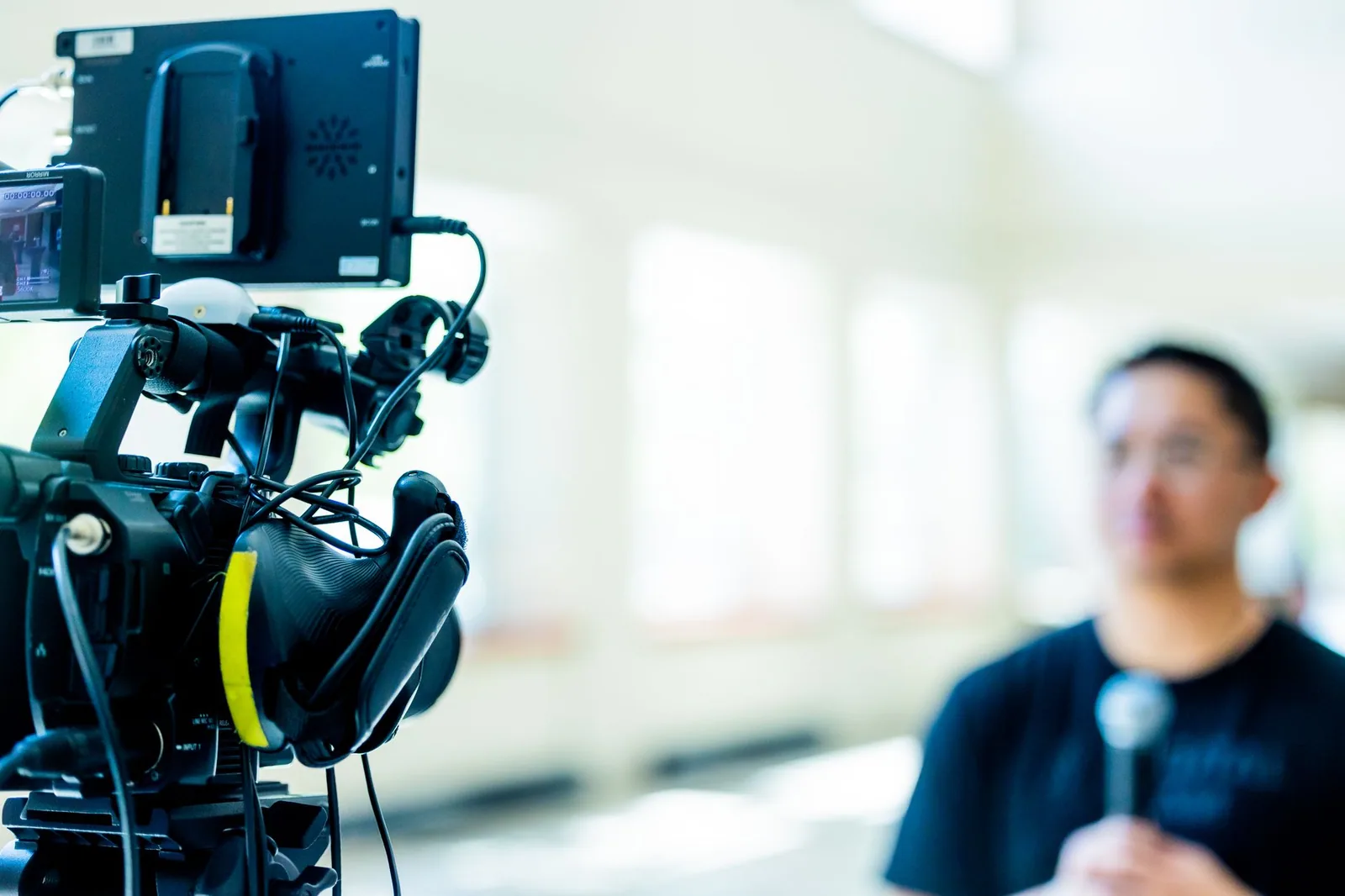
Editing is where a decent script becomes a recordable one, and most of the work happens before you ever open your prompter app. The goal is not to make the text prettier but to remove anything that will interrupt the physical act of reading aloud. Think of the edit as a rehearsal on paper: every clause you cut is a stumble you have prevented. If you want a systematic pass, Practical Tips for Script Writing for Teleprompters in Use offers a checklist-style workflow.
Cutting filler words before you record
Filler words rarely arrive by accident — they are usually hiding in the script itself. Scan for “basically,” “actually,” “kind of,” and empty transitions such as “at the end of the day,” then delete them on the page so they never reach your mouth. Also watch for hedges stacked on top of each other, which make you sound unsure of your own advice. Tightening the text first means you will not have to clean up the same mistakes in post-production.
Reading your draft aloud as a pacing test
Silent editing cannot reveal rhythm problems, because your inner voice reads at whatever speed it likes. Read the script aloud at your intended camera pace and time yourself; if you run long, you know exactly which sections to trim. Notice where you naturally want to breathe — those points belong in the script as line breaks. This single habit catches more flow issues than any grammar tool, and it takes only a few minutes.
Breaking long paragraphs into visual chunks
A paragraph of six lines is a wall, and walls make presenters search for their place. Break the same content into two or three chunks with blank lines between them, and the text becomes a sequence of small, winnable tasks. Chunks also give your editor clean cut points later, which speeds up revision. The words stay identical; only the grouping changes, yet the difference in delivery is immediately audible.
Common Script Mistakes That Break On-Camera Flow
Most on-camera problems are traceable to choices made during drafting rather than to a lack of talent. Recognizing the patterns early saves you from recording take after take and still feeling off. The three mistakes below account for a large share of stiff performances, and all of them are fixable in a single revision pass. For a fuller catalog of pitfalls, see Script Writing for Teleprompters: Mistakes You Should Avoid.
Dense paragraphs that force rushed reading
When a block of text is too long for the time you have, your instinct is to accelerate, and acceleration flattens your tone. Viewers hear the difference between confident pace and panicked pace immediately. If a section will not fit at a comfortable speed, cut content rather than speed — your message is better delivered in full at a human tempo. Density is a writing problem, and no amount of camera presence will rescue it.
Jargon and tongue-twisting phrasing
Technical terms are sometimes unavoidable, but they must be introduced and then used sparingly. Unfamiliar consonant clusters force you to slow down mid-sentence, which breaks the rhythm you worked to establish. Replace abstract nouns with concrete verbs, and test every complicated phrase by saying it three times fast. If it does not roll off the tongue in rehearsal, it will not roll off the tongue under lights either.
Missing natural pause points
Scripts written as one continuous stream leave nowhere to breathe, so presenters stop at random places and punctuate badly. Mark pauses explicitly with blank lines or ellipses, especially after a question, a statistic, or a strong claim. Pauses give your audience time to absorb and give you time to reset your posture and breath. A script without pause points is like music without rests — technically playable, but exhausting to listen to.
Practicing Your Script Before the Camera Rolls
Rehearsal is the bridge between a good document and a good performance, and it should be treated as part of writing rather than as an afterthought. Practicing aloud exposes wording that looked fine on the page but feels awkward in the mouth. It also tells you whether your format, speed settings, and pause markers actually work together in practice. If you build a repeatable rehearsal routine, every future script becomes faster to prepare and easier to deliver.
Dry runs at your target speaking pace
Run the full script once at the exact pace you intend to use, standing up and looking at the lens rather than down at your notes. Time the take so you can confirm the video fits its slot without shaving meaning. Anything that consistently makes you rush is a candidate for trimming. Do not stop to perfect individual lines during this pass; you are testing flow, not polishing phrases.
Marking emphasis and breath points
During your dry run, note the words you stressed naturally and write those marks into the script — bold, capitals, or underlines, whichever your prompter displays clearly. Add breath marks at the same time so that pauses become deliberate rather than accidental. These annotations turn the script into a performance map that guides you during recording. Review them after each take, because your emphasis will evolve as your delivery relaxes.
Adapting the script after test takes
The first test take is data, not a verdict: it shows you which sentences felt long, which transitions confused you, and where your energy dropped. Rewrite the script to match what actually worked in your mouth, then run it again. Treat the document as a living draft that improves with every rehearsal rather than a finished artifact you must obey. This iterative loop is the core of Creating Engaging Content with Teleprompters, and it is what separates scripts that read well from scripts that perform well.
Conclusion
Strong teleprompter script tips all point toward the same goal: text that supports your delivery instead of competing with it. By choosing one of several effective script formats, writing for video in a natural spoken rhythm, and rehearsing until the words feel like your own, you remove the friction that makes presenters sound stiff or hesitant. Treat your script as a living document, refine it after every test take, and you will notice steadier pacing, better eye contact, and a more confident performance in every recording. Start by rewriting your next opening into two short sentences, read it aloud at camera pace, and adjust the format to match — that single pass will show you how much of your on-camera nervousness was really a script problem.
Frequently asked questions
How should I format a teleprompter script so it is easy to read at a glance?
Use short lines of 5 to 8 words, sentence case, and a large sans-serif font such as Arial or Verdana at 28pt or bigger. Break the text into single ideas with blank lines between them so your eye never loses its place, and write out numerals and abbreviations phonetically ("two thousand twenty-five" instead of "2025").
What speaking speed should I aim for when writing a teleprompter script?
Plan for roughly 130 to 150 words per minute for a conversational on-camera read. That means about 650 to 750 words for a five-minute segment, and building in extra pause lines keeps you from rushing through tight copy.
How do I stop sounding like I am reading from a teleprompter?
Write the script the way you actually talk: contractions, short sentences, and phrasing you would use in a real conversation. Rehearse until you can deliver the lines with natural eye movement and emphasis, and place cues in brackets like [pause] or [smile] to add rhythm where it matters.
Where should I position the teleprompter lens relative to the camera?
Mount the prompter glass directly in front of the lens so your eye line stays centered on the audience, and keep the scrolling text as close to the lens as possible. Reading text placed high or to the side of the camera creates obvious darting eyes that viewers pick up on immediately.
Should I script every word or use bullet points on a teleprompter?
Use a full word-for-word script when exact phrasing matters, such as product claims, legal language, or scripted video ads. For interviews, presentations, and casual content, 3 to 5 word bullet prompts usually sound more natural and give you room to improvise without losing your place.
Recording with a script? Try Lumi.
Keep your script near the camera and out of your final video. Try free for 3 days.
Learn more


