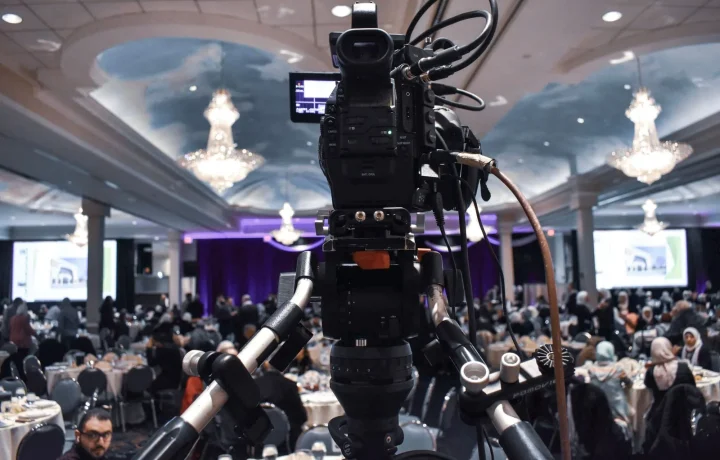
writing for video is the craft of shaping spoken ideas into scripts that read naturally on camera, hold attention, and support smooth teleprompter delivery. This guide explains what the discipline really involves, how different script formats work in practice, and the teleprompter script tips that help content creators, video producers, public speakers, and educators turn a rough draft into a confident performance. Whether you record tutorials, interviews, live streams, or classroom explainers, the principles are the same: write for the ear, format for the screen, and revise out loud.
What Writing for Video Actually Means
Writing for video is not simply writing and then reading it aloud. It is a mode of composition where every sentence is designed to be heard, processed in real time, and delivered with a specific pace, tone, and rhythm. A written article can rely on the reader pausing, rereading, and skimming; a video script cannot. Once a line is spoken, it is gone, so the script must carry the audience forward without asking them to go back. That single constraint changes how you choose words, structure paragraphs, and sequence ideas from the very first draft.
How video scripts differ from blog posts or speeches
A blog post is built for scanning: headings, short paragraphs, and visual breaks let readers jump around. A speech is built for a live room, where the speaker can read the audience, slow down, and improvise. A video script sits between the two, written in advance like an article but performed like a speech, often through a teleprompter that scrolls at a fixed speed. The wording must therefore be conversational enough to sound spontaneous yet precise enough that you never lose your place. Where a blog writer might stack three statistics in a sentence, a video writer would split them across separate lines or choose one strong number and move on.
The balance between planned wording and natural delivery
Beginners often swing between two extremes: writing every word and sounding robotic, or jotting a few bullets and rambling. The practical middle is a script that fixes your key phrases, transitions, and data points while leaving small gaps for natural inflection. When you know exactly what you must say, you can relax about how you say it, which is what makes delivery feel human. Professional creators frequently mark their scripts with light phrasing cues rather than rigid sentences, so the wording guides them instead of trapping them. The goal is planned content with unplanned warmth.
Why clarity on the page becomes confidence on camera
Confidence on camera is rarely a personality trait; it is usually the result of a script you trust. When lines are short, transitions are obvious, and each section has a clear purpose, you spend your mental energy on expression instead of decoding. Conversely, a dense page forces your eyes to work harder, your pauses get uneven, and hesitation shows in your face. Clarity on the page is also clarity for the viewer, because clean sentence structure produces clean audio that is easier to follow. Read more about building that foundation in Creating Engaging Content with Teleprompters.
Why Script Quality Drives On-Camera Results
Viewers decide quickly whether to keep watching, and much of that decision is shaped by how smoothly the content flows. A script with a clear hook, logical structure, and varied pacing gives the audience reasons to stay through the next section. Industry guidance generally points to the same expectations: open with relevance, deliver one idea at a time, and close with a clear takeaway. When those elements are written intentionally rather than improvised, the final video feels deliberate and trustworthy. Poor scripts, by contrast, produce retakes, filler words, and a delivery that sounds uncertain even when the speaker knows the material well.
How pacing, structure, and phrasing affect viewer retention
Pacing starts in the writing. Short sentences create momentum; a well-placed longer sentence lets an idea breathe before you move on. Structure matters just as much, because audiences follow a visible arc: problem, context, solution, proof. If your script jumps between topics without transitions, viewers lose the thread and disengage. Phrasing adds the final layer, since active verbs and concrete language keep energy high while abstract nouns and passive constructions drain it. Every one of these choices is made at the keyboard, long before the camera turns on, which is why script quality is one of the most controllable levers you have.
Connecting strong writing to smoother teleprompter scrolling
A teleprompter exposes weak writing immediately. When sentences run long, the scroll outpaces your reading and you start skimming; when lines are packed, your eyes hunt for the next phrase and your gaze drifts off camera. Good writing removes those problems by producing short, self-contained lines that match a comfortable speaking rhythm. The text practically paces itself, which keeps your eyes steady and your delivery even. That connection between wording and scrolling is the practical reason Essential Tips for Writing for Video: Enhance Your Script Skills emphasizes editing for the ear rather than the eye.
Effective Script Formats and When to Use Them
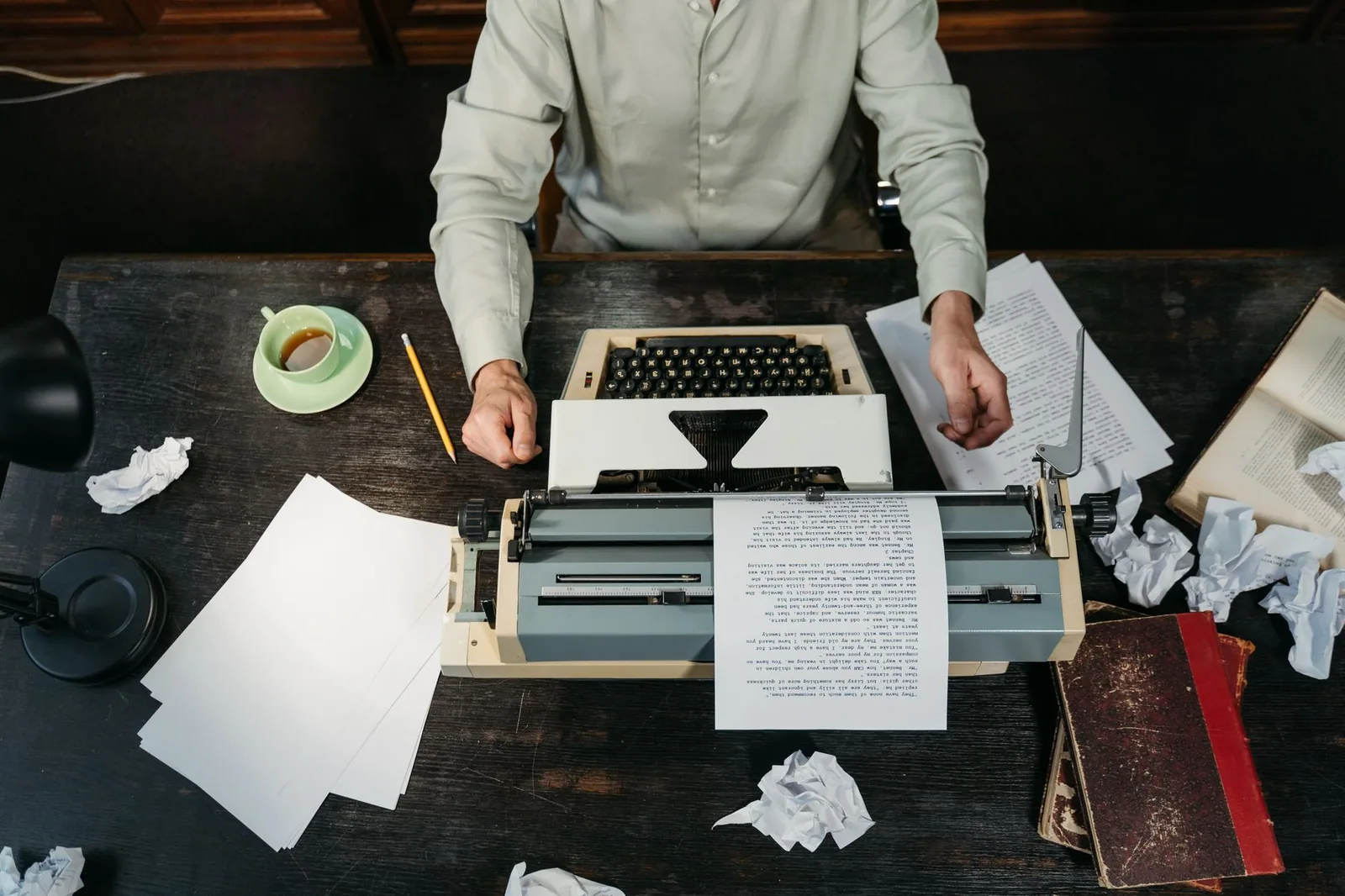
The word “format” here means the level of detail you write to, and choosing the wrong one is a common source of frustration. Effective script formats generally fall into three categories: a bullet outline, a full verbatim script, and a hybrid. A bullet outline gives you talking points and lets you phrase sentences in the moment; a verbatim script locks the wording so every take sounds consistent; a hybrid gives you a full script for high-stakes passages and looser points elsewhere. There is no universally correct choice, only the one that matches your content type, your experience level, and how much spontaneity you want on screen.
Bullet outline vs. full verbatim script vs. hybrid format
Bullets work well when you know your subject deeply and want energy and eye contact with minimal reading, but they risk tangents if you are nervous or new to the topic. A full verbatim script guarantees accuracy for product announcements, educational segments, and compliance-sensitive material, though it demands more rehearsal to avoid sounding read. The hybrid is often the most practical: write out your introduction, key claims, and call to action word for word, then outline the middle where you can comfortably elaborate. Many creators start with bullets, expand into a hybrid after a few drafts, and only write full prose when consistency between takes matters most.
Choosing a format for tutorials, interviews, and live streams
Tutorials usually benefit from a hybrid approach, because steps and safety warnings need exact wording while explanatory asides can be flexible. Interviews suit bullets or prompts, since the value comes from responsive conversation rather than fixed lines, and a rigid script would flatten the exchange. Live streams sit at the loosest end of the spectrum, where an outline of segments, key points, and transition cues keeps you on schedule without boxing you in. For scripted promos or recorded lessons, a full verbatim script with clearly marked sections is typically the safer choice. Format selection is also covered in depth in Mastering Effective Script Formats for Teleprompters.
Matching format length to your recording session
Format and length are linked: a verbatim script consumes words faster than an outline, because every phrase you write becomes something you must read. Before drafting, decide your target video length and your natural speaking pace, then budget words accordingly. A practical approach is to write a rough version, time yourself reading it aloud, and trim or expand until the delivery fits the session you have booked. This also protects you from the classic problem of running long in the final segment, where fatigue and time pressure cause rushed endings. Treat length as a constraint you design around rather than a problem you discover on recording day.
How the Writing-to-Delivery Workflow Works
A repeatable workflow turns script writing from a guessing game into a sequence you can trust. The version that works for most creators has five stages: outline, draft, read aloud, revise, and complete a final teleprompter pass. Each stage has a distinct purpose, and skipping one usually shows up later as awkward delivery or extra takes. Outlining establishes the arc, drafting gets ideas into sentences, the read-aloud test exposes what does not work verbally, revision fixes those issues, and the final pass confirms that formatting supports the prompter. The entire cycle can fit into a single afternoon for a short video, and it scales naturally to longer productions.
Drafting, reading aloud, revising, and final teleprompter pass
During drafting, write quickly and resist polishing individual sentences, because early perfectionism slows the structural work that matters more. Once a full draft exists, read it aloud at your real speaking pace and mark every place you stumble, run out of breath, or want to add a word that is not on the page. Those marks are your revision list: split long sentences, replace formal phrasing with spoken alternatives, and cut anything you would not naturally say. The final teleprompter pass is a formatting check rather than a content rewrite, confirming line lengths, scroll speed, and section markers. Creators who follow a structured path often find Script Writing for Teleprompters: A Creator’s Roadmap useful for sequencing these steps.
Formatting lines for comfortable scrolling and eye contact
Formatting is where good writing becomes good prompter material. Keep lines short enough that your eyes can sweep across them without hunting, use clear line breaks between thoughts, and place pauses on their own line so the scroll does not rush you through a breath. Highlight or capitalize key phrases you must emphasize, and insert visual markers such as a double slash or a section heading to signal topic changes. Consistent indentation and generous spacing reduce eye strain over a long session. When the page looks calm, your delivery looks calm, and viewers read that steadiness as authority.
Teleprompter Script Tips for Clear, Natural Reading
The most effective teleprompter script tips are simple habits that compound: write the way you talk, break lines where you would naturally pause, and test everything aloud before recording. These adjustments cost almost nothing during writing and save considerable time during production, because they reduce stumbles, retakes, and the mental load of decoding your own text. They also improve the viewer experience, since a relaxed speaker with steady eye contact holds attention far longer than someone visibly reading. For a broader collection of techniques, Essential Teleprompter Script Tips for Effective Presentations expands on these foundations.
Short sentences, contractions, and conversational phrasing
Short sentences give your lungs and your eyes a comfortable rhythm, and they make each idea land before the next one arrives. Contractions such as “you’ll” and “it’s” mirror how people actually speak, which instantly makes a script sound less formal and more personal. Conversational phrasing means choosing “so” and “because” over “therefore” and “consequently,” and preferring active voice because it keeps the subject visible. If a sentence takes more than one breath to say, split it. This single habit eliminates a surprising share of delivery problems.
Marking pauses, emphasis, and section breaks
A script without pause markers forces you to invent timing on the fly, which is difficult when you are also managing eye contact. Add explicit breaks between sentences and put ellipses or a slash where you intend to pause, so the prompter does not pull you forward too quickly. Emphasis marks, whether bold text or capital letters, remind you which words carry the point, and that reminder shows up as vocal variation rather than a flat read. Section breaks such as “SEGMENT 2: DEMO” give you a mental reset and help during editing. Marked scripts read noticeably smoother than unmarked ones, even for experienced presenters.
Avoiding tongue-twisters and dense jargon
Phrases that look fine on paper can be difficult to articulate at speed, especially combinations of similar consonant sounds or unusually long technical terms. Read the script aloud and circle anything that trips your tongue, then rewrite it with simpler words or a different sentence order. Jargon has a similar effect: it slows you down and alienates viewers who are not specialists, so define a term once and then use a plain alternative. When accuracy requires a technical phrase, isolate it on its own line with a pause before it. Clarity serves both the speaker and the audience.
Common Writing Mistakes and How to Fix Them
Most script problems are diagnosable in a single read-through, provided you know what to look for. The three issues below account for a large share of awkward recordings, and each has a concrete correction you can apply during revision. Treating mistakes as patterns rather than one-off errors helps you improve draft after draft.
Overloading paragraphs and stacking statistics
When a paragraph carries three ideas and four numbers, neither you nor the viewer can process it comfortably. Fix this by enforcing one idea per paragraph and one supporting detail per idea, moving extras into a later segment or cutting them entirely. If a statistic is essential, give it its own short line and a pause before and after, so it registers instead of blurring into the sentence. The correction is not simply deleting content; it is redistributing content across time so each piece has room to land.
Writing for the eye instead of the ear
Scripts written for the eye favor elegant constructions that fall flat when spoken, such as nested clauses, nominalizations, and formal connectors. The fix is to read every sentence aloud and ask whether you would ever say it in conversation; if not, rewrite it in spoken language. Read Better Writing for Teleprompters: Script Tips for Video for additional phrasing patterns that translate well to the ear. Over time, this habit rewires your drafting instincts toward natural delivery.
Skipping the read-aloud test before recording
Writers who skip the read-aloud test discover their mistakes on camera, where each fix costs a retake. Build a mandatory test into your workflow: read the full script at speaking pace, ideally while standing, and note every stumble. Those notes become a short revision pass that usually improves pacing, breathing, and clarity in under fifteen minutes. You will also discover whether the script fits your intended length before you commit to a recording slot. The habit is small, and the payoff appears immediately in your first take.
Tools and Practices That Support Better Video Writing
Tools can accelerate the mechanical parts of writing while leaving judgment where it belongs, with you. A useful mental model is to separate drafting assistance from delivery decisions, because software is good at generating options and poor at knowing how you speak. Used with that boundary in mind, tools shorten the distance between a blank page and a usable draft. For technique-focused guidance, Script Writing for Teleprompters: Techniques and Insights and Practical Tips for Script Writing for Teleprompters in Use offer additional approaches.
Using AI drafting tools responsibly as a starting point
AI tools are genuinely helpful for generating first drafts, suggesting alternative phrasings, and summarizing research into talking points. The responsible use is to treat their output as raw material rather than a finished script, since generated text often defaults to formal tone, repetitive structure, and unsupported claims. Your job is to rewrite for your voice, verify every fact, and restructure the piece for spoken delivery. If a tool proposes a sentence you would never say aloud, replace it regardless of how polished it sounds. The final pass always belongs to a human.
Outlining first, then writing, then polishing for delivery
The order of operations matters more than the tools you choose. Begin with an outline that fixes your hook, main points, transitions, and close, because structure problems are far cheaper to solve before sentences exist. Write the full draft from that outline without editing, keeping momentum high. Only then polish specifically for delivery, applying the teleprompter script tips covered above and formatting the page for scrolling. This sequence also supports consistency across a series, which helps when you return to a project after a break. Related workflows appear in Mastering Script Writing for Teleprompters: Tips and Formats, Better Videos Start with Script Writing for Teleprompters, and Script Writing for Teleprompters: Mistakes You Should Avoid.
Conclusion
Writing for video works when you treat the script as a performance tool rather than a written article. Choose one of the effective script formats that fits your content, apply teleprompter script tips such as short sentences, clear line breaks, and read-aloud revision, and you will deliver with better pacing and more natural eye contact. The workflow is straightforward: outline, draft, read aloud, revise, and complete a final formatting pass before you record. Start with your next script: outline it, read it aloud, and format it for the prompter before you hit record.
Frequently asked questions
How is writing for video different from writing an article or blog post?
Video writing is built to be spoken and heard, so it favors short sentences, conversational rhythm, and one idea at a time — while article writing can use complex syntax and let readers skim. It also has to account for time and visuals: every line either fills seconds on screen or supports something the viewer is seeing. Reading your draft aloud is the fastest way to spot prose that only works on paper.
How many words should a video script have per minute?
Plan for roughly 130 to 160 words per minute for a natural conversational pace, which is about 650 to 800 words for a five-minute video. Presenter-led or technical content usually runs slower, while energetic ads or animated explainers can push 160 to 180 words per minute. Rather than trusting the word count alone, time yourself reading the draft aloud at your intended delivery speed.
Should I write a full script or just work from bullet points?
Full scripts are best when every word matters — ads, product launches, narration, and anything with legal or brand constraints — and they keep pacing predictable. Bullet outlines work better for expert interviews or talking-head content where sounding scripted would kill authenticity. Many creators use a hybrid: a verbatim script for the hook, transitions, and CTA, with bulleted talking points in between.
How long should the opening hook of a video script be?
The hook should earn attention in the first 5 to 15 seconds, depending on the platform — shorter for TikTok and Reels, slightly longer for YouTube or a corporate explainer. Strong hooks state a specific promise, a surprising fact, a problem the viewer recognizes, or a question they want answered. Delay the greeting, logo, and background context until after the hook, since those are the most common drop-off points.
How do you write around visuals and on-screen elements?
Treat the script as one layer of a two-column format: narration on one side, video or graphics on the other, so you can spot where words and images do the same job redundantly. Write actions and B-roll cues in brackets in the draft itself, because visuals planned later rarely fit the pacing. Offload stats, names, and lists to on-screen text so the spoken line can stay simple and punchy.
Does video writing require different SEO thinking than written content?
Yes — search engines and platform algorithms work from your spoken words, title, description, and captions, so the keyword needs to appear in the narration early and naturally rather than being stuffed into metadata alone. Front-load the topic in the first two sentences so both viewers and the algorithm know what the video covers. Transcripts and accurate captions also make the content indexable and accessible, which is where most video SEO gains come from.
Recording with a script? Try Lumi.
Keep your script near the camera and out of your final video. Try free for 3 days.
Learn more