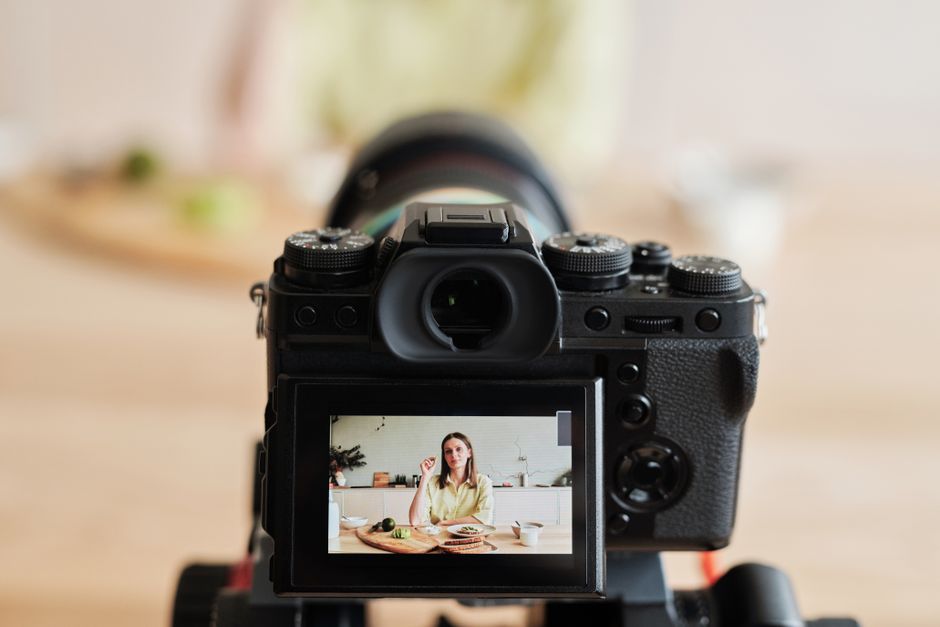
Creating engaging video content is essential for content creators, vloggers, marketers, and educators. This guide provides essential video recording tips to help you enhance your video quality and delivery.
Understanding Video Recording Basics
Choosing the Right Equipment
The first step in your journey to producing high-quality video content is selecting the right equipment. While professional gear can elevate your videos, it’s important to remember that you can start with basic tools. Here are some essential items to consider:
- Camera: A DSLR or mirrorless camera is ideal, but a good smartphone camera can also suffice for beginners.
- Microphone: Good audio quality is crucial, so consider investing in an external microphone.
- Lighting: Natural light can work wonders, but additional lighting equipment can help improve your video quality.
Understanding Camera Settings
Familiarizing yourself with your camera’s settings is vital for achieving the best results. Here are some key settings to explore:
- Resolution: Aim for at least 1080p for high-quality videos.
- Frame Rate: Common options include 24 frames per second (fps) for film-like quality or 30fps for standard video.
- ISO: Adjusting the ISO can help manage your video’s exposure, especially in low-light conditions.
Lighting Basics
Good lighting can significantly impact your videos. Here are some basic tips:
- Use soft, diffused lighting to minimize harsh shadows.
- Position your light source in front of you, facing the subject.
- Consider using a three-point lighting setup for more professional results.
Planning Your Video Content
Creating a Script
A well-structured script is the backbone of your video. It helps keep your content organized and ensures you cover all key points. Start by outlining your main ideas and expanding them into a cohesive script.
Storyboarding Your Ideas
Storyboarding allows you to visualize your video before filming. Sketch out scenes, transitions, and key actions to create a clearer vision of the final product.
Using Teleprompter Apps Effectively
Maintaining eye contact with your audience while delivering a script can be challenging. Using a teleprompter app, such as the Lumi Notch Teleprompter for Windows & Mac, can help you maintain flow and connection while ensuring you stay on track.
Recording Techniques for Quality Videos
Framing and Composition
Framing your shot correctly is essential for visually appealing videos. Consider these composition techniques:
- Use the rule of thirds to create balanced and engaging visuals.
- Keep your background uncluttered to avoid distractions.
- Experiment with different angles to add interest to your shots.
Stabilization Techniques
Shaky footage can detract from the quality of your video. Here are some stabilization techniques:
- Use a tripod or stabilizer to keep your camera steady.
- Utilize software stabilization during the editing process.
Audio Quality Considerations
Audio can make or break your video. Here are tips to enhance your audio quality:
- Always use an external microphone for clearer sound.
- Record in a quiet environment to minimize background noise.
- Check audio levels before filming to avoid distortion.
Editing Your Videos for Maximum Impact
Choosing Editing Software
Selecting the right editing software can streamline your post-production process. Popular choices include:
- Adobe Premiere Pro: A robust option for professionals.
- Final Cut Pro: Ideal for Mac users looking for advanced features.
- DaVinci Resolve: A powerful free option with professional capabilities.
Basic Editing Techniques
Familiarize yourself with basic editing techniques to enhance your videos:
- Cut unnecessary footage to keep your videos concise.
- Add transitions for a smoother viewing experience.
- Incorporate text overlays to emphasize key information.
Adding Music and Effects
Background music and sound effects can elevate your video. Be sure to:
- Choose music that complements the tone of your content.
- Use sound effects sparingly to enhance key moments without overwhelming the viewer.
Publishing and Promoting Your Videos
Optimizing Video Titles and Descriptions
SEO optimization is critical for increasing the visibility of your videos. Here are some tips:
- Include relevant keywords in your title and description.
- Write engaging thumbnails and create compelling calls to action.
Utilizing Social Media for Promotion
Social media platforms are powerful tools for promoting your videos. Share snippets or behind-the-scenes content to engage your audience and direct them to your full video.
Engaging with Your Audience
Building a community around your content is vital. Encourage viewers to comment, ask questions, and give feedback. Responding to comments can foster loyalty and increase viewer retention.
Common Mistakes to Avoid
Neglecting Audio Quality
As mentioned earlier, audio quality is crucial. Ignoring this aspect can result in viewers clicking away from your content.
Ignoring Lighting Conditions
Failing to set up proper lighting can lead to dark or poorly lit videos, diminishing the viewer experience.
Overcomplicating Your Setup
Many beginners fall into the trap of making their filming setup too complicated. Keep it simple and focus on mastering essential techniques before adding more elements.
Continuously Improving Your Skills
Learning from Feedback
Constructive criticism can help you grow as a content creator. Be open to feedback from viewers and peers to refine your skills.
Experimenting with New Techniques
Don’t be afraid to try new filming and editing techniques. This experimentation can lead to innovative ideas and improvements in your content.
Joining Online Communities
Engaging with other content creators can provide support and inspiration. Online communities offer valuable resources, tips, and collaboration opportunities.
Conclusion
By following these essential video recording tips, beginners can significantly improve their video quality and engage their audience more effectively. Remember that practice and continuous learning are key to becoming a skilled content creator.
Perguntas frequentes
What are the basic video recording tips for beginners?
Start with good lighting and clear audio to enhance your video quality. Use a tripod for stability and frame your shots thoughtfully to engage your audience.
How important is lighting in video recording?
Lighting is crucial as it affects the visibility and mood of your video. Natural light is great, but consider investing in softbox lights or ring lights for consistent results.
What equipment do I need to start recording videos?
Begin with a decent camera or even a smartphone, a microphone for better audio, and basic editing software. As you progress, you can upgrade your gear.
How can I improve audio quality in my videos?
Use an external microphone to capture clearer sound and minimize background noise. Always check audio levels before recording.
What framing techniques should I use in my videos?
Use the rule of thirds to create a balanced composition and keep important elements within the frame. Experiment with different angles to find what works best.
Is it necessary to edit my videos?
Editing helps polish your content, allowing you to cut out mistakes and add effects or transitions. It’s a vital step in making your video more professional.
How can I engage my audience through video?
Speak directly to the camera and maintain eye contact to create a connection. Ask questions and encourage comments to foster interaction.
What common mistakes should beginners avoid in video recording?
Avoid shaky footage by using a tripod, and don’t neglect audio quality. Also, be mindful of your background to keep the focus on your content.
Recording with a script? Try Lumi.
Keep your script near the camera and out of your final video. Try free for 3 days.
Learn more


