For content creators, video producers, vloggers, educators, and marketers, delivering a clear, confident, and engaging message on camera is paramount. The top teleprompter apps for content creators have become essential tools in the modern production workflow, and for good reason. A teleprompter app can be the secret weapon that transforms your delivery, saves time, and elevates production value without requiring a Hollywood-sized budget. This guide reviews the top teleprompter apps for content creators, helping you find the perfect digital tool to streamline your workflow and connect with your audience more effectively.
Why a Teleprompter App is a Game-Changer for Creators
Eliminating Memorization and Reducing Takes
One of the most time-consuming aspects of video production is memorizing scripts or fumbling through improvised delivery. When you’re staring at a blank lens trying to recall your next point, precious minutes — and sometimes hours — slip away. A teleprompter app eliminates the need to memorize lines word-for-word, allowing you to read naturally while maintaining direct eye contact with your audience. This alone can drastically reduce the number of takes needed to capture a polished performance. Instead of spending three hours recording a ten-minute video, you might finish in under an hour. For creators who produce content on tight deadlines or on a daily schedule, this time savings is transformative. The ability to glance at scrolling text while speaking freely means you can focus on your tone, energy, and emotion rather than struggling to remember what comes next.
Boosting On-Camera Confidence and Delivery
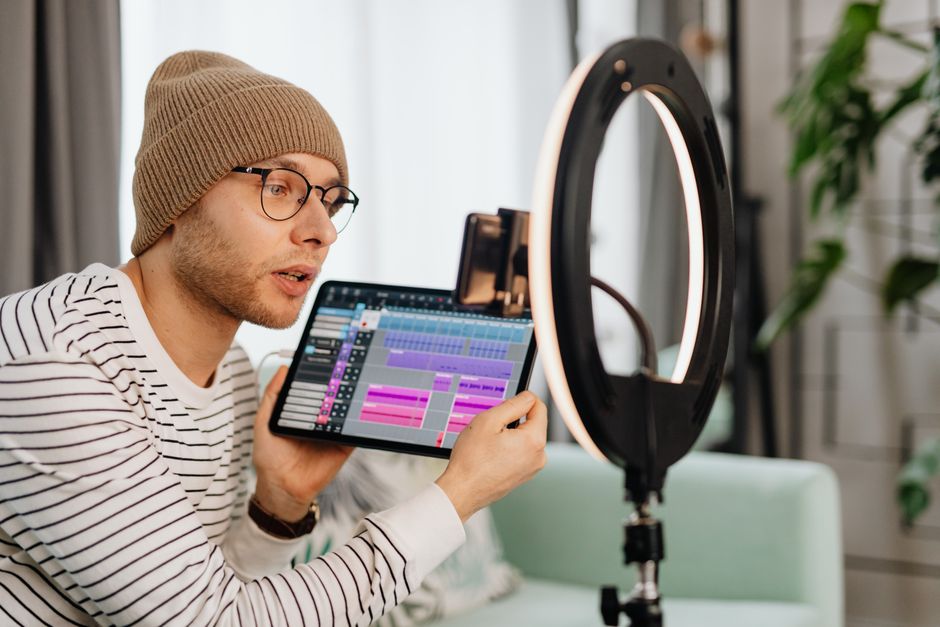
Even experienced speakers can feel a wave of anxiety when the red recording light turns on. That nervous energy often translates into stuttering, rambling, or a flat delivery that fails to hold viewer attention. A teleprompter app acts as a safety net, giving you the confidence that every key point, statistic, and call-to-action will be delivered in the right order. This psychological boost is especially valuable for newer creators who haven’t yet developed the muscle memory of speaking naturally on camera. When you know your script is right there, scrolling at your pace, you can relax into your performance and let your personality shine through. The result is content that feels polished and professional, even if you recorded it in your home office with a single ring light.
Streamlining Solo and Small-Team Production
Many content creators operate as one-person shows or work with very small teams. In these scenarios, there’s no script supervisor to feed you lines or director to call for another take when you stumble. A teleprompter app effectively fills that gap, giving solo creators the support system they need to produce broadcast-quality content independently. Apps like Lumi Notch Teleprompter for Windows & Mac are particularly useful in this context, offering desktop-based solutions that integrate seamlessly into a creator’s recording setup without requiring additional crew members. Whether you’re recording YouTube tutorials, corporate training videos, or social media content, having a reliable teleprompter running on your device means you can hit record with total confidence.
Key Features to Look for in a Teleprompter App
Scrolling Speed Control and Customization
Not everyone speaks at the same pace, and a teleprompter that scrolls too fast or too slow will quickly become more of a hindrance than a help. The best teleprompter apps offer fine-grained control over scrolling speed, allowing you to adjust the rate to match your natural speaking rhythm. Some advanced apps even use AI-powered voice recognition to scroll in real time as you speak, automatically pausing when you stop and advancing when you continue. This feature is a game-changer for creators who tend to vary their pacing throughout a script. When evaluating apps, look for ones that let you set a baseline speed but also offer manual override options, so you can speed up during energetic segments and slow down for emphasis without breaking your flow.
Script Import and Editing Capabilities
The ability to import scripts from external sources — whether that’s a Word document, a PDF, or a cloud storage service like Google Drive — is a crucial feature for creators who draft their content in separate writing tools. A good teleprompter app should support multiple file formats and allow you to edit scripts directly within the app if last-minute changes are needed. Some apps also offer built-in script editors with formatting tools, letting you bold key phrases, add stage directions, or highlight sections that need extra emphasis. This flexibility ensures that your script is always exactly how you want it before you hit the record button, eliminating the frustration of having to switch between apps to make quick adjustments.
Mirror Mode and Display Options
If you plan to use your teleprompter app with a physical beam-splitter teleprompter rig mounted on your camera, mirror mode is an essential feature. This setting flips the text horizontally so that it appears correctly when reflected in the glass. Even if you’re not using a physical rig, customizable display options — such as adjustable font sizes, background colors, and text contrast — can make a significant difference in readability. A bright, high-contrast display ensures that you can read your script clearly even in challenging lighting conditions, such as outdoor shoots or brightly lit studios. The best teleprompter apps give you full control over these visual settings so you can tailor the experience to your specific recording environment.
Compatibility with External Monitors
For creators who use dedicated cameras rather than their phone’s built-in camera, the ability to output the teleprompter display to an external monitor or tablet is invaluable. This allows you to position the scrolling text as close to the camera lens as possible, minimizing the telltale eye movement that gives away teleprompter use. Many apps now support HDMI output, AirPlay, or Chromecast, making it easier than ever to display your script on a secondary screen. When choosing an app, verify that it supports the output method you plan to use, as compatibility can vary significantly between platforms and devices.
Reviewing the Best Teleprompter Apps for Content Creators
PromptSmart: The AI-Powered Option
PromptSmart stands out in the crowded teleprompter market by leveraging voice-recognition technology to scroll your script in real time. Instead of setting a fixed speed, the app listens to your voice and advances the text only when you speak, pausing naturally during breaks. This makes it an exceptional choice for creators who deliver unscripted or semi-scripted content and want the teleprompter to adapt to them rather than the other way around. The app is available on both mobile and desktop platforms, and its intuitive interface makes it easy to import and manage scripts. While the free version offers solid functionality, the premium tier unlocks additional features like unlimited script storage and advanced formatting options that power users will appreciate.
Teleprompter Premium: The Robust All-Rounder
As its name suggests, Teleprompter Premium aims to deliver a comprehensive teleprompting experience packed into a single app. It supports a wide range of script import formats, offers precise scrolling speed control, and includes mirror mode for use with physical teleprompter hardware. What makes this app particularly appealing is its balance between simplicity and depth — beginners can get started quickly, while more experienced users can take advantage of advanced features like custom fonts, remote control functionality, and Bluetooth foot pedal support. For creators who want a reliable, feature-rich teleprompter without a steep learning curve, Teleprompter Premium is a strong contender.
BigVu: The All-in-One Video Suite
BigVu goes beyond basic teleprompting by positioning itself as a complete video production platform. In addition to its teleprompter functionality, the app includes video recording, teleprompter glass support, and even basic editing tools. This makes it an attractive option for creators who want to handle multiple stages of their production workflow within a single ecosystem. The teleprompter itself offers voice-activated scrolling, customizable text display, and the ability to share scripts across devices. While the breadth of features means there’s more to learn, creators who commit to the BigVu ecosystem often find that the integration between tools saves significant time compared to juggling multiple separate apps.
Selvi: The Simple and Free Choice
For creators on a tight budget or those who simply want a no-frills teleprompter experience, Selvi offers a clean and straightforward solution at no cost. The app focuses on the essentials: you paste in your script, adjust the scroll speed, and start recording. There’s no clutter, no confusing menus, and no paywall blocking core features. While it lacks the advanced capabilities of premium alternatives — such as AI-powered scrolling or external monitor support — Selvi excels at what it sets out to do. It’s an ideal starting point for new creators who want to experiment with teleprompting before committing to a paid solution, and its lightweight design ensures smooth performance even on older devices.
How to Choose the Right App for Your Workflow
Assessing Your Primary Platform (Mobile vs. Desktop)
The platform you primarily create on should heavily influence which teleprompter app you choose. If you record most of your content using your smartphone, a mobile-first app with a touch-friendly interface and camera integration will serve you best. Desktop creators, on the other hand, may prefer apps that run on Windows or macOS and can integrate with professional recording software like OBS, Camtasia, or Final Cut Pro. Some apps, such as the Lumi Notch Teleprompter for Windows & Mac, are designed specifically for desktop environments and offer features tailored to creators who work from a computer-based studio setup. Consider where you spend most of your production time and choose an app that fits naturally into that environment.
Considering Your Budget: Free vs. Paid Features
Teleprompter apps span a wide price range, from completely free options to premium subscriptions that can cost several dollars per month. Free apps like Selvi are perfect for casual creators or those just getting started, but they often come with limitations such as ads, restricted script length, or the absence of advanced features like voice-activated scrolling. Paid apps typically offer a more polished experience, better customer support, and access to features that can meaningfully improve your workflow. Before committing to a subscription, take advantage of free trials to test multiple apps and determine which one genuinely adds value to your production process.
Evaluating Integration with Your Existing Tools
A teleprompter app doesn’t exist in isolation — it needs to work seamlessly with the rest of your production toolkit. Consider how well a potential app integrates with your camera setup, your editing software, and any live streaming platforms you use. If you broadcast live on platforms like YouTube or Twitch, look for teleprompter apps that can overlay text on your streaming software or work as a secondary display during live sessions. Similarly, if you rely on cloud storage for script management, ensure the app supports integration with services like Google Drive, Dropbox, or iCloud. The smoother the integration, the less friction you’ll experience in your day-to-day workflow.
Pro Tips for Using a Teleprompter Effectively
Writing a Script That Sounds Conversational
The biggest mistake creators make with teleprompters is writing scripts that read like formal essays rather than spoken dialogue. When you write for the teleprompter, use short sentences, simple vocabulary, and a conversational tone. Read each sentence aloud as you write it — if it sounds stiff or unnatural coming out of your mouth, rewrite it until it flows. Avoid long, complex sentences with multiple clauses, as these are difficult to read at a natural pace. Instead, aim for a rhythm that mimics how you’d explain the topic to a friend. This approach not only makes your delivery more engaging but also reduces the cognitive load of processing text while speaking, helping you maintain a natural pace and authentic tone throughout your recording.
Practicing with the App Before Recording
Even with the best teleprompter app in the world, jumping straight into recording without practice is a recipe for a stiff, robotic performance. Before you hit the record button, run through your entire script at least two or three times using the teleprompter. This practice serves multiple purposes: it familiarizes you with the scrolling speed, helps you identify awkward phrasing that needs revision, and builds the muscle memory needed to maintain eye contact with the lens while reading. Many experienced creators treat this rehearsal as a non-negotiable step in their workflow, and it’s one of the simplest ways to dramatically improve the quality of your on-camera delivery.
Adjusting Scroll Speed to Match Your Natural Pace
One of the most critical settings in any teleprompter app is the scroll speed. If the text moves too quickly, you’ll feel rushed and your delivery will suffer. If it moves too slowly, you’ll find yourself waiting awkwardly for the next line, which disrupts your natural rhythm. The ideal scroll speed should match your natural speaking pace exactly — the text should arrive at the point where you’re reading it just as you need it. Take the time to calibrate this setting during your practice runs, making small adjustments until the scrolling feels invisible. When the speed is dialed in correctly, you’ll barely notice the text moving, and your audience will have no idea you’re reading from a script.
Common Mistakes to Avoid with Teleprompters
The ‘Reading Robot’ Effect and How to Fix It
Perhaps the most common pitfall of teleprompter use is falling into the “reading robot” effect — delivering your lines in a flat, monotone voice that screams “I’m reading from a screen.” This happens when creators focus so intently on the words that they forget to inject emotion, variation, and personality into their delivery. To combat this, practice reading with emphasis and inflection during your rehearsals. Consciously vary your pitch, pause for effect at natural points, and treat the teleprompter text as a guide rather than a script you must follow word-for-word. Mark key moments in your script where you want to add energy or slow down for emphasis. Over time, this conscious effort will become second nature, and your delivery will feel natural and engaging even with a teleprompter running.
Neglecting to Customize Font Size and Contrast
Using default font settings might seem like a minor oversight, but it can have a significant impact on your reading comfort and delivery speed. If the font is too small, you’ll squint and lean toward the screen, breaking your posture and eye contact. If the contrast between text and background is poor, you’ll strain to read certain words, leading to hesitation and stuttering. Take the time to adjust these settings before every recording session, especially if you’re working in a new environment with different lighting conditions. Most teleprompter apps allow you to save custom display presets, so once you find the perfect combination, you can recall it instantly for future sessions.
Over-Reliance Without Practice
While a teleprompter app is a powerful tool, it’s not a magic solution that will instantly make you a great on-camera speaker. Creators who rely entirely on the teleprompter without investing time in practice often find that their delivery still feels unnatural or stiff. The teleprompter is a tool that amplifies your existing skills — it doesn’t replace the need for rehearsal, script refinement, and genuine engagement with your audience. Make it a habit to practice your scripts, experiment with different delivery styles, and continuously refine your approach. The creators who get the most out of their teleprompter apps are those who treat them as one part of a broader commitment to improving their craft.
The Future of Teleprompter Technology for Creators
AI Integration for Real-Time Feedback
The next frontier for teleprompter technology lies in deeper AI integration. Beyond voice-activated scrolling, future apps may offer real-time feedback on your delivery — analyzing your pace, tone, filler words, and eye contact to provide actionable insights after each take. Imagine finishing a recording and receiving a report that tells you where you spoke too quickly, where you used too many “ums” and “ahs,” and where your eye contact drifted from the lens. This kind of feedback loop could dramatically accelerate a creator’s improvement over time. Some early-stage apps are already experimenting with these features, and as AI technology continues to advance, we can expect these capabilities to become standard in the teleprompter apps of tomorrow.
Enhanced Portability and Device Syncing
As creators increasingly work across multiple devices — switching between a smartphone for on-location shoots and a desktop for studio recordings — the need for seamless device syncing is growing. Future teleprompter apps will likely offer cloud-based script libraries that sync instantly across all your devices, ensuring that a script you edit on your laptop is immediately available on your phone. This portability will be especially valuable for creators who travel frequently or who collaborate with team members in different locations. The goal is to make the teleprompter experience feel unified and frictionless, regardless of which device you’re using at any given moment.
Integration with Video Editing Software
Currently, most teleprompter apps operate as standalone tools that exist separately from the editing process. However, tighter integration with video editing software could streamline production in meaningful ways. Future teleprompter apps might automatically generate timestamped transcripts of your recordings, which could be imported directly into editing timelines as reference guides. This would make it easier to locate specific sections of your footage, add accurate captions, and create highlight reels. As the line between production tools continues to blur, creators can look forward to a more connected and efficient workflow that spans from script to final export.
Conclusion
Choosing from the top teleprompter apps for content creators ultimately depends on your specific production style, budget, and technical needs. Whether you opt for an AI-driven solution like PromptSmart, a feature-packed suite like BigVu, or a straightforward free app like Selvi, integrating a teleprompter into your toolkit can significantly enhance your on-camera presence and efficiency. The key is to evaluate your workflow honestly, test multiple options, and commit to the practice needed to make teleprompting feel natural. As you refine your process, you’ll find that the right teleprompter app doesn’t just save time — it elevates the quality of every video you produce. Start exploring the options outlined in this guide, experiment with the features that matter most to you, and take your content creation to the next level with confidence and clarity.
Frequently asked questions
Are there any completely free teleprompter apps that work well for video creators?
Yes, several apps offer robust free versions with essential features. PromptSmart and BigVu provide free tiers with script scrolling, though they may include watermarks or limits on video length. For a truly free, open-source option with no restrictions, Teleprompter Mirror is a popular choice among budget-conscious creators.
What’s the difference between using a teleprompter app and a dedicated hardware teleprompter?
Teleprompter apps are cost-effective, portable, and ideal for solo creators or quick shoots. Dedicated hardware units offer a professional, eye-contact-focused setup where the camera sees through a one-way mirror, eliminating the ‘reading eyes’ look. Apps are best for flexibility and learning; hardware is for studio-grade productions where direct audience engagement is critical.
Can teleprompter apps sync across multiple devices for a team production?
Yes, many advanced apps like PromptSmart Pro and Teleprompter Premium offer cloud-based script syncing. This allows a director or producer to update the script in real-time from a tablet while the presenter reads from their smartphone or dedicated prompter screen, ensuring everyone is on the same page during complex shoots.
How do I avoid looking like I’m reading when using a teleprompter app on my phone?
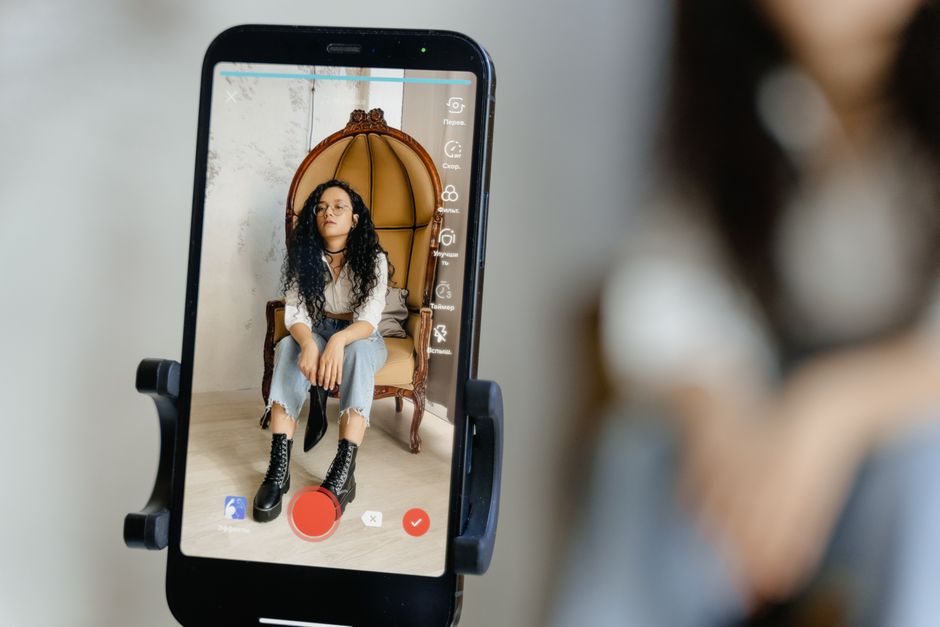
Position your device as close to the camera lens as possible, using a mount or stand. Adjust the scrolling speed to match your natural speaking pace, not the other way around. Practice emphasizing keywords rather than reading monotonously, and use the app’s font and background color settings to maximize readability and minimize eye movement.
Do any teleprompter apps include built-in video recording with the script overlay?
Absolutely. Apps like BigVu, Teleprompter for Video, and PromptSmart integrate recording directly within the app. You can see your script scrolling while recording, and some even offer telestrator-style tools to highlight sections of your script, making them a powerful all-in-one solution for creating polished videos quickly.
Recording with a script? Try Lumi.
Keep your script near the camera and out of your final video. Try free for 3 days.
Learn more