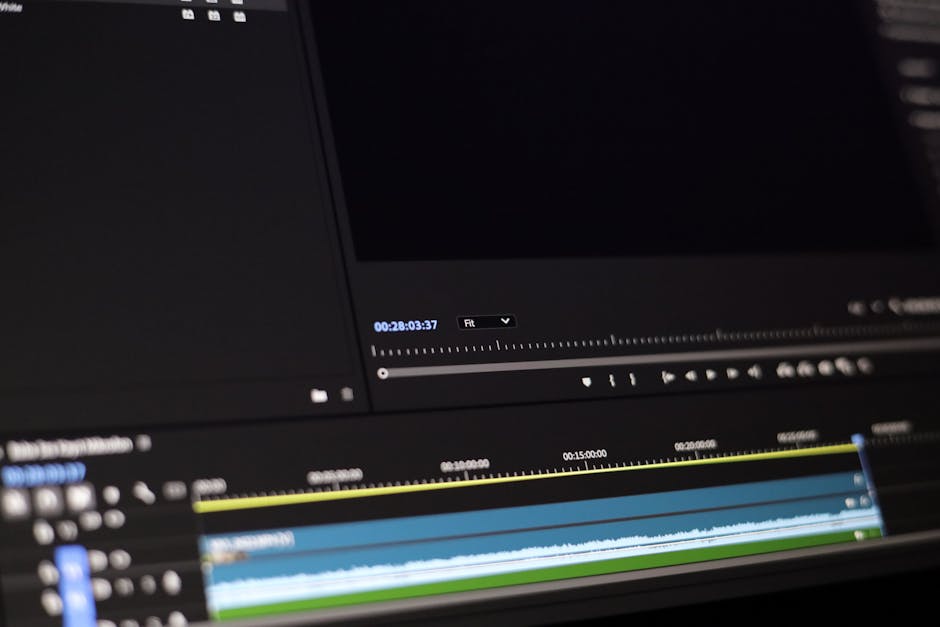
Creating high-quality video content requires not just great visuals, but also excellent audio. This guide offers essential audio tips for video to help content creators, educators, and marketers enhance their productions.
Understanding the Importance of Audio
Why Quality Audio Matters
Audio quality plays a crucial role in video production, as it significantly impacts the viewer’s experience. Poor audio can distract from the content and lead to disengagement, whereas crisp and clear audio can enhance understanding and retention. In fact, many viewers are more likely to tolerate lower video quality if the audio is fantastic.
Common Audio Issues in Video Production
Several common audio issues can arise during video production, including:
- Background noise that distracts from the main audio.
- Echoes or reverb caused by poor recording environments.
- Inconsistent audio levels that can confuse viewers.
- Unbalanced sound that makes dialogue difficult to hear.
Choosing the Right Microphone
Types of Microphones
Choosing the right microphone is essential for capturing quality audio. Here are the main types:
- Dynamic Microphones: Great for live settings, handling high sound pressure levels.
- Condenser Microphones: Ideal for studio recordings, capturing a wide frequency range.
- Lavalier Microphones: Small and discreet, perfect for interviews or on-the-go recordings.
- Shotgun Microphones: Highly directional, great for capturing sound from a distance.
Best Microphones for Video Recording
When selecting microphones for video recording, consider options like:
- Rode VideoMic Pro – a compact shotgun microphone.
- Sennheiser ME 2 – a popular choice for lavalier mics.
- Shure SM7B – a versatile dynamic microphone.
Considerations for Selecting a Microphone
When choosing a microphone, consider the following:
- Your recording environment – is it quiet or noisy?
- The type of content you are producing.
- Your budget and intended use.
Audio Recording Techniques
Setting Up Your Recording Environment
A well-prepared recording environment can dramatically improve audio quality. Here are some tips:
- Choose a quiet space with minimal background noise.
- Use soundproofing materials to reduce echoes and reverberation.
- Consider the acoustics of the room, opting for soft furnishings to absorb sound.
Techniques for Capturing Clear Audio
To capture clear audio, apply these techniques:
- Keep the microphone close to the sound source.
- Perform sound checks before recording.
- Use windshields for outdoor recordings to minimize wind noise.
Using Audio Interfaces and Mixers
Audio interfaces and mixers enhance the quality of recordings. They provide better sound processing and allow for real-time adjustments. Investing in a good audio interface can help you achieve professional-grade audio quality.
Post-Production Audio Tips
Editing Audio for Clarity
Post-production editing is essential for enhancing audio quality. Use software like Audacity or Adobe Audition to:
- Remove unwanted noise and distractions.
- Adjust volume levels for consistency.
- Equalize audio frequencies for a balanced sound.
Adding Music and Sound Effects
Incorporating music and sound effects can elevate your video. Ensure that:
- The music complements the mood of your content.
- You use royalty-free music to avoid copyright issues.
- Sound effects enhance the storytelling without overpowering the dialogue.
Using Noise Reduction Tools
Noise reduction tools in audio editing software can help eliminate background noise. Use these tools judiciously to maintain the natural quality of your audio while enhancing clarity.
Best Practices for Live Audio
Microphone Placement Techniques
Proper microphone placement is critical for live audio. Consider these strategies:
- Position microphones close to speakers for clear audio capture.
- Avoid placing mics too close to loud sound sources.
- Use directional mics to focus on the intended sound source.
Managing Live Audio Challenges
Live audio can present unique challenges:
- Adjust settings in real-time to manage varying sound levels.
- Be prepared for unexpected noise and have solutions ready.
- Conduct thorough sound checks to identify possible issues before the event.
Tips for Presentations and Webinars
When presenting or conducting webinars, keep these tips in mind:
- Use high-quality microphones to ensure clarity.
- Perform a test run to familiarize yourself with the equipment.
- Engage your audience by varying your tone and pace.
Integrating Audio with Video
Syncing Audio and Video
Properly syncing audio and video is essential for a polished final product. Use methods such as:
- Clapperboards to create a visual and auditory cue.
- Clapping at the beginning of recording to align audio tracks.
Creating a Cohesive Sound Design
A cohesive sound design enhances storytelling. Ensure that all audio elements, including voiceovers, music, and sound effects, work together harmoniously to convey your message.
Using Audio in Different Video Formats
Adapt your audio strategies based on the video format. For instance:
- Short social media videos may require brief, impactful audio.
- Longer tutorials or webinars need more detailed sound design.
Future Trends in Video Audio
Emerging Technologies in Audio Production
As technology evolves, so do audio production techniques. Emerging technologies such as 3D audio and advanced mixing software are revolutionizing how we create sound for video.
The Role of AI in Audio Enhancement
Artificial Intelligence is becoming increasingly relevant in audio production. AI tools can assist in noise reduction, mastering audio tracks, and even generating sound effects, making the production process more efficient.
Conclusion
By implementing these audio tips for video, content creators can significantly enhance the quality of their projects. Quality audio not only elevates the viewing experience but also ensures that your message is delivered effectively.
Perguntas frequentes
What are essential audio tips for video production?
Using a high-quality microphone is crucial for capturing clear sound. Additionally, consider the acoustics of your recording environment to minimize background noise.
How can I improve audio quality in my videos?
Investing in a good audio interface and using proper audio editing software can significantly enhance quality. Always monitor audio levels while recording to prevent distortion.
What types of microphones are best for video?
Lavalier microphones are great for interviews, while shotgun microphones are ideal for capturing directional sound. Consider your shooting environment when choosing the type.
How important is background noise management in video audio?
Managing background noise is vital; it can distract viewers and detract from your message. Use soundproofing techniques or record in quieter locations to improve clarity.
Should I use music in my videos?
Incorporating music can enhance the emotional impact of your video, but ensure it fits the tone. Always use royalty-free tracks to avoid copyright issues.
How do I sync audio and video effectively?
Using a clapboard or a simple clap can create a visual and audio cue for syncing in post-production. Most editing software also offers tools to help align audio tracks.
What common mistakes should I avoid in video audio?
Avoid recording with the built-in camera microphone, as it often captures poor sound quality. Also, be cautious of excessive volume levels that can lead to clipping.
How can I enhance dialogue clarity in videos?
Positioning microphones close to the speaker can help capture clearer dialogue. Additionally, using noise reduction tools in post-production can further enhance clarity.
Recording with a script? Try Lumi.
Keep your script near the camera and out of your final video. Try free for 3 days.
Learn more


