Discover essential teleprompter tips to enhance your video production skills. Whether you’re a content creator, educator, or public speaker, these best practices will help you deliver your message with confidence and clarity.
Understanding Teleprompters
What is a Teleprompter?
A teleprompter is a device that displays text for a speaker to read while maintaining eye contact with the audience. This tool is widely used in video production, news broadcasting, and public speaking to ensure a smooth delivery without the need to memorize scripts.
How Teleprompters Work
Teleprompters work by projecting text onto a transparent screen positioned in front of a camera lens. This allows the speaker to read the script while appearing to look directly at the audience or camera, creating a more engaging presentation. The scrolling speed of the text can be adjusted to match the speaker’s pace, providing flexibility and control.
Types of Teleprompters
- Professional Teleprompters: These are typically used in studios and large productions, featuring high-quality displays and advanced features.
- Portable Teleprompters: Designed for on-the-go use, these devices are lightweight and easy to set up, making them ideal for content creators and educators.
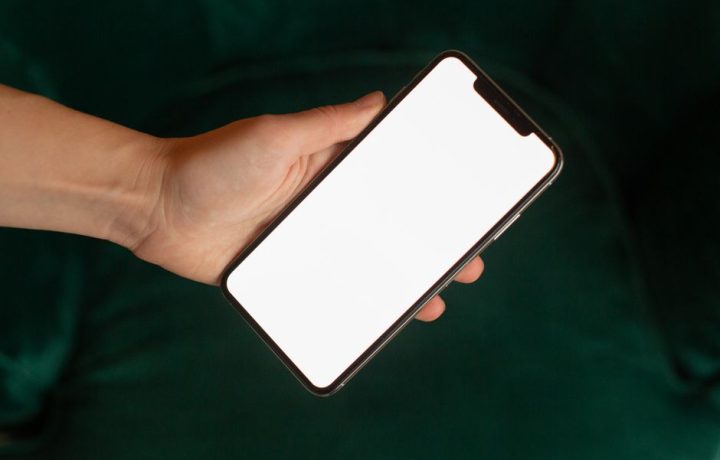
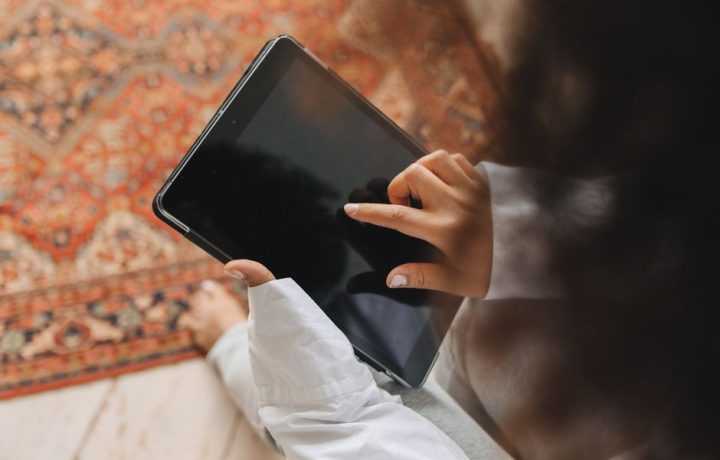
- Teleprompter Apps: Many mobile applications simulate teleprompter functionality, allowing users to convert their devices into teleprompters readily.
Setting Up Your Teleprompter
Choosing the Right Teleprompter App
When selecting a teleprompter app, consider features like text formatting options, scrolling speed adjustments, and remote control capabilities. Popular apps include Teleprompter Pro, PromptSmart, and BigVu, each offering unique functionalities to cater to different user needs.
Hardware Considerations
For optimal performance, ensure that your teleprompter hardware is compatible with your camera setup. Factors to consider include screen size, distance from the camera, and weight capacity. A sturdy tripod and adjustable mounting system are also essential for a stable setup.
Best Practices for Setup
To create an efficient teleprompter setup, follow these best practices:
- Position the teleprompter at eye level to facilitate natural eye contact.
- Ensure proper lighting to avoid reflections on the teleprompter screen.
- Test the setup before recording to confirm that everything works smoothly.
Writing for a Teleprompter
Script Formatting Tips
Formatting your script correctly is vital for effective teleprompter use. Here are a few tips:
- Use short sentences and paragraphs to make reading easier.
- Incorporate cues for pauses and emphasis to guide your delivery.
Using Natural Language
When writing your script, aim for a conversational tone. This will help you convey your message more naturally and engage your audience effectively. Avoid jargon and overly complex language to maintain clarity.
Timing Your Script
Practicing your timing is crucial. Read your script aloud and time yourself to ensure your delivery aligns with your intended pace. Adjust the script as necessary to maintain an engaging rhythm throughout your presentation.
Practicing with a Teleprompter
Rehearsal Techniques
Effective rehearsal is key to mastering teleprompter use. Try the following techniques:
- Record your practice sessions to identify areas for improvement.
- Practice in front of a mirror to observe your body language and facial expressions.
Adjusting Your Delivery
As you practice, pay attention to your delivery. Adjust your tone, pace, and volume to enhance your message. Remember, maintaining engagement is as important as the content you present.
Common Mistakes to Avoid
Be mindful of common pitfalls when using a teleprompter:
- Reading too fast can lead to a disjointed delivery.
- Neglecting body language can make your presentation less engaging.
- Failing to maintain eye contact can disconnect you from your audience.
During the Recording
Maintaining Eye Contact
One of the key benefits of using a teleprompter is the ability to maintain eye contact. Familiarize yourself with the text’s flow to avoid appearing robotic, and practice looking slightly above the camera to create a more natural connection with your audience.
Controlling Your Pace
Controlling your pace is essential for effective communication. Utilize the scrolling features on your teleprompter to adjust the speed according to your comfort level and message delivery, ensuring clarity and engagement throughout your presentation.
Using Body Language Effectively
Body language plays a significant role in how your message is received. Incorporate gestures and movements that complement your words, helping to emphasize key points and maintain audience interest.
Post-Production Tips
Editing Your Video
After recording, edit your video to enhance its quality. Pay attention to audio clarity, visual composition, and pacing. Incorporating teleprompter footage can help maintain consistency in your presentation style.
Incorporating Teleprompter Footage
When editing, consider how to integrate teleprompter footage seamlessly. Use cuts and transitions to maintain flow, ensuring that the final product is polished and engaging.
Feedback and Improvement
After completing your project, gather feedback from peers or mentors. Constructive criticism can help you identify areas for improvement, allowing you to refine your skills over time. Continuous practice and learning are essential to mastering teleprompter use.
Additional Resources
Recommended Teleprompter Apps
In addition to the previously mentioned apps, consider exploring others based on user reviews and specific features that meet your needs. Researching and experimenting with different options can lead you to the best tool for your video production requirements.
Further Reading and Tutorials
Enhance your skills further by exploring resources on Public Speaking Mastery and other platforms that offer tutorials and best practices for improving your overall communication abilities.
Conclusion
By implementing these teleprompter tips, you can significantly improve your video presentations and engage your audience more effectively. Remember, practice makes perfect, so keep refining your skills!
Perguntas frequentes
What are some essential teleprompter tips for beginners?
Start by practicing with your script multiple times to build familiarity. Adjust the speed of the scrolling text to match your natural speaking pace for a smoother delivery.
How should I position the teleprompter for optimal viewing?
Place the teleprompter at eye level to maintain natural eye contact with the camera. Ensure that the distance is comfortable to avoid straining your eyes.
What font and size should I use for my teleprompter script?
Use a clear, sans-serif font like Arial or Helvetica for readability. A font size of at least 24 points is recommended to ensure visibility from a distance.
How can I reduce nervousness when using a teleprompter?
Practice extensively to build confidence and become comfortable with the technology. Visualization techniques can also help calm your nerves before speaking.
What should I do if I lose my place while reading from the teleprompter?
Stay calm and take a moment to regain your focus. You can also use keywords as cues to help you get back on track without losing the flow.
Are there specific software recommendations for teleprompters?
Yes, popular teleprompter software includes EasyPrompter, Teleprompter Pro, and PromptSmart. Each offers unique features, so choose based on your needs.
How can I make my teleprompter script more engaging?
Incorporate pauses and emphasis in your script to enhance delivery. Use conversational language to connect better with your audience.
What are some common mistakes to avoid when using a teleprompter?
Avoid reading too fast, as it can lead to stumbling over words. Don’t forget to engage with your audience by looking up from the script periodically.
Recording with a script? Try Lumi.
Keep your script near the camera and out of your final video. Try free for 3 days.
Learn more