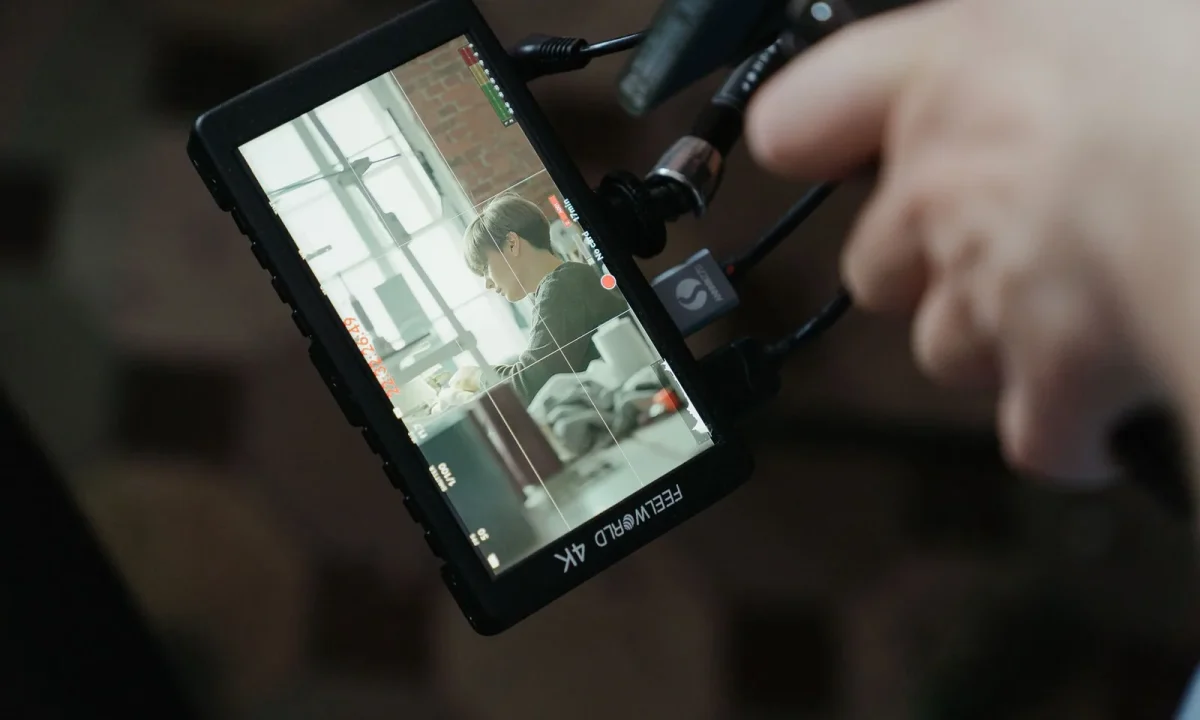
Using a teleprompter can enhance your presentations, interviews, and vlogs, but common mistakes can hinder your performance. This guide explores these pitfalls and offers practical solutions for content creators, video producers, and educators. Understanding how to effectively utilize a teleprompter for video formats is crucial for delivering a seamless and engaging performance. Whether you’re a seasoned professional or a beginner, knowing what to avoid can make a significant difference in your video production quality.
Understanding Teleprompters for Video Formats
What is a Teleprompter?
A teleprompter is a device that displays a script or text in front of a camera lens, allowing presenters to read their lines while maintaining eye contact with the audience. The technology has evolved from traditional paper scripts to digital screens, which can scroll text at adjustable speeds. This innovation is vital for various video formats, including news broadcasts, corporate presentations, and online vlogs. By utilizing a teleprompter, speakers can deliver their content naturally without the distraction of looking down at notes.
Benefits of Using Teleprompters in Video Production
There are several advantages to incorporating teleprompters into video production. One of the most significant benefits is the ability to maintain eye contact with the audience. This connection enhances engagement and helps build trust, making viewers more likely to absorb the information presented. Furthermore, teleprompters can improve delivery by allowing speakers to focus on their performance rather than memorizing lines. This can be especially helpful in high-pressure environments, such as live broadcasts or important presentations, where confidence is key.
Additionally, using a teleprompter can streamline the production process. By having a well-prepared script displayed in real-time, content creators can reduce the need for extensive retakes and edits, saving valuable time during the filming process. This efficiency is crucial for producers who must adhere to tight schedules or budgets, making the teleprompter an indispensable tool in modern video production.
Common Mistakes with Teleprompters
Overlooking Script Preparation
One of the most frequent errors when using a teleprompter is inadequate script preparation. A poorly written script can lead to awkward phrasing, unnatural pauses, or unclear messaging, ultimately hindering the presenter’s performance. To avoid this issue, it’s essential to format the script for readability, ensuring it flows naturally and includes appropriate pauses. When preparing your script, consider the pacing of your speech and the audience’s ability to digest the information being presented.
Furthermore, it’s important to practice with the script several times before the actual recording or presentation. This rehearsal allows the presenter to become familiar with the content and identify any sections that may need adjustment. A well-prepared script not only enhances delivery but also boosts the overall confidence of the speaker, leading to a more engaging presentation.
Ignoring Teleprompter Settings
Another common mistake is neglecting the settings on the teleprompter itself. Many users fail to adjust the scrolling speed and font size to match their reading pace, which can lead to stumbling over words or losing track of the script. Each presenter has a unique reading speed, and it’s vital to customize the teleprompter settings to suit individual preferences. Taking the time to test these settings before filming can significantly enhance performance and reduce stress during the presentation.
Additionally, lighting and positioning play a crucial role in teleprompter effectiveness. Properly aligning the teleprompter to ensure a clear view while maintaining eye contact with the camera is essential. Ignoring these settings can result in a disjointed and unprofessional appearance, detracting from the overall quality of the video.
Neglecting Eye Contact
Eye contact is a powerful tool in communication, and neglecting it when using a teleprompter can diminish the connection between the presenter and the audience. Many speakers make the mistake of focusing solely on the text, which can result in a flat and disengaging performance. To combat this, presenters should practice looking up from the teleprompter frequently, creating a more natural interaction with viewers. This not only helps maintain engagement but also emphasizes key points within the presentation.
Moreover, using techniques such as pausing between sections or using visual cues can aid in maintaining eye contact. Presenters should strive to create a balance between reading the script and connecting with the audience, making their delivery feel authentic and relatable. By focusing on this aspect, content creators can significantly enhance their presentation skills and audience engagement.
Teleprompter for Interviews: Key Considerations
Tailoring Your Script for Interview Format
When using a teleprompter for interviews, tailoring the script to fit the conversational format is essential. Unlike a scripted presentation, interviews require a more dynamic and adaptable approach. It’s crucial to format the script in a way that allows for flexibility, making it easier to respond to unexpected questions or comments. This can involve including prompts or key phrases that signal when to elaborate or shift the conversation, ensuring the dialogue flows naturally.
Additionally, interviewers should consider the tone of their questions and how they relate to the overall script. A well-prepared teleprompter script should allow for spontaneous interactions while keeping the discussion on track. This adaptability can lead to a more engaging interview experience for both the presenter and the audience.
Maintaining Natural Conversation Flow
In interviews, maintaining a natural conversation flow is paramount. Relying solely on a teleprompter for guidance can lead to a robotic delivery, which can disengage viewers. To avoid this, interviewers should practice their delivery, focusing on inflection and tone. Engaging with the interviewee is just as important as the script itself; eye contact and active listening can make a significant difference in how the conversation unfolds.
Moreover, it’s beneficial to incorporate pauses and transitions within the script to allow for natural dialogue. This can help interviewers stay present and responsive to the interviewee’s answers, enhancing the overall quality of the discussion. By prioritizing a conversational approach, presenters can create a more enjoyable viewing experience.
Using Teleprompters for Presentations Effectively
Engaging Your Audience
When delivering presentations, engaging the audience is critical to the success of the message. Utilizing a teleprompter effectively can help achieve this goal, but it requires careful consideration. Presenters should focus on their delivery style, using gestures and body language to emphasize key points. Maintaining an enthusiastic tone can also capture the audience’s attention, making the presentation more memorable.
Incorporating storytelling elements within the teleprompter script can further enhance audience engagement. Presenters can weave personal anecdotes or relevant examples throughout their talks, allowing listeners to connect with the material on a deeper level. This connection not only makes the presentation more relatable but also emphasizes the importance of the content being shared.
Utilizing Visual Aids with Teleprompters
Visual aids can complement teleprompter usage during presentations, providing additional context and reinforcing key messages. When using visual aids, it’s important to ensure they align with the teleprompter script, creating a cohesive narrative. For example, if a presenter is discussing statistics, displaying a graph or chart alongside the script can enhance understanding and retention of the information.
Furthermore, presenters should practice transitioning between the teleprompter and visual aids smoothly. This requires a balance between reading the script and directing attention to the visual elements, ensuring the audience remains engaged throughout the presentation. By effectively integrating visual aids, presenters can elevate their performance and deliver a more impactful message.
Best Practices for Vlogging with a Teleprompter
Balancing Script and Authenticity
For vloggers, authenticity is key to building a loyal audience. However, using a teleprompter can sometimes create a barrier to that authenticity if not handled carefully. Vloggers should strive to balance scripted content with their natural speaking style, ensuring that the delivery feels genuine. This can be achieved by writing scripts that reflect their unique voice and personality, allowing for a more personal connection with viewers.
Additionally, vloggers should consider using the teleprompter for key points rather than a verbatim script. This approach allows for flexibility in delivery while still providing structure to the content. By focusing on essential messages, vloggers can maintain their authenticity while ensuring that their videos remain informative and engaging.
Creating Dynamic Content
Dynamic content is essential for keeping audiences interested, and using a teleprompter can support this goal. Vloggers should incorporate various formats, such as interviews, demonstrations, or storytelling, while utilizing the teleprompter to guide their messaging. This variety keeps the content fresh and engaging, catering to diverse viewer preferences.
Furthermore, adding visual elements, such as graphics or cutaways, can enhance the overall production quality of vlogs. These elements should be synced with the teleprompter script, ensuring that the presenter can smoothly transition between speaking and visual content. By creating dynamic and visually appealing vlogs, content creators can effectively capture and retain their audience’s attention.
Tips for Improving Teleprompter Usage
Rehearsing with the Teleprompter
Rehearsing with the teleprompter is perhaps one of the most important tips for improving its usage. Practicing multiple times before the actual shoot allows presenters to become comfortable with the script and the teleprompter’s functionality. This rehearsal not only boosts confidence but also helps identify areas that may need tweaking for better flow and delivery. It’s advisable to record practice sessions to review and refine performance based on what’s observed.
During rehearsal, presenters can experiment with different pacing, adjusting the teleprompter settings as necessary to find what works best for them. This process is crucial for ensuring a smooth delivery during the actual video shoot, minimizing mistakes and maximizing audience engagement.
Adjusting Speed and Font Size
Finally, adjusting the speed and font size of the teleprompter text is essential for effective usage. Different presenters have varying reading speeds, and the teleprompter must accommodate that. Setting a comfortable scrolling speed allows presenters to read naturally without feeling rushed. Additionally, ensuring the font size is legible can prevent straining the eyes, allowing for a more relaxed delivery.
It’s also worth noting that lighting conditions can affect readability; thus, testing the setup in the actual filming environment is crucial. By paying attention to these details, presenters can significantly enhance their teleprompter experience, resulting in a more polished and professional video.
Conclusion
By understanding and avoiding common mistakes when using a teleprompter for video formats, content creators can significantly improve their delivery and engage their audience more effectively. Key considerations include proper script preparation, adjusting teleprompter settings, and maintaining eye contact. Whether you are conducting interviews, giving presentations, or creating vlogs, these strategies can enhance your performance and ensure your message resonates with viewers.
As you continue to refine your teleprompter skills, consider exploring further resources, such as Mastering Teleprompter Usage, to deepen your understanding and improve your craft. Embrace the power of the teleprompter to elevate your video content, making your presentations not only informative but also memorable.
Frequently asked questions
What is a common mistake when setting up a teleprompter for video recording?
A common mistake is positioning the teleprompter too far from the camera, which can make it obvious that the speaker is reading. The teleprompter should be close enough to the camera to maintain natural eye contact with the audience.
How can improper teleprompter speed affect video quality?
If the teleprompter speed is too fast or too slow, it can cause the speaker to rush or lag, resulting in an unnatural delivery. Adjusting the speed to match the speaker’s natural pacing is crucial for a smooth presentation.
Why is script formatting important for teleprompter use?
Poorly formatted scripts can lead to reading errors and hesitations. Using clear, large fonts and appropriate line spacing helps ensure the text is easy to read, reducing the likelihood of mistakes during the recording.
How does lighting affect teleprompter readability?
Improper lighting can cause glare on the teleprompter screen, making it difficult to read. Ensuring proper lighting that eliminates glare while still illuminating the speaker is essential for effective teleprompter use.
What role does practice play in using a teleprompter effectively?
Practicing with a teleprompter helps the speaker become familiar with its pacing and operation, leading to a more natural delivery. Regular practice can also help reduce reliance on the teleprompter, allowing for more genuine engagement with the audience.
Recording with a script? Try Lumi.
Keep your script near the camera and out of your final video. Try free for 3 days.
Learn more


