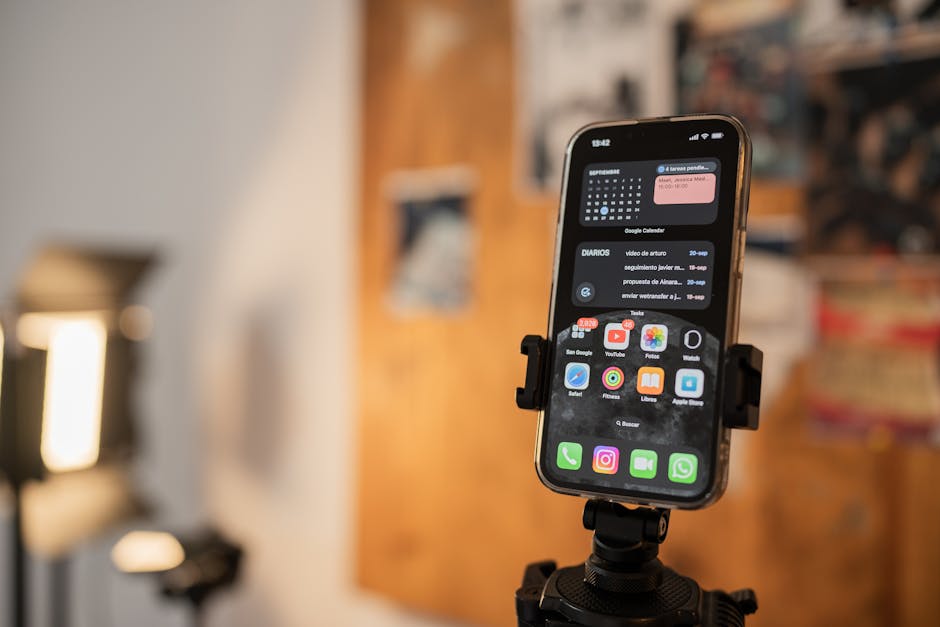
Discover the best teleprompter apps for iOS that can enhance your video production and public speaking skills. This guide covers essential features, user reviews, and how these apps work to streamline your presentations.
What is a Teleprompter App?
A teleprompter app is a software tool that displays text for speakers, allowing them to maintain eye contact with the audience while delivering their message. These apps are particularly beneficial for video content creators, public speakers, and anyone who wishes to improve their delivery without the need to memorize scripts.
How Teleprompter Apps Work
Teleprompter apps function by displaying text that users input. This display allows speakers to read their scripts while focusing on their audience. Here are the key functionalities of these applications:
Text Display
The core feature of any teleprompter app is its ability to present text clearly and effectively. Users can import scripts or write directly in the app, ensuring that their content is always accessible. The text can be formatted for better readability, enhancing the user’s experience.
Scrolling Speed Control
One of the most significant advantages of teleprompter apps is the ability to control scrolling speed. Users can adjust the speed to match their speaking style, ensuring a smooth delivery. This feature is particularly helpful during live presentations, where timing is crucial.
Customization Features
Many of the best teleprompter apps for iOS offer customization options. Users can modify text size, color, and background to suit their preferences or the lighting conditions of their presentation environment. This level of customization allows for greater comfort and visibility while speaking.
Top Teleprompter Apps for iOS
Below are some of the most highly rated teleprompter apps available for iOS, known for their user-friendly interfaces and advanced features:
1. Teleprompter Pro
Teleprompter Pro is a popular choice among content creators. It offers a robust set of features including adjustable scrolling speed, customizable text display, and the ability to import scripts from various sources.
2. PromptSmart Pro
PromptSmart Pro stands out with its voice recognition technology that automatically scrolls the text as the user speaks. This feature can significantly enhance the delivery of presentations by allowing for a more natural speaking pace.
3. BigVu Teleprompter
BigVu Teleprompter combines teleprompter functionality with video recording capabilities. This app is ideal for those who want to create high-quality video content while maintaining eye contact with the camera.
4. Speechway
Speechway is another excellent option for iOS users. It provides straightforward features that are easy to navigate, making it suitable for both beginners and experienced speakers alike.
iOS Teleprompter Reviews
Understanding user feedback and comparative analysis of the available apps can help potential users make informed decisions. Here’s an overview based on user reviews:
User Feedback
Most users appreciate the functionalities of teleprompter apps, particularly their ability to ease anxiety during presentations. Users often highlight features like scrolling speed control and text customization as major benefits.
Comparative Analysis
When comparing the top teleprompter apps, it’s essential to consider not only the features but also the user experience. Apps like Teleprompter Pro and PromptSmart Pro frequently receive praise for their reliability and ease of use.
Benefits of Using Teleprompter Apps
Utilizing teleprompter apps can lead to various advantages that enhance both public speaking and video production. Here are some key benefits:
Enhanced Delivery
Teleprompter apps allow speakers to focus on their delivery rather than memorizing lines. This leads to a more polished and confident presentation.
Reduced Anxiety
Many speakers experience anxiety when presenting. Teleprompter apps help alleviate this by providing a supportive tool that keeps the speaker on track.
Improved Engagement
By maintaining eye contact with their audience, speakers can foster a stronger connection, leading to better engagement and communication.
Tips for Choosing the Right Teleprompter App
When selecting a teleprompter app, consider the following tips to ensure you choose the one that best suits your needs:
Consider Your Needs
Think about the specific features you require. Do you need voice recognition, or is simple scrolling sufficient? Identifying your needs will help narrow down your choices.
Check Compatibility
Ensure that the app is compatible with your device and any additional hardware you may use, such as external microphones or cameras.
Look for Features
Research the features offered by different apps. Some apps may have unique functionalities that cater specifically to your presentation style or content creation needs. For a comprehensive overview of teleprompter apps, check out our Teleprompter Apps: A Comprehensive Guide.
Conclusion
Choosing the best teleprompter app for iOS can greatly enhance your public speaking and video production capabilities. By understanding the features and benefits of these apps, you can make a more informed decision that suits your needs.
Perguntas frequentes
What are the best teleprompter apps for iOS?
Some of the top teleprompter apps for iOS include Teleprompter Pro, PromptSmart Pro, and BigVu. These apps are designed to provide smooth scrolling text for presentations and speeches.
How do teleprompter apps work on iOS?
Teleprompter apps use a scrolling text feature that displays your script on the screen. You can control the speed of the text and customize the appearance to suit your needs.
Can I use a teleprompter app for live presentations?
Yes, many teleprompter apps allow you to use them during live presentations. They often come with features that enable you to adjust text speed and layout, ensuring a seamless experience.
Are there any free teleprompter apps available for iOS?
Yes, there are free teleprompter apps available for iOS, such as Teleprompter Lite and Simple Teleprompter. However, premium versions often offer additional features and customization options.
Can I import scripts into teleprompter apps?
Most teleprompter apps for iOS allow you to import scripts from various file formats or copy and paste text directly. This makes it easy to prepare your content ahead of time.
Do teleprompter apps support different languages?
Many teleprompter apps support multiple languages, allowing users to create scripts in their preferred language. Check the app details for specific language support.
Can I adjust the font size and color in teleprompter apps?
Yes, most teleprompter apps allow users to customize font size, color, and background settings. This personalization helps improve readability based on individual preferences.
Is it possible to use a teleprompter app with an external microphone?
Yes, you can use teleprompter apps with external microphones for better audio quality during recordings or live presentations. Just ensure the app recognizes the microphone input.
Recording with a script? Try Lumi.
Keep your script near the camera and out of your final video. Try free for 3 days.
Learn more


