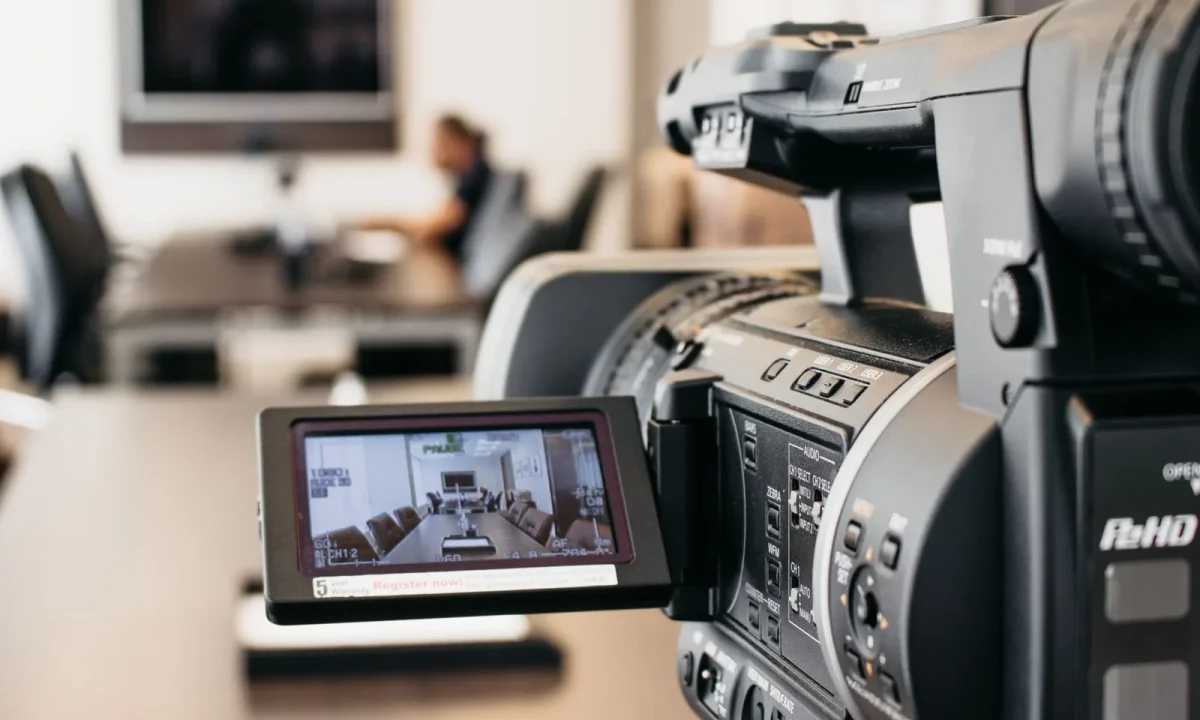
Teleprompting is evolving quickly, shaped by advances in trends in teleprompter technology, growing adoption of teleprompters in education, and expanding use cases for teleprompters in corporate training. This step-by-step roadmap helps content creators, video producers, public speakers, and educators understand where the future of teleprompters is heading and how to prepare for it without overhauling everything at once.
Where the Future of Teleprompters Is Heading
The macro picture is straightforward: prompting tools are moving from being a specialized piece of studio hardware toward becoming an integrated layer of the entire production workflow. Where a teleprompter once sat on a stand in front of a camera and did little more than scroll text, today’s systems increasingly interact with recording software, editing suites, conferencing platforms, and learning management systems. This convergence means that the value of a prompting tool is no longer measured only by how smoothly its text moves, but by how well it fits into the way you already script, record, review, and publish. Creators who understand this shift can make smarter purchasing and training decisions now rather than scrambling to catch up later.
Key shifts driving the next generation of prompting tools
Three forces are doing most of the work. First, software-first delivery means that a tablet, laptop, or phone can replace a dedicated prompter rig for a growing share of use cases, lowering the cost of entry while raising expectations for features. Second, machine learning is being applied to the parts of prompting that were previously manual: estimating reading speed, detecting where a speaker slows down, and adjusting scroll to match. Third, distribution has fragmented, so the same script may need to become a live stream, a training module, a short social clip, and a translated version for a regional team. Tools that anticipate this multi-output reality will age far better than tools built around a single recording scenario.
Why timing matters for creators, speakers, and educators
Adopting a new prompting approach has a cost: relearning muscle memory, adjusting camera placement, and rewriting scripts for a different reading rhythm. That cost is lowest when it is spread across a planned cycle rather than absorbed during a deadline week. If you know a platform change, a product launch, or a new semester is coming, you have a natural window in which to experiment. Treating timing as a strategic decision rather than an accident is what separates teams that upgrade smoothly from teams that quietly revert to old habits after a frustrating first attempt.
Key Trends in Teleprompter Technology
The most useful way to read the landscape is to separate genuine workflow improvements from novelty. Below are three families of changes that public product announcements and industry commentary repeatedly point to, and each one has direct implications for how you plan your next quarter of work. For a broader look at the direction of the category, see our companion piece on Innovations in Teleprompter Technology.
AI-assisted pacing, translation, and auto-scrolling
Auto-scroll has existed for years, but the newer generation attempts to adapt rather than simply run at a fixed speed. Systems can analyze sentence length, punctuation, and even live voice input to slow down on dense passages and speed up on simple ones, which reduces the awkward pauses that make a read feel scripted. Translation features are appearing alongside these tools, letting a producer maintain one master script and generate localized versions for global teams. None of this removes the need to rehearse; it mainly removes the fiddling that used to happen between takes. The practical takeaway is that pacing assistance is worth testing first, because it addresses the most common complaint in prompted delivery.
Eye-line correction and camera-aware display design
The oldest problem in prompting remains the most visible: eyes that drift slightly away from the lens. Modern solutions approach this through layout design, positioning text closer to the camera axis, offering adjustable line widths, and highlighting the current word or phrase so the reader can track position without scanning the whole screen. Some systems also provide a camera-aware preview that shows you what your eye line looks like from the audience’s perspective before you record. This matters enormously for remote presenters and educators who are filming themselves without a dedicated crew to catch the issue in real time.
Cross-device syncing between tablets, phones, and desktops
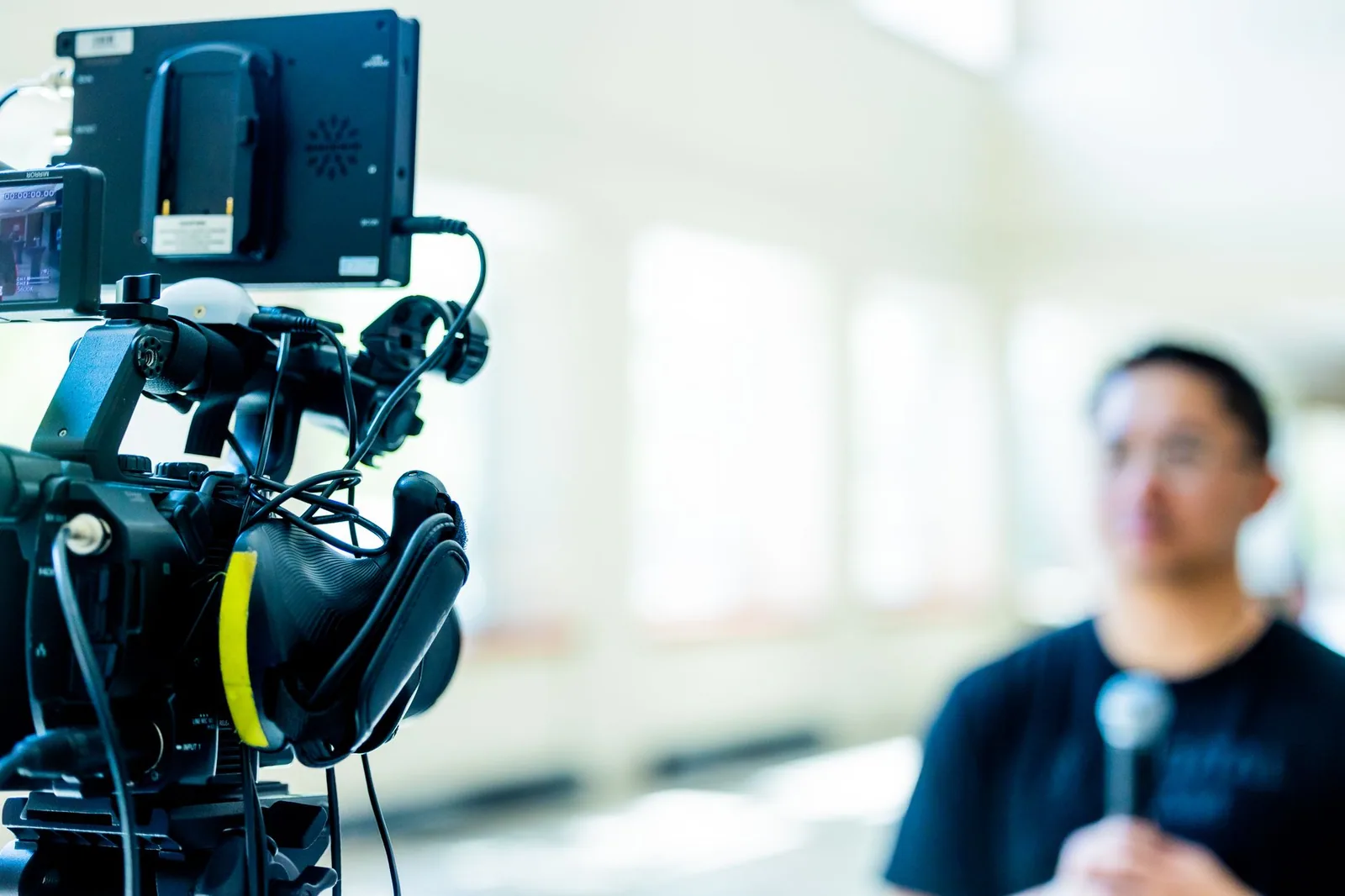
Cross-device syncing solves a surprisingly common production headache: the script lives on a laptop, the camera runs on a phone, and the presenter holds a tablet. When these devices stay in sync, you can edit a line on the desktop and see it appear on the prompting screen moments later, which shortens revision cycles considerably. It also supports collaborative workflows, where a writer revises live while a presenter records in another room. The practical implication is that your choice of tool increasingly determines how flexible your team can be, not just how fast you can scroll.
Step-by-Step: Preparing Today for What Comes Next
Preparation works best as a sequence rather than a sprint. The following order keeps risk low and makes progress measurable, so you always know whether a new tool is actually improving your output or simply adding steps.
Audit your current teleprompter workflow
Start by writing down every step you take from finished script to published video: where the file lives, how it gets onto the prompting device, how you adjust speed, what happens when you make an error, and how the final take reaches your editor. Most people discover at least two or three friction points they had simply accepted as normal. An honest audit gives you a baseline, and it prevents the classic mistake of buying software to fix a problem that was really a process problem. Keep the audit short and concrete; a single page is usually enough.
Identify skill gaps and upgrade in a defined order
Next, separate gaps in your skills from gaps in your equipment. Eye-line control, breath support, and pacing by punctuation are skills that transfer across every tool you will ever use, so they should come first. Hardware or subscription upgrades come second, and only when a genuine capability is missing. Ordering your upgrades this way prevents you from spending budget to compensate for habits that a few hours of practice could fix permanently.
Test new features in low-stakes recordings first
Choose a low-stakes format—a weekly team update, a short internal explainer, or a practice take—and use it as your sandbox for new features. Run the same script twice: once with your current setup and once with the new feature enabled, then compare the two recordings side by side. This gives you evidence instead of impressions, and it protects client-facing or classroom material from being the place where you learn a new interface. Low-stakes testing also reveals whether a feature saves time in practice, not just in a demo video.
Document a reusable setup checklist
Once something works, write it down: device settings, scroll speed defaults, font size, camera height, lighting notes, and the exact steps to launch a session. A checklist turns a good session into a repeatable one, and it lets anyone on your team produce a consistent result even if you are unavailable. Store it where your scripts already live so it gets used rather than forgotten. Documentation is the least glamorous part of the roadmap and often the highest-return one.
Teleprompters in Education: Practical Uses
Helping students build delivery confidence
For many students, the hardest part of presenting is the fear of losing their place. A prompter gives them a stable structure to return to, which lowers anxiety enough that they can focus on eye contact, tone, and pacing instead of memorization. The key is framing: the tool should be scaffolding that fades as confidence grows, not a permanent crutch. Teachers who set explicit expectations about when prompting is permitted tend to see better results than those who leave the choice entirely open.
Supporting lecture capture and flipped classrooms
Recorded lectures work best when they sound intentional rather than improvised, and prompting helps instructors move through complex material without the filler that makes videos hard to scan. In flipped classroom models, where students watch before class, that clarity directly affects how much discussion time is available once everyone arrives. Prompting also makes it easier to produce a consistent series of short modules rather than one long, uneven recording. The result is a library of material that students can revisit on demand.
Accessibility benefits for diverse learners
Prompting supports accessibility in several directions at once: presenters with reading difficulties or anxiety can deliver smoothly, and larger fonts, adjustable contrast, and highlighted text benefit anyone working under pressure. Captions and translated scripts can be generated from the same source, extending reach to non-native speakers and remote cohorts. For a deeper look at classroom applications, see Unlocking the Potential of Teleprompters in Education.
Teleprompters in Corporate Training: Practical Uses
Scaling consistent messaging across teams
When dozens of managers deliver the same policy update, wording drifts and meaning erodes. Prompting lets a single approved script be delivered identically across regions, which protects both clarity and compliance. The approach works particularly well for leadership messages, where consistency of tone matters as much as accuracy of content. Over time, organizations build a library of approved segments that can be recombined for different audiences without rewriting from scratch.
Standardizing compliance and onboarding videos
Onboarding and compliance content are high-volume, high-consistency categories where prompting pays for itself quickly. New hires receive the same explanation of benefits, safety procedures, and expectations regardless of location, and updates can be rolled out by revising one script rather than re-recording dozens of variations. Because these videos are often audited, a documented script also creates a useful record of what was communicated and when. Explore more use cases in How Teleprompters Enhance Corporate Training Effectiveness.
Pairing prompting with remote presentation tools
In hybrid workplaces, the presenter often shares a screen while speaking, which makes it easy to lose track of the audience. Running the script in a separate window or on a second device keeps the shared material clean while the speaker maintains engagement. Sync features described earlier become especially valuable here, since a colleague can update talking points mid-rehearsal. Done well, this pairing makes remote sessions feel as controlled as an in-person briefing.
Choosing Tools That Will Age Well
Compatibility and export flexibility
A tool ages well when it does not trap your content. Look for clean import and export of plain text and common script formats, compatibility with the cameras and recorders you already own, and the ability to move between desktop and mobile without reformatting. If a vendor’s roadmap is unclear or your files cannot leave their ecosystem, you are accepting risk that shows up later as a painful migration. Flexibility today is cheaper than replacement tomorrow.
Learning curve versus long-term payoff
Every new interface costs hours before it saves any. Estimate that cost honestly: how many sessions will you need before the tool feels neutral in your hands? A feature-rich system that takes three months to learn may be wrong for a solo creator producing weekly, while a team with a full-time video staff can absorb a steeper curve for a bigger payoff. Balance the learning curve against the features you will actually use every week rather than the ones that impressed you in a demo.
Evaluating apps against your real workflow
Run any candidate tool through your actual routine before committing: script it, record it, edit it, and publish it. Score each step for time, friction, and output quality, and compare against your baseline from the audit. If you want structured comparisons to accelerate the process, our related overviews at Exploring the Future of Teleprompters: Trends and Insights and Exploring the Latest Trends in Teleprompter Technology Today are useful starting points.
Common Mistakes to Avoid While Transitioning
Adopting new features before mastering fundamentals
The most common transition mistake is stacking new capabilities on top of shaky fundamentals. If your eye line, breathing, and script structure are not yet reliable, automation will simply accelerate your existing problems rather than solve them. Master the basics on the tool you already have, then layer on one feature at a time with a clear reason for doing so. This ordering keeps each change attributable, so you know exactly what improved your output.
Over-automating delivery until it sounds unnatural
There is a point where assistance becomes interference. Aggressive auto-scroll, continuous word highlighting, or real-time pacing prompts can pull attention away from the audience and into the screen, producing a delivery that feels mechanical. Preserve intentional pauses, allow yourself to deviate from the script for a spontaneous aside, and treat automation as a safety net rather than a conductor. Audiences forgive imperfect pacing far more readily than flat, inhuman delivery.
Conclusion: Preparing for the Future of Teleprompters
The future of teleprompters belongs to creators and educators who blend emerging trends in teleprompter technology with disciplined, step-by-step preparation. Whether you are exploring teleprompters in education or scaling teleprompters in corporate training, start with a workflow audit, test incrementally, and keep human connection at the center of every script. The practical path forward is deliberately unglamorous: write a better script, rehearse once with your eyes on the lens, try a single new feature in a low-stakes session, and write down what worked so the next session starts where the last one finished. For additional guidance on planning your next steps, see The Future of Teleprompters: Trends and Innovations Ahead, Practical Insights on the Future of Teleprompters in Use, Looking Ahead: Best Practices for the Future of Teleprompters, and Key Mistakes to Avoid Regarding the Future of Teleprompters. Choose one improvement to implement this week, measure it honestly, and let your workflow—not the hype cycle—decide what stays.
Frequently asked questions
Will AI-generated scripts make teleprompters obsolete?
AI is more likely to change what appears on the screen than eliminate the screen itself. Drafting and editing scripts gets faster, but a presenter still needs controlled, timed text delivery, so the prompter evolves into an AI-assisted coaching layer rather than disappearing. Expect real-time wording suggestions and pace cues instead of static scrolling text.
Could smart glasses replace traditional teleprompters?
For vloggers, remote presenters, and small-camera work, AR glasses are already a credible substitute because they let the speaker look directly into the lens. They are less practical in broadcast studios and live events, where large crew-readable displays, multiple outputs, and redundancy matter more than portability. The likely outcome is coexistence: glasses for solo creators, mirrors and monitors for production crews.
How will teleprompters adapt to virtual and AI-generated avatars?
Synthetic presenters read from scripts natively, so their ‘teleprompter’ becomes a data feed rather than a piece of glass. The interesting shift is synchronization: prompts will drive lip-sync timing, gesture cues, and camera cuts for both human and virtual hosts in the same workflow. That pushes prompter software toward a general production timing engine.
What hardware changes are coming to professional teleprompters?
Expect brighter, higher-contrast panels readable in daylight, lighter mounting systems, and wireless or IP-based control that lets a director push scripts to many units at once. Voice-tracking, where the scroll follows the speaker’s actual pace instead of a fixed speed, is moving from prototype to mainstream. Standardized network protocols will also make prompters part of the broader studio control ecosystem.
Will automatic scrolling based on speech recognition become reliable enough for live broadcast?
Speech-following scroll is improving quickly and works well in controlled audio environments, but live events with music, crowd noise, and overlapping voices still trip it up. Most professionals will use it as an assistive mode with manual override rather than full automation. Reliability will come first to pre-recorded and hybrid formats before hard live broadcast.
Are personal teleprompter apps becoming good enough to replace pro gear?
Apps handle interviews, webinars, and social video convincingly, especially paired with a small beam-splitter mirror or tablet stand. They still fall short where eye-line accuracy, frame-accurate sync with a switcher, and multi-operator control are required. So apps will absorb the low end of the market while dedicated systems concentrate on high-stakes production.
Recording with a script? Try Lumi.
Keep your script near the camera and out of your final video. Try free for 3 days.
Learn more


