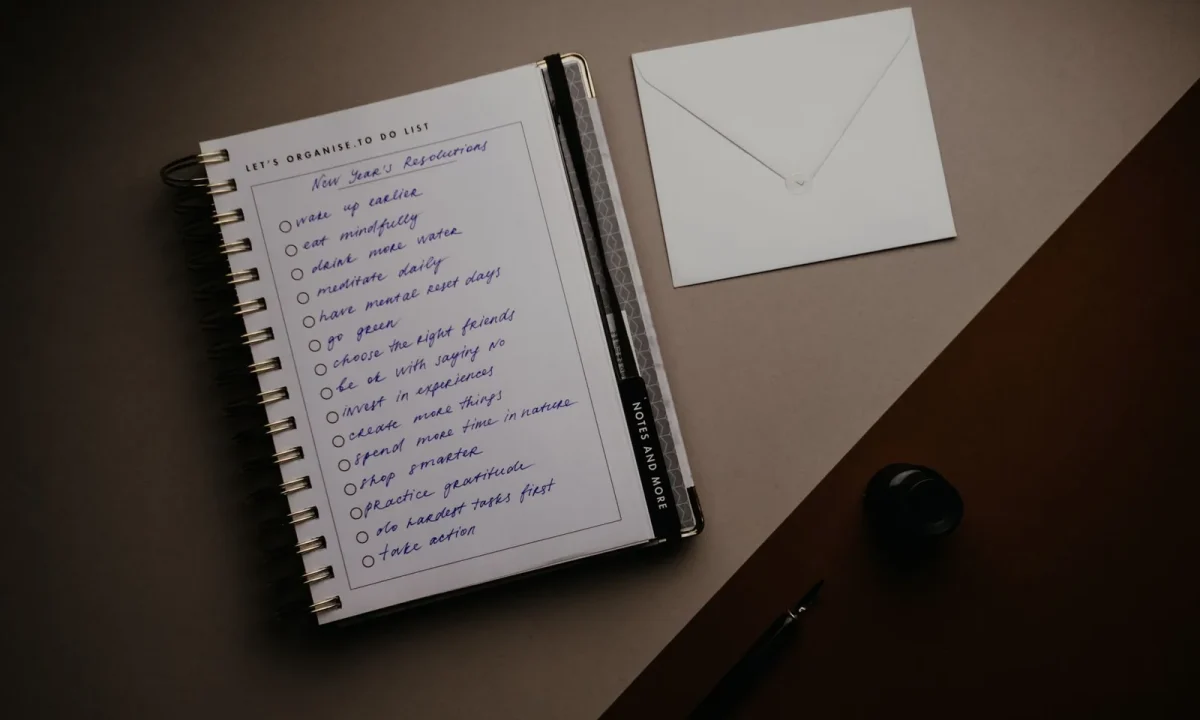
Whether you are a content creator, video producer, public speaker, or educator, a teleprompter can transform the way you deliver on camera. This guide brings together everything you need to know about essential tips for teleprompter usage, combining teleprompter best practices, teleprompter tips for beginners, and teleprompter efficiency techniques into one practical resource you can apply right away.
Why Essential Tips Matter for Teleprompter Users
A teleprompter looks simple until you sit in front of one, and the gap between reading a script and performing it becomes obvious. Structured guidance closes that gap faster than trial and error ever will. For content creators it means fewer retakes; for video producers it means predictable delivery across a shoot; for public speakers it means confidence without memorization; and for educators it means lessons that stay on track while eyes stay on the audience. Treating these essential tips as a shared foundation keeps every one of those workflows moving.
How structured guidance speeds up learning
When advice is organized into a clear sequence — setup, script, delivery, workflow — you know exactly what to fix first. Instead of vaguely feeling that a take “wasn’t great,” you can isolate the cause: the eye line drifted, the scroll ran ahead, the sentence was written too densely. That diagnosability is what makes a checklist more valuable than generic encouragement.
The difference between reading and presenting
Reading means your eyes track text and your voice transcribes it; presenting means you are communicating an idea to a person while the text merely supports you. The teleprompter should be a safety net, not a script you hide behind. The moment you stop “delivering words” and start “making a point,” the device disappears into the background and your audience notices you instead.
Common habits that slow beginners down
Most beginners set the screen too far away, run the scroll faster than they can speak, and skip the practice read because they want to jump straight to recording. Those three habits create a compounding problem: each one forces a retake, each retake drains energy, and the session ends before the delivery loosens up. Awareness of these patterns is the fastest cure. See also Why Essential Tips Fail: Common Teleprompter Mistakes.
Setting Up Your Teleprompter for Success
Setup determines more of your final result than any delivery trick you will ever learn. A perfectly written script still reads badly if the camera sits below your chin or the screen glares under a key light. Spend the first few minutes of every session on physical placement and app configuration, because a stable setup lets you forget the hardware entirely once you start talking. The principles below apply whether you are working with a desktop rig, a phone on a tripod, or a dedicated beam-splitter unit.
Choosing hardware and mounting positions
A laptop on a stack of books works, a tablet in a frame works, and a professional prompter with a mirror hood works — what matters is that the screen sits as close to the camera lens as your budget and space allow. Mount at natural eye height so your neck stays relaxed, and secure everything so nothing shifts between takes. Stability is not a luxury; a wobbling mount instantly reads as an amateur production.
Screen distance, eye line, and lighting
Place the prompter roughly at arm’s length: close enough that you are not squinting, far enough that your eyes do not visibly scan side to side. Position the text block level with the lens so your gaze appears direct rather than slightly raised. Then control light deliberately — bounce a soft source onto your face and keep overhead fixtures from washing out the screen, since glare will force you to read through reflection.
Configuring app settings before recording
Before the record button, set font size large enough to read without leaning, line spacing wide enough to prevent skipping, and mirroring if your hardware requires it. Choose a comfortable foreground and background contrast, then save the configuration as a preset. A forgotten mirror setting discovered mid-shoot costs more time than any other single mistake.
Teleprompter Tips for Beginners
The first sessions are about building confidence, not producing polished output. Give yourself permission to be slow, imperfect, and a little awkward while your eyes adjust to the rhythm of moving text. Beginners who treat their early recordings as practice rather than performance improve noticeably faster, because the pressure to “get it right” never interferes with the mechanical skill of following the scroll. These essential tips are deliberately simple so you can apply them on your very first take.
Starting with short, simple scripts
Open with a script of thirty to sixty seconds containing short sentences and plain vocabulary. Complexity multiplies errors when your attention is split between phrasing and tracking text, so simplify the content while the technique is new. Early wins matter: a clean short take builds more confidence than a botched five-minute one.
Practicing a warm-up read before the take
Read the script aloud once at conversational speed without recording anything. This pass surfaces tongue-twisting phrases, unclear acronyms, and sentences that looked fine on screen but collapse when spoken. It also warms up your voice, so the first recorded take is not the first time you have said those words aloud.
Recording a test take and reviewing it
Always shoot a short test, then watch it back with sound on. Check eye line, pacing, and whether the scroll pulled you forward or left you waiting. Most problems reveal themselves in thirty seconds of honest review, and fixing them before the real take saves far more time than pushing through and editing around the damage.
Script Preparation: The Backbone of Efficiency
If there is one place where teleprompter efficiency techniques deliver the biggest return, it is script preparation. A script written for silent reading forces you to translate on the fly, which produces flat delivery and constant micro-pauses. A script written for the ear flows the way you naturally speak, so your brain spends its energy on performance rather than decoding. Treat drafting as part of production, not as a chore that happens before it.
Writing for the ear instead of the eye
Read each sentence aloud as you write it. If you run out of breath, split it. If it sounds like a paragraph from a report, rewrite it as something you would say across a table. Contractions, direct address, and concrete verbs all help, and every word you cut is a word you will not have to chase on screen.
Using punctuation, line breaks, and paragraphing
Short paragraphs act as visual anchors that tell your eye where it is, and full stops signal breathing points. Avoid long em-dash chains and dense parentheticals, which blur together at a glance. Breaking the script into blocks of two or three lines gives you rest points without interrupting the flow of ideas.
Marking emphasis, pauses, and pronunciation cues
Add simple inline markers — a slash for a pause, caps or italics for stress, phonetic spellings for tricky names — so you are never guessing mid-take. These cues turn an ambiguous sentence into a rehearsed one and eliminate the retakes caused by mispronunciation. Keep the system consistent across every script so the marks stay invisible to the audience but obvious to you.
Teleprompter Best Practices While Recording
Once the take starts, your job is to make the audience forget there is a screen involved. That comes down to three controllable variables: how you breathe, where you look, and how you handle the inevitable slip. None of them require talent; they require repetition. Practicing these teleprompter best practices in short sessions will do more for your on-camera presence than any amount of gear upgrading.
Pacing, breathing, and natural pauses
Speak at the speed of a conversation, not the speed of your inner monologue. Breathe at punctuation rather than mid-phrase, and let a deliberate half-second pause land after key points — pauses signal confidence and give the viewer time to absorb. If the scroll feels rushed, it usually means your script is too dense, not that you need to talk faster.
Eye contact techniques that read as authentic
Keep the text block centered on the lens so your gaze reads as direct eye contact, and avoid letting your eyes sweep visibly from line to line. For a warmer, less fixed look, glance just below or beside the lens between sentences. Micro-movements feel human; rigid staring feels manufactured.
Recovering smoothly from a stumble
When you fumble a word, do not stop, apologize, or restart the sentence — pause, breathe, and repeat the phrase with the correct wording while continuing to look at the lens. Editors can cut a repeated line in seconds, but a flustered recovery damages the whole take. Calm recovery is itself a professional skill.
Teleprompter Efficiency Techniques for Faster Workflows
Producing weekly content means the difference between a ninety-minute recording block and a three-hour one comes from workflow, not talent. The goal is to remove decisions from the moment of performance so your attention stays on delivery. These teleprompter efficiency techniques are aimed squarely at repeat producers who need consistency across many sessions. For a deeper foundation, see Mastering Teleprompter Usage.
Adjusting scroll speed on the fly
Set your starting speed slightly slower than your natural pace, then nudge it upward as you settle in. Most apps allow real-time adjustment, so treat speed as a live control rather than a fixed setting you choose once. Slowing down for a dense paragraph is always preferable to rushing your way through it.
Using remote controls, foot pedals, or voice commands
Hands-free control is the single biggest workflow upgrade available. A Bluetooth clicker, a foot pedal, or voice commands let you pause, resume, and rewind without breaking posture or asking an assistant for help. Once controlling the prompter becomes muscle memory, you stop thinking about the device entirely.
Batch recording with reusable script templates
Build a template with your intro, recurring segments, and call to action already formatted, then drop in episode-specific content. Batch several scripts, queue them as presets, and record in one sitting with the same lighting and framing. Templates also keep your pacing consistent across episodes, which viewers notice even if they cannot articulate why.
Tailoring Teleprompter Use for Educators and Public Speakers
Live delivery changes the calculus: you are not talking to a lens but to a room, and the prompter becomes a memory aid rather than a strict script. Educators need to hit learning objectives without sounding rehearsed, while speakers need to move, gesture, and react. In both cases the prompter should hold structure and key phrasing, leaving room for improvisation. If you present publicly, pair this section with Mastering Teleprompter Best Practices for Effective Presentations.
Adapting scripts for longer presentations
Long-form delivery needs signposting: headings, bullet-style prompts, and built-in transitions that tell you where you are in the arc. Write keywords rather than full sentences for sections you know well, and full sentences only where precision matters. This hybrid approach keeps long sessions from turning into a monotone recital.
Blending prompter delivery with slides and demos
When slides or physical demonstrations are involved, cue the prompter to advance only at slide boundaries so you are never reading while manipulating objects. Time your prompter lines to follow the visual, not compete with it, and use shorter phrases during demos when your attention is divided. Coordination between screen and prompter is what makes multi-element presentations feel seamless.
Managing stage presence in front of an audience
In a room, eye contact means sweeping the audience, not staring at a fixed panel. Position the prompter at the back of the room or at floor level so your gaze lifts naturally toward listeners, and mark pause points where you can look up and connect. Movement between prompts — a step to one side, an open gesture — keeps the delivery dynamic.
Maintaining and Improving Your Skills Over Time
Proficiency is not a milestone you reach once; it is a loop of doing, reviewing, and adjusting. The producers who improve fastest treat every finished recording as data and every new app feature as a chance to simplify a step. Consistent, small refinements compound: over a few months, the difference between your current delivery and your best delivery becomes measurable. A structured path from first read to confident performance is laid out in Essential Tips, Step by Step, for Teleprompter Success.
Reviewing footage to spot reading patterns
Watch your recordings with a critical eye for recurring tells: downward eye drift, sentence-final pitch drops, rushed openings, or stiff posture after a long read. Write down three patterns you notice, then choose one to address in your next session. Focusing on a single habit at a time produces faster improvement than trying to overhaul everything at once.
Building a personal checklist of essential tips
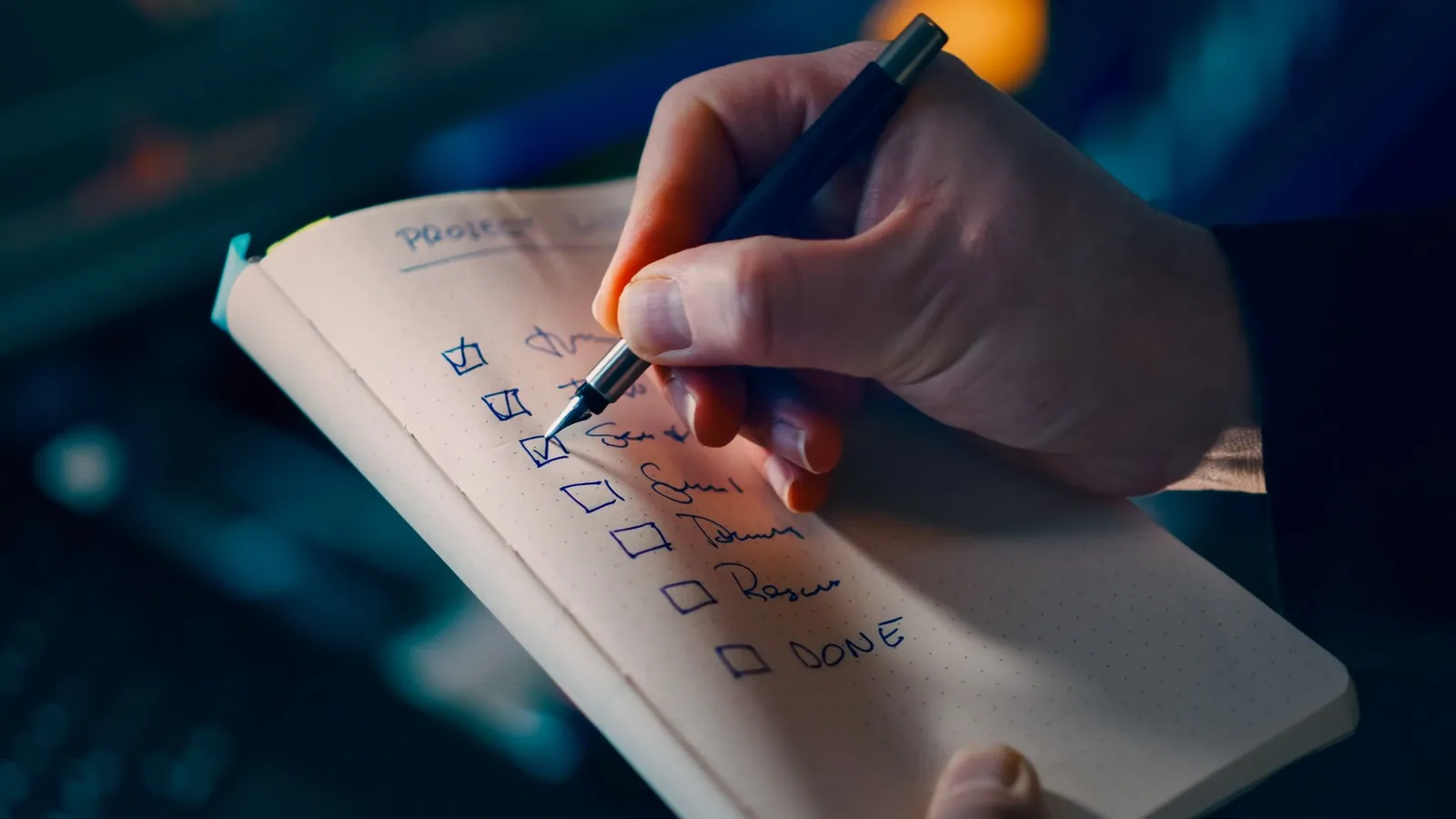
Distill what works for you into a one-page checklist covering setup, script format, speed, and delivery. Run through it before every session so your baseline is identical each time, and revise it whenever you discover a new shortcut. A living checklist turns scattered advice into a repeatable system. You can start with Practical Application of Essential Tips for Teleprompter Use and expand from there.
Staying current with teleprompter app updates
Prompter apps regularly add features such as voice control, auto-pacing, and cloud-synced templates, and missing them means doing manually what the software now automates. Check release notes a few times a year and test new settings during a low-stakes session rather than before a deadline. Ongoing learning keeps your workflow lean; continue with Essential Tips for Mastering Teleprompter Usage Effectively.
Conclusion
Mastering a teleprompter is less about the device and more about consistent habits. By applying these essential tips across setup, script writing, delivery, and workflow, you will build teleprompter best practices that feel natural on camera, adopt teleprompter efficiency techniques that save production time, and give beginners a clear path from first read to confident performance. Revisit the checklist regularly, review your footage, and keep refining your approach.
The practical next step is small: choose one section from this guide, apply it in your very next recording, and measure the difference in your retake count. From there, layer in Essential Tips for Effective Teleprompter Best Practices, explore Boost Your Presentations with Effective Teleprompter Techniques, and use Essential Teleprompter Tips for Beginners to Enhance Presentations as an onboarding reference for anyone new to your team. For further reading, Essential Tips for Effective Teleprompter Usage Explained covers the fundamentals in even greater detail, so you always have a reliable place to return to when your workflow needs a reset.
Recording with a script? Try Lumi.
Keep your script near the camera and out of your final video. Try free for 3 days.
Learn more


