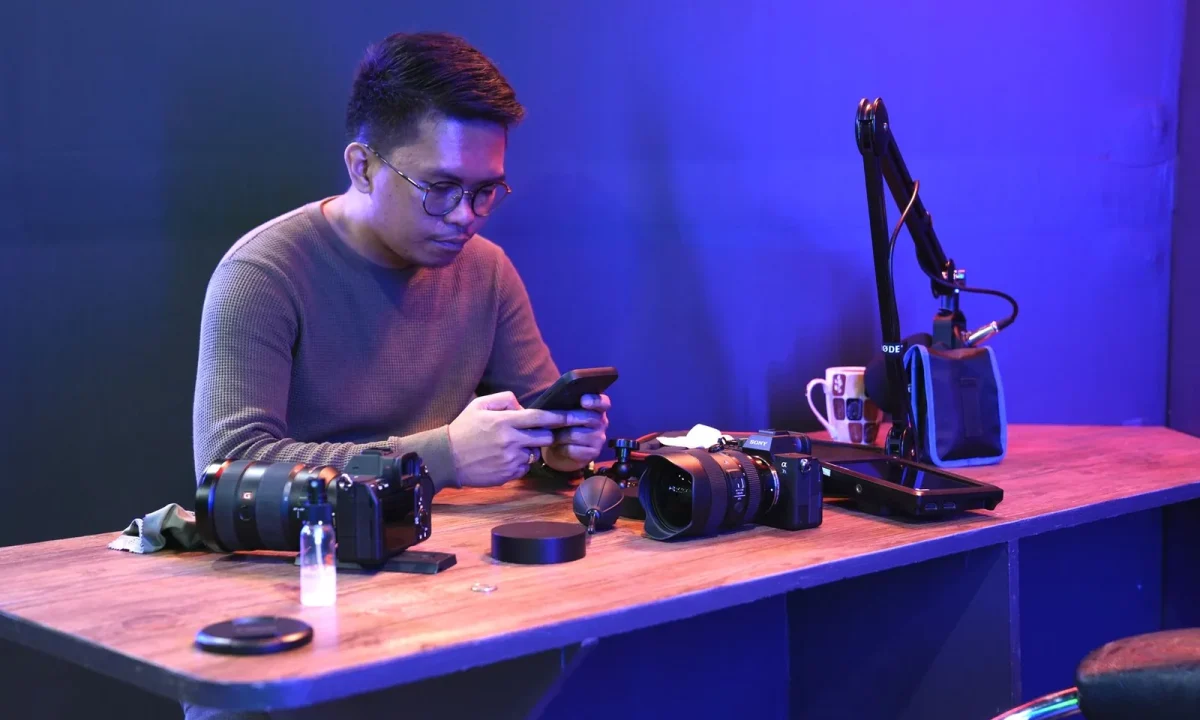
The way people read, record, and present on camera is shifting fast, and teleprompters sit at the center of that shift. This guide covers the future of teleprompters in practical terms: the trends in teleprompter technology worth watching, how teleprompters in education and teleprompters in corporate training are expanding the audience for these tools, and the habits that will keep your on-camera work strong no matter which features arrive next. Rather than chasing headlines, we will focus on what you can act on this week — with your current script, your current device, and your current workflow.
Why the Future of Teleprompters Matters Right Now
It is tempting to treat teleprompter news as background noise until something breaks in your own process. In practice, small shifts in software and hardware compound: a faster sync here, a better reading cue there, and suddenly a setup that once felt fine starts costing you retakes, time, and confidence. Understanding the direction of travel helps you decide what to adopt now, what to ignore, and what to keep on a shortlist for later — so your on-camera work does not stall while you wait for the “perfect” tool.
Who is affected: creators, speakers, and educators
The audience for prompting tools is far broader than YouTubers and news anchors. Solo creators recording weekly videos, executives filming all-hands updates, teachers producing lesson recordings, and trainers building reusable modules all depend on reading comfortably while looking at a lens. Each group has different constraints — one worries about lighting and a phone, another about brand consistency across regions — but they share the same core need: delivering accurate words without sounding like they are reading. That shared need is why improvements ripple across every category at once.
What is actually changing behind the scenes
Under the hood, prompting has moved from a linear text scroll toward a managed script workflow. Text now lives in syncable libraries, formatting rules are smarter, and pacing controls are becoming adjustable in finer increments. Voice-following features, where the text advances as you speak, reduce the manual scrolling that used to break eye contact. These changes are incremental rather than dramatic, but together they remove friction that presenters once simply accepted as normal. For a deeper look at the underlying direction, see our overview of Innovations in Teleprompter Technology.
Signs your current workflow may need an update
A workflow worth revisiting usually shows a handful of quiet symptoms: you retype scripts into a second app because formats do not carry over, you scroll by hand because speed controls feel clumsy, or you record on one device and discover the file will not open on another. Long load times, missing export options, and prompts that jump ahead or lag behind your natural cadence are similar red flags. None of these require a full rebuild — but each one is a signal that a modest tool change would pay for itself in saved retakes.
Trends in Teleprompter Technology to Watch
The most useful trends in teleprompter technology are the ones that shorten the distance between a finished script and a confident take. Vendors describe capabilities in marketing language, so it helps to translate each claim into a workflow question: does this save me an edit, prevent a stumble, or let me work across more than one device? Judging features against those questions keeps your attention on substance instead of novelty.
AI-assisted scripting and automatic pacing
Assisted scripting tools can suggest restructuring, flag long sentences, and propose emphasis points that read more naturally aloud. Pacing controls are getting more granular, with some products offering speed that adapts to your phrasing instead of running at a fixed rate. The opportunity is real: a script that is already optimized for speech reduces hesitation before you ever hit record. The caution is equally real — automated suggestions can flatten your voice if you accept them uncritically, so treat drafts as a starting point rather than a final take.
Eye-contact, tracking, and natural delivery features
Newer tools increasingly help with eye-line: guidance overlays mark where to look, and tracking features keep text aligned as you shift position. Some systems can nudge captions toward the camera area so your gaze appears steadier to the viewer. Used well, this makes delivery feel conversational rather than scripted. Used as a crutch, it masks a delivery problem that better rehearsal would fix — which is why technique still belongs in the loop. For broader context, the Exploring the Future of Teleprompters: Trends and Insights article is a useful companion read.
Cloud sync across phones, tablets, and desktops
Cross-device sync has quietly become a baseline expectation rather than a premium extra. Editing a script on a laptop and opening it seconds later on a tablet removes a whole category of version confusion, especially when several people touch the same recording project. Sync also simplifies collaboration: a subject-matter expert can approve wording without installing your desktop software. When you evaluate any new tool, check how it handles offline access and conflict resolution, since real shoots rarely happen with perfect connectivity.
Smaller hardware and mixed-reactice displays
Hardware continues to shrink in cost and footprint, with compact beam-splitter setups, clamp mounts for phones, and portable rigs that fit in a backpack. Alongside these, mixed-reality and headset-based displays are being explored as ways to keep text near the lens without a physical glass panel. These options are still maturing, and ergonomics matter more than spec sheets: a display that sits at the wrong distance causes eye fatigue quickly. Try before you commit, and favor setups you can assemble alone in under five minutes.
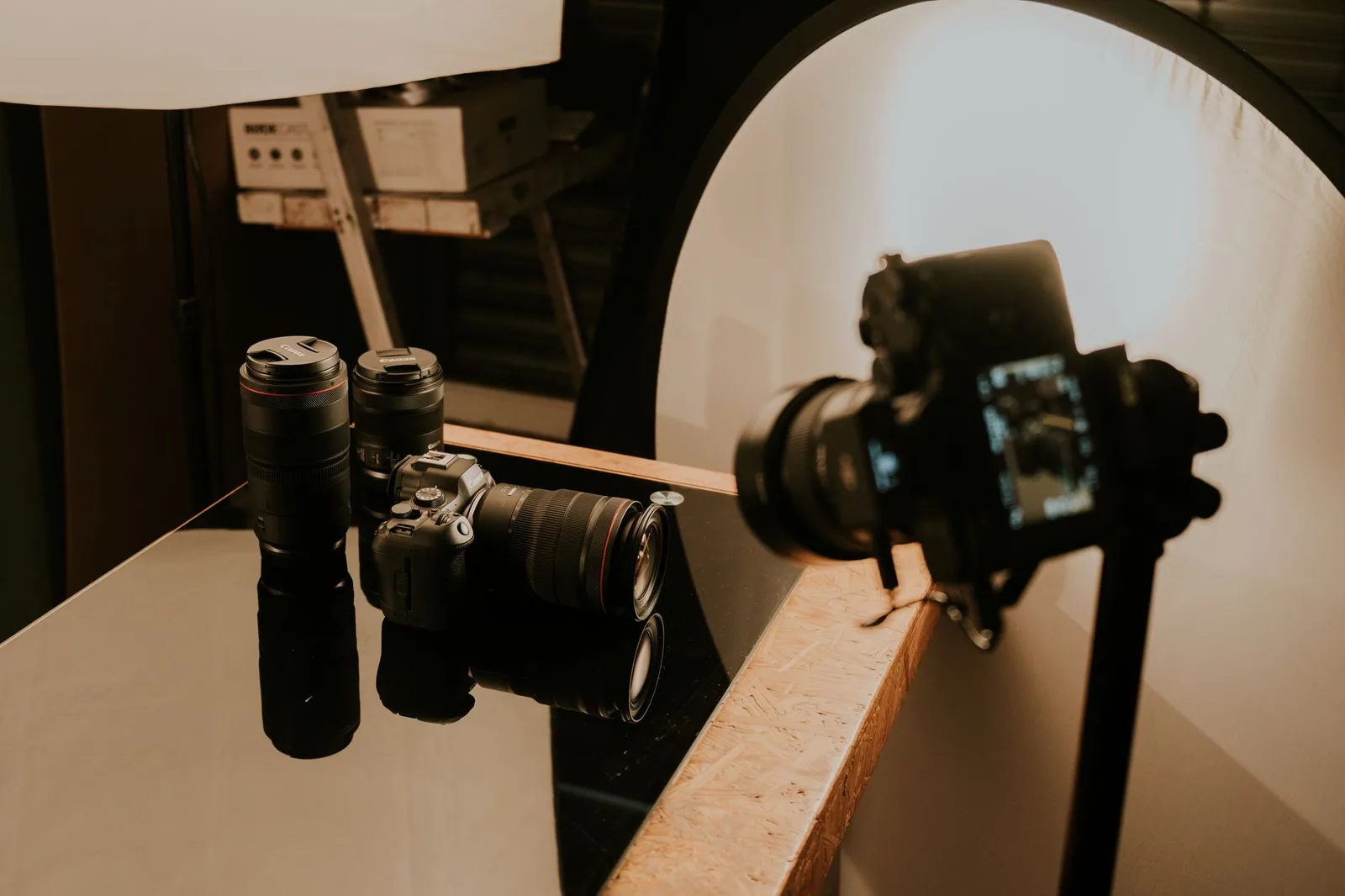
Teleprompters in Education: Where Learning Is Heading
Classrooms have always needed clear delivery, and teleprompters in education are becoming a practical way to get it without a media specialist on staff. Teachers use them to record lessons that students can replay, while students use them to rehearse presentations and stay organized under pressure. The shift matters because it moves prompting from a broadcast luxury to a routine study aid, available on hardware schools already own. It also normalizes the tool early, so learners arrive in professional settings already comfortable with it.
Student presentations and recorded lessons
For a student, reading a presentation while maintaining eye contact is one of the hardest parts of public speaking. A prompter with a comfortable scroll speed lets them focus on emphasis and pacing instead of panicking about losing their place. Teachers benefit in the mirror image: a scripted lesson recording keeps terminology accurate and lets them reuse the material across sections. The result is fewer interruptions, cleaner recordings, and more consistent coverage of the syllabus.
Accessibility for diverse learners
Structured reading support is genuinely valuable for learners who process text at different speeds or who benefit from predictable visual cues. Adjustable font sizes, high-contrast themes, and controlled pacing reduce cognitive load and let students concentrate on meaning rather than decoding. Prompting also levels the field for learners who experience anxiety when speaking, since a visible script removes the fear of forgetting content mid-sentence. When tools offer these settings as first-class options rather than buried menus, adoption in inclusive classrooms becomes much easier.
Budget-friendly setups for classrooms
Schools rarely need professional glass and rigging to get started. A tablet or Chromebook, a free or low-cost prompting app, and a simple stand can produce perfectly serviceable recordings, especially when the camera is close and the room is quiet. The key is standardizing: pick one app, agree on one script template, and store files in a shared folder so colleagues can reuse material. If you are building from scratch, the Unlocking the Potential of Teleprompters in Education guide walks through the practical steps.
Teleprompters in Corporate Training at Scale
When a training video is recorded once and watched hundreds of times, wording stops being a personal preference and becomes an operational asset. Teleprompters in corporate training help subject-matter experts deliver precise language for policies, safety procedures, and product updates, without requiring a professional presenter in the room. Consistency matters most in regulated or customer-facing contexts, where an offhand paraphrase can create confusion or risk. Prompting tools give trainers a reliable script while leaving room for natural emphasis.
Consistent messaging across internal teams
A shared script ensures that a compliance module delivered in one region says the same thing as the version delivered elsewhere. That consistency reduces follow-up questions and makes updates manageable: when policy changes, you edit one source text rather than re-record everything from memory. Teams can version-control scripts the same way they manage documents, with clear ownership and approval steps. The teleprompter becomes a delivery layer for an already governed message.
Remote onboarding and compliance modules
Distributed teams depend on asynchronous training, and asynchronous training depends on recordings that hold attention. A prompter keeps onboarding narrations tight and prevents the rambling that makes viewers drop off halfway through. It also lets non-specialist presenters — a department head explaining a workflow, for instance — appear composed without extensive coaching. The combination of clear scripts and repeatable recording setups is what allows a program to scale beyond a single enthusiastic trainer.
Measuring presenter confidence in training feedback
Feedback forms rarely ask about prompter use, yet presenter confidence shows up indirectly in viewer ratings, completion rates, and the number of clarifying requests that follow a module. Watching recordings over time can also reveal whether a trainer is reading stiffly or speaking naturally, which points to pacing or script-format issues rather than personality. Treating confidence as something you can improve through settings and rehearsal turns feedback into a diagnostic tool. For more on this intersection, see How Teleprompters Enhance Corporate Training Effectiveness.
Skills That Stay Valuable in the Future of Teleprompters
Features get deprecated; delivery fundamentals do not. The creators who adapt fastest to new tools are usually the ones with strong underlying habits, because they can evaluate any interface in minutes instead of relearning their craft each time. Script quality, pacing, eye-line, and rehearsal are transferable across apps, hardware, and platforms. Investing in them is the most reliable form of future-proofing available to you, and it costs nothing beyond practice.
Writing scripts that are easy to read aloud
Readable scripts are written for the ear, not the page: shorter sentences, conversational rhythm, and clear breaks between ideas. Spell out abbreviations on first use, avoid tongue-twisting sequences, and mark emphasis so you know where to lean before you record. Formatting also matters physically — consistent line lengths and generous paragraph spacing reduce the chance of your eyes jumping lines under pressure. A script written this way improves every recording you make, regardless of which tool displays it.
Pacing, pausing, and eye-line habits
Pacing is where most recordings reveal their weaknesses. Practicing deliberate pauses after key points gives viewers time to absorb information and makes you sound composed rather than hurried. Eye-line discipline is equally learnable: keep the lens just above or beside the text, and resist the urge to drift back to the script every sentence. These habits transfer directly between a phone app and a studio glass prompter, which is exactly why they outlast any single feature set.
Practicing before the record button
A read-through at full speed exposes awkward phrasing faster than any editing pass. Speak the script aloud once with the prompter running, adjust the speed until it matches your natural cadence, and note any lines you stumble on — those are the lines to rewrite, not memorize. Two or three short rehearsals usually cost less time than a single bloated retake session. Making this a default step turns recording days from stressful to predictable.
Common Mistakes That Undermine Future-Ready Workflows
Most workflow problems are not caused by choosing the wrong product; they are caused by habits that quietly erode the value of a good one. Automation invites over-trust, updates get postponed until something breaks, and scripts get written in whatever format happens to be open. Each of these is easy to correct once you recognize the pattern, and correcting them costs nothing beyond a small amount of discipline during your normal prep.
Over-relying on automation instead of delivery skills
Automatic pacing, voice-following, and suggested rewrites can mask delivery problems instead of solving them. If your recordings sound flat even with every assist enabled, the issue is almost certainly vocal variety and eye contact, not the software. A useful rule is to keep at least one recording session per month with automation disabled, so you can see which skills are slipping. Tools should amplify a good performance, not substitute for one.
Ignoring software updates and new settings
Updates often ship the exact improvements you have been waiting for — better sync, refined speed controls, improved accessibility options — yet many users delay them until an update is forced. The risk is not only missing features; older versions can also fall out of sync with cloud libraries or mobile companions. Set aside ten minutes after each release to skim the changelog and test one new setting against a real script. That small habit keeps your setup current without disrupting your routine.
Skipping script formatting for readability
Pasting a dense wall of text into a prompter is the fastest way to lose your place on camera. Long paragraphs force your eyes to travel too far, and inconsistent capitalization or punctuation creates visual noise that slows comprehension. Standardize on a template: short paragraphs, one idea per block, explicit line breaks at natural breath points, and highlight words needing emphasis. A well-formatted script is a delivery aid, not just a storage format. The Key Mistakes to Avoid Regarding the Future of Teleprompters article covers this pattern in more detail.
How to Choose Tools That Will Age Well
Choosing a teleprompter is less about finding the most features today and more about picking a foundation that will still fit you in two years. Tools that lock your scripts into a proprietary format, run only on one platform, or hide basic controls behind surprise paywalls tend to become dead ends. A future-ready choice is boring in the best sense: reliable sync, clean export, predictable updates, and an interface you can learn quickly. Evaluate with your own scripts rather than demo files.
Checking export, sync, and platform support
Before subscribing, confirm that you can export scripts in a plain, portable format and import them again elsewhere. Check which devices the companion apps cover, whether offline mode works, and how conflicts are resolved when two people edit the same file. Platform support also includes the recording side: the tool should coexist with your camera app, audio recorder, or conferencing software without awkward workarounds. Portability is the single best insurance policy against a product being discontinued.
Testing with a real script before committing
Demo content hides friction because it is short and perfectly formatted. Take a full script you actually use — ideally one with headings, emphasis, and a couple of tricky sentences — and run it end to end: edit, record, export, re-import. Time how long setup takes and note where your eyes lose their place. If a trial version makes that process slower than your current workflow, no amount of advanced features will justify the switch.
Planning for free vs paid feature gaps
Free tiers are useful for proving a concept, but the paid tier is where essentials like sync, watermark removal, and advanced pacing usually live. Map the gap deliberately: list what you need for your next three recordings, then compare that list against pricing at each tier. Also check whether the features you depend on are announced as permanent or marked as limited-time promotions. A modest budget spent on a stable plan is generally wiser than a premium plan whose critical features may change. For a wider view of the landscape, the Future of Teleprompters: Trends and a Practical Roadmap and Exploring the Latest Trends in Teleprompter Technology Today pieces are good next reads.
Conclusion
The future of teleprompters is less about a single breakthrough and more about steady improvements in scripting, pacing, syncing, and delivery support. Trends in teleprompter technology will keep evolving, and the same tools are already reshaping teleprompters in education and teleprompters in corporate training. Start with a script you can read comfortably, build habits that travel across devices, and evaluate new features against your actual workflow.
Prepare for what’s next by strengthening what you already do well: write for the ear, rehearse out loud, protect your eye-line, and choose tools that export, sync, and update without surprises. If you want to keep building on this foundation, continue with The Future of Teleprompters: Trends and Innovations Ahead, then compare your habits against Practical Insights on the Future of Teleprompters in Use and Looking Ahead: Best Practices for the Future of Teleprompters before your next recording session.
Frequently asked questions
How is AI changing the way teleprompters work?
AI-driven prompters can match scroll speed to a speaker’s natural pace instead of forcing a fixed rate, and some generate or trim talking points in real time from a brief or outline. They can also flag filler words, pacing problems, and off-script drift during rehearsal. The shift is from a passive scrolling device to an active coaching layer that adapts while the speaker talks.
Will AR smart glasses replace traditional teleprompters?
For on-camera and one-to-many speaking, AR glasses are already displacing box-style prompters because the text is invisible to the audience and the speaker can look straight into the lens. Large stage events still rely on confidence monitors and floor-mounted panels because they give wide viewing angles for roaming presenters. Expect the two formats to coexist, with glasses dominating vlogs, news, and remote video.
Can future teleprompters follow a speaker who improvises or goes off script?
Voice-tracking prompters listen to what is said and jump to the matching line when the speaker skips ahead or ad-libs, then resume on the next scripted point. Some systems use live captions of the speech to keep a marker under the current position rather than blind scrolling. This makes it practical to use a script as a safety net rather than a rigid word-for-word track.
Does AI-generated content make teleprompters obsolete?
No, because the bottleneck is delivery, not drafting. Even when a script is written by AI, presenters still need controlled pacing, eye-line management, and consistent on-camera reads. What changes is that the prompter becomes the interface between generative tools and the speaker, refreshing copy on the fly instead of displaying a static document.
What role does eye tracking play in next-generation prompters?
Eye tracking lets the system detect which line the reader is on and hold the scroll until they finish it, eliminating the lag and overrun of speed-based scrolling. Combined with pupil calibration, it can also nudge text vertically so the speaker’s gaze stays centered on the lens. The result is a more natural read that hides the presence of the device entirely.
Are teleprompters likely to become cheaper and more accessible?
Tablet and phone-based prompter apps paired with inexpensive beam-splitter glass have already cut entry costs to well under a professional rig, and cloud scripting lets teams edit copy remotely between takes. AI pacing and voice tracking, once studio-only features, are moving into these consumer apps. The premium tier will stay expensive mainly for broadcast-grade hardware, redundancy, and low-latency live workflows.
Recording with a script? Try Lumi.
Keep your script near the camera and out of your final video. Try free for 3 days.
Learn more