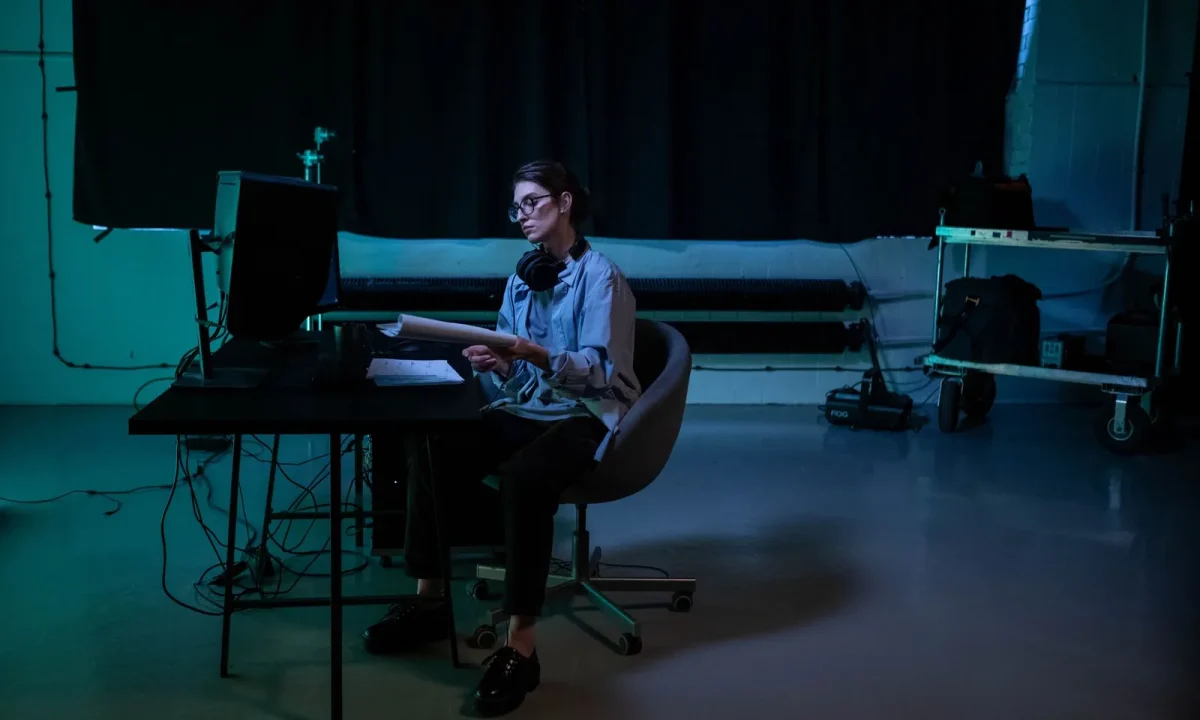
A teleprompter only works as well as the script behind it, which is why script writing for teleprompters deserves as much attention as your lighting or lens choice. Whether you are a content creator recording weekly videos, a producer coordinating shoots, a public speaker prepping a keynote, or an educator building lessons for camera, the way you write determines how natural, confident, and engaging your delivery feels. This guide covers everything you need to know about script writing for teleprompters: structure, formatting, pacing, and the small details that make reading aloud effortless.
Why Script Writing Changes Your On-Camera Performance
On camera there is almost no distance between a rough sentence and a rough delivery. Word choice, line length, and punctuation all turn into pauses, emphasis, and facial expression the moment you speak them. Treat writing as part of the performance and the performance improves on its own, because your voice stops fighting the page and starts using it. The deeper mechanics behind this are covered in Script Writing for Teleprompters: Techniques and Insights.
How script writing for teleprompters guides the eye while you speak
While you talk, your eyes are already scanning ahead so your mouth can catch up. Short lines let that preview happen without effort; dense lines force your eyes to jump and your voice to stall. This is why line breaks are a performance decision, not a design preference. When text is easy to scan, you can hold eye contact instead of hiding behind the page.
The link between written rhythm and spoken rhythm
Prose that reads smoothly in silence often stumbles out loud, because silent reading skips the breaths speech cannot skip. Written rhythm becomes spoken rhythm: commas turn into pauses, sentence ends into beats, repeated stresses into momentum. Reading your draft aloud exposes the mismatch immediately. If you run out of breath or lose the thread, the sentence needs rewriting rather than harder rehearsal.
What happens when a script fights the reader
A script that fights you shows up as shoulder tension, clipped phrasing, and eyes darting off camera. You compensate by rushing, dropping emphasis, or abandoning the wording halfway through a sentence. Viewers never see the script; they only feel the strain, and they read it as low confidence. Fixing the writing is almost always faster than overpowering it take after take.
Teleprompter Script Tips: Preparing Before You Write
Preparation decides more about your delivery than any reading technique. The best teleprompter script tips all point backwards: settle the message, the audience, and the structure before you polish a single sentence. Everything that follows — pacing, formatting, markup — is easier when the thinking already happened. This same preparatory discipline is what Creating Engaging Content with Teleprompters recommends before production begins.
Defining your message in one sentence
Before you type anything, reduce the video to one sentence a viewer could repeat afterward. That sentence becomes the test for every paragraph: if a line does not support it, cut or move it. It also simplifies your hook, your transitions, and your close. When you know what the video is about in plain words, the script practically outlines itself.
Audience and platform considerations
The same idea lands differently for a beginner on a short-form feed than for specialists watching a long tutorial. Consider what your audience already knows, how long they will stay, and where they are watching, because those factors set your vocabulary and your pace. A keynote needs different phrasing than a vertical clip, even on the same topic. Calibrate first, or you will rewrite later.
Research, outline, then draft
Gather facts, examples, and quotes first, then arrange them in a simple outline with a beginning, a middle, and a close. Drafting from an outline keeps you from inventing structure mid-sentence, which is where rambling comes from, and it makes total length easier to control from the start. The sequence also produces a calmer writing session. Follow Script Writing for Teleprompters: A Creator’s Roadmap if you want the full progression.
Effective Script Formats That Read Well Aloud
Paragraph-per-thought format
Each block holds one complete thought, usually two to four short lines separated by a blank line. This format suits talking-head videos and monologues because your eye picks up a whole unit at once. The risk is that paragraphs grow into walls of text if you keep appending sentences. Keep each block to one idea and the format stays effortless. More detail lives in Mastering Effective Script Formats for Teleprompters.
Bullet and line-break format
Bullets work when a video is built around a list: steps, tips, or product features. Each bullet becomes a line the eye can grab without searching, and the structure reminds you to hit every point on camera. The trade-off is that bullets can make delivery sound clipped, so add a connecting phrase where flow matters. Used selectively, they keep long enumerations from turning into a blur.
Numbered beat format for longer videos
For longer scripts, number the beats — hook, context, point one, point two, proof, close — so you always know where you are. Numbering is a navigation aid: if the recording stops, you resume at a known marker instead of rereading a page. It also makes editing easier, because you can reorder beats without rewriting prose. Complexity in the video calls for visible structure on the page.
Choosing a format by video type
Match the format to how the video is built, not to habit. Short updates favor paragraph-per-thought; tutorials often mix paragraphs with bullets; multi-segment productions benefit from numbered beats. You can combine formats inside one script as long as the switch is deliberate and announced by a line break. The right format disappears during recording, which is exactly how you know you chose well. Mastering Script Writing for Teleprompters: Tips and Formats compares these options in more depth.
Writing for Video: Language, Rhythm, and Pacing
Writing for video is a different craft from writing for the eye, because your sentences will be heard once, at speed, by someone who cannot rewind mentally. That single fact should govern vocabulary, sentence length, and how often you break the page. The guidance below focuses on the three levers that change delivery most: language, transitions, and clarity.
Short sentences and conversational words
Write the way you talk. Short sentences give your voice somewhere to land, and everyday words sound confident where academic phrasing sounds stiff. Contractions, active verbs, and concrete nouns keep the delivery moving without extra effort from you. If a sentence needs two breaths, split it into two sentences and let the pause do its work. For a broader skill set, see Essential Tips for Writing for Video: Enhance Your Script Skills.
Signposting, transitions, and breathing room
Signposts tell the viewer where they are: “first,” “here is the catch,” “so what does that mean for you.” They also give you a natural place to breathe and reset your posture before the next idea. Transitions prevent the disjointed feeling of two unrelated thoughts placed back to back. Build breathing room into the writing itself and you will not have to chase it in the edit.
Reading level and clarity for diverse audiences
Clarity is not dumbing down; it is respect for people watching in a second language or with the sound low. Prefer familiar words, keep one idea per sentence, and define any technical term you cannot avoid. Test the script by explaining it out loud to someone outside your field. If the explanation stays simple, the script probably is too, and Essential Teleprompter Script Tips for Effective Presentations repeats this check for live audiences.
Formatting Rules the Prompter Needs
Line length, font size, and margins for script writing for teleprompters
Most prompting apps display a limited number of characters per line, and your eyes track comfortably across only a short span. Keep lines within that span, choose a font size you can read at your shooting distance, and set margins so text never crowds the edges. Consistent formatting across your scripts means fewer surprises on set. What looks tidy in a document is not always what reads well through glass.
Punctuation and capitalization choices
Punctuation works as a set of stage directions: commas slow you down, dashes signal a turn, and exclamation points invite energy. Prefer sentence case over full capitals, because all-caps text is harder to parse at speaking speed. Avoid heavy italics or bold inside the reading area unless your app renders them cleanly. Readable marks guide the voice; decorative marks distract it.
Marking pauses, emphasis, and CTA cues
A slash, an ellipsis, or a bracketed note can mark a pause, a stressed word, or a call to action such as “point at the lower third.” Keep the markup system small — three or four symbols you already understand — so the page stays clean and scannable. Everyone on set should read those marks the same way. Consistency in
Frequently asked questions
How is writing for a teleprompter different from writing a normal video or speech script?
A teleprompter script is meant to be read aloud verbatim while looking at a lens, so it favors short sentences, everyday words, and a natural speaking rhythm rather than dense, formal prose. It also needs visual cues the reader can follow at a glance — line breaks, pause marks, and bolded keywords — instead of stage directions or camera notes that would interrupt the flow. The goal is invisible authorship: the words should sound like the speaker, not like a written document being recited.
What reading speed and word count should I target per minute?
Most presenters read comfortably at about 130–150 words per minute on camera, slower than conversational speech because they are managing eye contact and delivery. Count your words and divide by that range to estimate runtime: a two-minute segment lands around 260–300 words. Always rehearse with the actual prompter operator or software speed, since a script that fits on paper can still feel rushed if the scroll rate is off.
What formatting makes a teleprompter script easiest to read?
Use a large sans-serif font, a short line length (roughly 30–40 characters), and all-caps or bold only for key words you want stressed — never for whole paragraphs. Break lines at natural phrase boundaries so the reader’s eye never has to guess where a thought ends. Keep punctuation minimal and consistent, because the reader processes it as a timing cue as much as grammar.
How do you mark pauses, emphasis, and tone in the script?
Insert slashes (/) or double slashes (//) for short and longer pauses, and bold or capitalize the specific words that carry the emphasis. Avoid long parenthetical tone directions such as "(enthusiastic)"; instead, choose words that naturally produce the tone you want. Test the cues aloud — if a mark makes the delivery feel mechanical, cut it and let the sentence structure do the work.
Should I write full sentences or conversational fragments for on-camera delivery?
Write complete, spoken-language sentences but keep them short — typically under 20 words — so the reader can deliver one thought per breath. Contractions, direct address, and active voice keep the delivery sounding human rather than read. Fragments are fine for punch lines or transitions, but paragraphs of them tend to sound choppy and improvised in the wrong way.
How far ahead should the script be finalized before a teleprompter shoot?
Lock the copy at least a day before the shoot so the reader can rehearse with the exact wording and the operator can set scroll speed and breaks. Last-minute edits are common, but changes after rehearsal reset the pacing and often cause stumbles on camera. If edits are unavoidable, mark them clearly in the file and run one clean read-through before rolling.
Recording with a script? Try Lumi.
Keep your script near the camera and out of your final video. Try free for 3 days.
Learn more