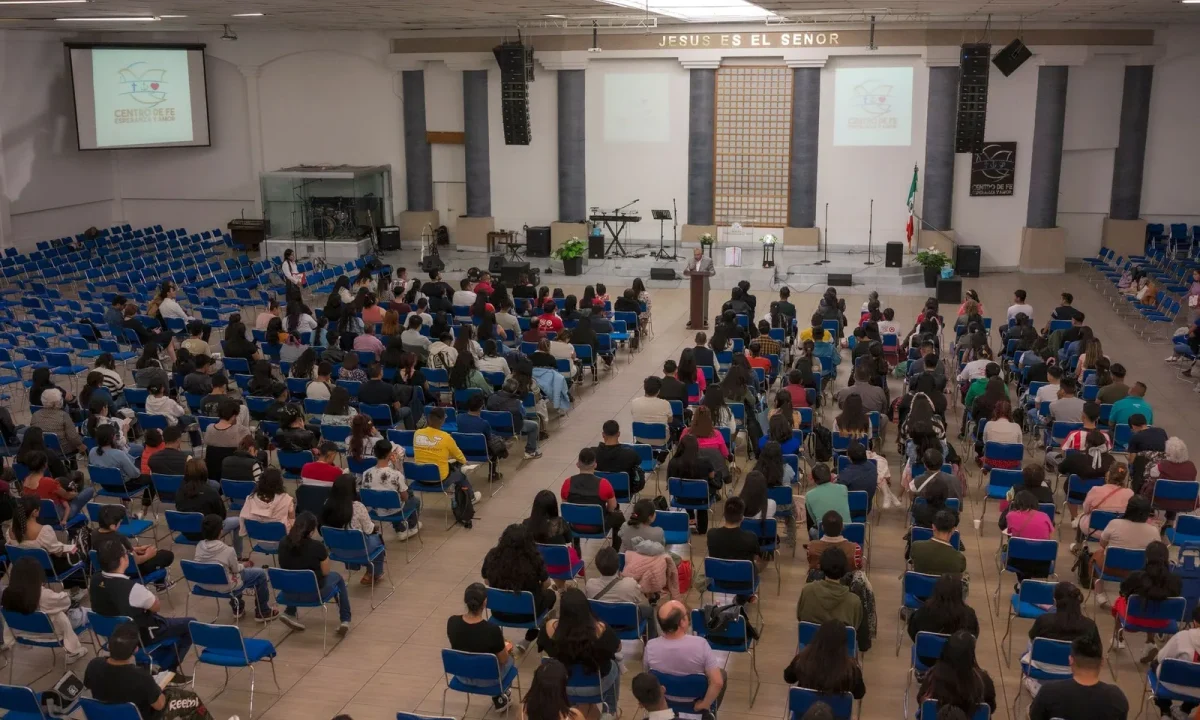
Audience engagement teleprompters help creators, speakers, and educators maintain eye contact while delivering scripts that actively pull viewers into the conversation. This guide explains how these tools work, which teleprompter cues matter, and how to build engagement strategies that feel natural on camera rather than scripted and stiff. Whether you record weekly YouTube tutorials, host corporate webinars, or film short lessons for an online course, the principles below will help you turn a reading tool into a genuine connection tool.
What Are Audience Engagement Teleprompters?
An audience engagement teleprompter is a prompting setup whose purpose goes beyond simply displaying words. Standard prompting exists so you never lose your place, but an engagement-focused workflow embeds deliberate moments of interaction into the script itself: a question for the viewer, a pause for a reaction, a call to comment, or a visual marker that signals a shift in energy. The result is a recording where the presenter appears present and responsive, even though the structure behind that appearance was carefully planned in advance. For beginners, the important term to internalize is cue — a written instruction that tells you when to look up, when to slow down, and when to address the audience directly.
Definition and core features
At a practical level, an engagement teleprompter combines the familiar features of any prompting app — adjustable scroll speed, large readable text, remote or pedal control — with structure designed for interaction. Core features typically include highlighted cue markers inside the script, adjustable spacing that forces visual breathing room, and a layout that keeps camera alignment obvious so you always know where “eye contact” happens. Some creators simply color-code questions in yellow and pauses in blue within an ordinary document; others use dedicated teleprompter apps that support notes layered over the scrolling text. The feature set matters less than the habit: the script should tell you not only what to say, but how to connect while saying it.
How they differ from standard prompters
A standard prompter treats the script as a continuous block of text to be delivered at a uniform pace, which often produces a flat, monotonous read. An engagement teleprompter breaks that block into segments, each with a stated intention — introduce a pain point, ask a direct question, deliver a proof point, then invite a response. The difference shows up on camera: viewers perceive the presenter as someone who is talking with them rather than reciting at them. If you want to see how this distinction plays out across different formats, the related reading on Maximizing Audience Engagement with Teleprompters: A Guide walks through the comparison in more detail.
Why engagement is built into the workflow
Engagement rarely survives as a last-minute decision made in front of a live camera. When interaction points are written into the script, they become as non-negotiable as your key data points, which means they actually happen even when you are tired or running behind schedule. Building engagement into the workflow also removes the anxiety of improvising prompts under pressure; you already know the exact question you will ask and the exact moment you will ask it. Over time, this structure becomes second nature, and presenters begin to sense pacing and reaction points intuitively even without visible markers.
Why Eye Contact Drives Viewer Interaction
Consistent eye contact is widely associated with stronger viewer trust, according to public sources, and on video that eye contact is simulated by looking directly into the camera lens rather than at a preview monitor or a script placed off to the side. When a viewer feels looked at, the content shifts from broadcast to conversation, and they are more likely to stay, respond, and act on what you say. A teleprompter positioned directly around the lens is what makes that sustained contact possible while reading a prepared script. Without one, most presenters drift between the script and the lens every few seconds, and the resulting flicker quietly erodes the sense of direct address.
The psychology of looking at the lens
Looking into the lens creates the perception that you are speaking to one specific person, which is a far more persuasive frame than addressing an abstract crowd. That one-to-one feeling lowers the psychological distance between creator and viewer, making questions and calls to action feel like natural invitations instead of sales pressure. The effect is compounded when your facial expression matches your words — a raised eyebrow during a question, a slight smile before a pause — because the viewer reads micro-signals as evidence that you are engaged too. The lens, in other words, is not just a technical target; it is the emotional anchor of the whole recording.
Balancing script fidelity with spontaneity
The common fear is that reading from a prompter makes delivery robotic, but the opposite is true when cues are written for delivery rather than for density. A script that leaves room for a half-second reaction, an off-hand comment, or a quick aside gives you permission to be human without losing your place. The balance is achieved by writing in short, speakable sentences with natural breathing points, then rehearsing until the words feel owned rather than recited. If you want to sharpen this balance further, Mastering Teleprompter Cues for Engaging Presentations offers a deeper breakdown of how to shape phrasing for a natural read.
Teleprompter Cues That Spark Interaction
Teleprompter cues are the connective tissue between a well-written script and a performance that viewers actually respond to. They fall into three families: verbal cues that live in your wording, visual cues that guide your eyes, and timing cues that govern rhythm. Used together, they transform a monologue into something that behaves like a dialogue, even in a pre-recorded video where no one is answering in real time. The key is consistency — cues should appear at predictable intervals so the audience learns to anticipate and participate.
Verbal cues: questions and calls to action
Direct questions are the most reliable verbal prompt you have: “Have you ever lost your place mid-recording?” pulls the viewer into their own memory and primes them to respond. Calls to action should be specific rather than generic — asking people to comment the exact tool they use outperforms a vague “let me know what you think.” Embedding these phrases in the script ensures they are delivered with the same confident timing every take. For a broader menu of prompts that work across formats, see Effective Strategies for Interacting with Viewers During Presentations.
Visual cues: markers, spacing, and pacing
Visual cues work on you, the presenter: a bold bracket around a key phrase, an arrow pointing up to signal “look at the lens,” or extra blank lines that physically slow the scroll. These markers reduce cognitive load because your eye recognizes shape and color faster than it reads words, letting you focus on delivery. Spacing matters enormously — a paragraph with no visual breaks encourages a rushed, breathless read, while generous line breaks invite calm and emphasis. Many creators find that simply inserting a row of asterisks before each question instantly improves their delivery rhythm.
Timing cues for pauses and reactions
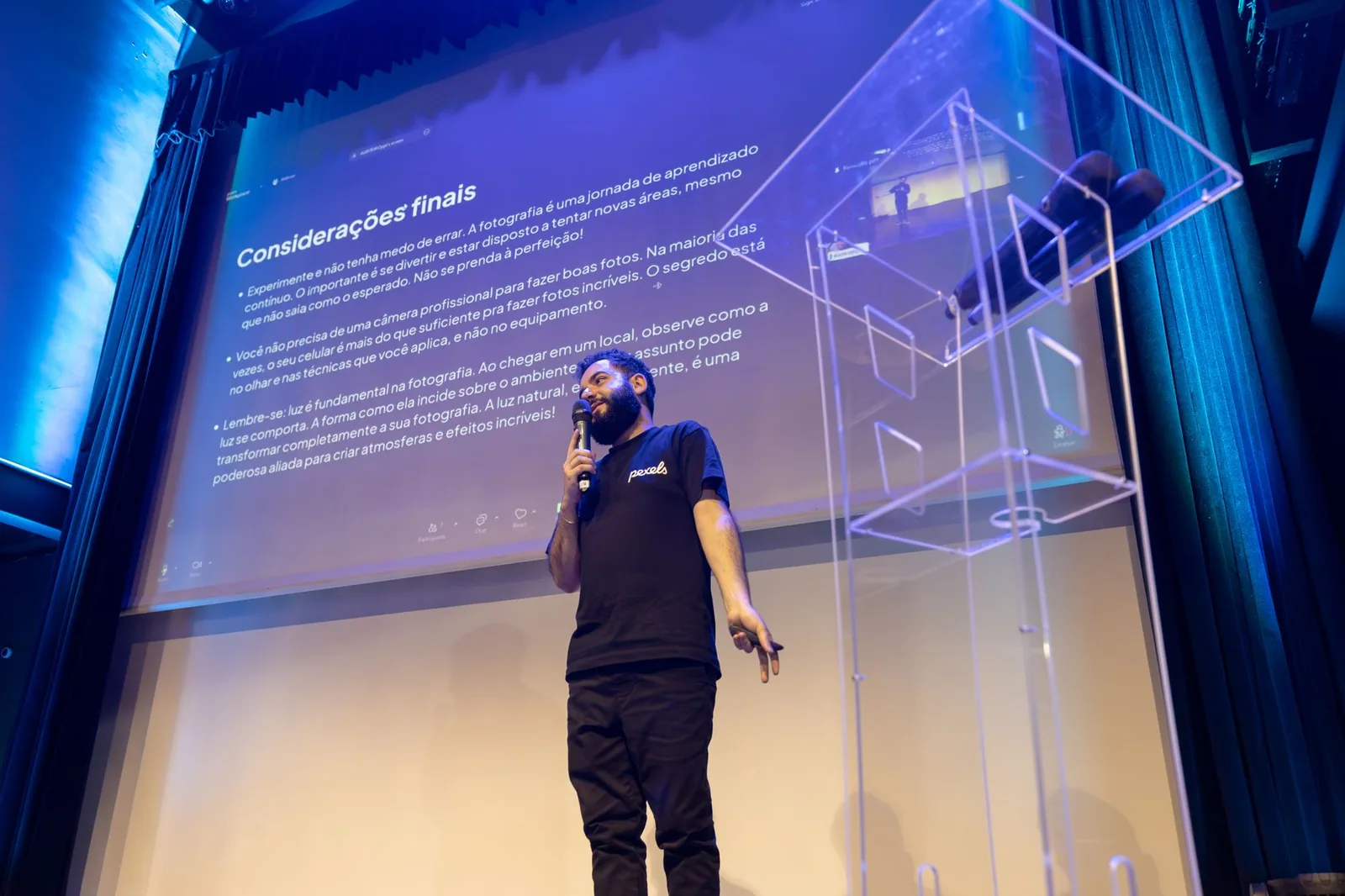
Pauses are the most underused engagement tool in video. A deliberate two-second silence after a question gives viewers time to formulate an answer mentally, which dramatically increases the chance they will type it in the comments. Timing cues in the script — a “[PAUSE 2s]” marker or a “[REACTION: nod]” note — make those silences intentional instead of accidental. Rhythm also signals confidence; presenters who pause deliberately are consistently perceived as more in control than those who fill every second with words.
Engagement Strategies You Can Run Live or Recorded
Engagement strategies are not exclusive to live streaming. Recorded videos can be structured so that every upload systematically invites comments, shares, and return visits, while live sessions allow you to adapt based on what is happening in the chat at that moment. The underlying mechanics are the same: identify a viewer need, address it clearly, and create an explicit opening for the viewer to respond. What changes between live and recorded is timing and flexibility, which is why the script structure should differ accordingly. The broader principles of structuring interactive content are covered in Creating Engaging Content with Teleprompters.
Prompting comments, polls, and Q&A
Each interaction type needs a distinct prompt, and vague wording kills response rates. For comments, ask about a specific experience: “Which of these three setups are you currently using?” For polls and Q&A, announce the mechanism early and repeat it, since viewers often arrive mid-video. In live settings, your prompter can include a line reminding you to read an incoming question aloud, which makes the audience feel heard and encourages others to participate. Over time, these small invitations compound into a community habit of responding.
Structuring scripts around viewer pain points
The strongest engagement scripts are organized around problems the viewer recognizes immediately, not around the creator’s features or achievements. Open with the pain point in the first fifteen seconds, confirm that you understand it, then deliver a concrete solution and ask whether it matches their situation. This structure gives the viewer a reason to respond, because the content has already demonstrated that their input is relevant. It also keeps retention high, since a problem-solution arc is inherently more compelling than a chronological list of tips.
Adapting tone based on real-time feedback
In live sessions, the chat is a live read on your pacing and clarity. If questions cluster around a single point, that is a signal to slow down and re-explain rather than push forward. Your prompter can include contingency blocks — optional paragraphs you insert or skip depending on how the audience responds. This adaptability is what separates an engaging live session from a polished but inflexible recording, and it is discussed further in Engagement Strategies: Enhance Your Presentations Effectively.
Setting Up Your Teleprompter for Maximum Connection
Technical setup quietly determines whether your engagement efforts succeed or fall flat. A prompter that scrolls too fast forces you to race through questions; one placed off-axis makes eye contact impossible regardless of how good your script is. The goal is a configuration where the mechanics disappear entirely, leaving you free to focus on expression and connection. Small adjustments here produce disproportionate improvements in how your videos feel to viewers.
Scroll speed and text size settings
Start slower than you think necessary. Most presenters set the speed too high because they are nervous about running out of material, but a slightly slower scroll naturally produces calmer pacing and more room for pauses. Text size should be large enough to read comfortably at your actual camera distance, typically larger than feels natural when you test it sitting close to the screen. Rehearse at least twice with the final settings, because your delivery changes when you are no longer fighting the equipment.
Camera placement and lens alignment
The lens must sit as close to the center of the reading area as possible; the further your eyes travel from the text to the lens, the more obvious the shift becomes to viewers. Beam-splitter glass setups achieve near-perfect alignment, while tablet-on-tripod arrangements work acceptably for casual content if the device sits directly behind the lens. Whatever hardware you use, verify alignment by recording a test take and watching whether your gaze appears to move. For setup guidance tailored to different budgets, Practical Tips for Using Audience Engagement Teleprompters is a useful reference.
Rehearsing with cue markers in the script
Rehearsal is where cue markers earn their value. Read the script aloud at least once with markers visible, noticing which cues feel obvious and which ones you skim past — those are the ones to enlarge or reword. On the second pass, practice reacting to your own questions, because delivering a prompt without a facial response is the most common cause of a flat read. By the time you record, the markers should feel like familiar signposts rather than instructions you are processing for the first time.
Common Mistakes That Kill Audience Connection
Even well-intentioned creators undermine their own engagement through a handful of recurring habits. The most damaging is reading without reacting: the words arrive, but the face stays neutral, and viewers interpret that mismatch as disinterest. The second is over-scripting every second, leaving no room for breath, emphasis, or spontaneity, which produces a delivery that sounds automated. Both problems share a root cause — treating the script as a finished performance instead of a framework for one. For a complete diagnostic list, Audience Engagement Teleprompters: Common Mistakes to Fix is worth bookmarking.
Reading without reacting
Your reaction to your own content is the viewer’s primary cue about how to feel. When you ask a question, let your expression change; when you deliver a surprising point, allow a beat of genuine emphasis. Prompter apps sometimes allow small note lines above the scrolling text, which are ideal places to write “smile,” “lean in,” or “raise eyebrows” as reminders. Without these prompts, presenters tend to wear a single expression for the entire video, and viewers disengage long before the content runs out.
Over-scripting every second
A script that fills every gap with words leaves no space for the audience to process, and processing time is where engagement happens. Write your opening, your key transitions, and your calls to action carefully, then allow yourself looser phrasing in explanatory sections. This approach keeps the important interaction points precise while letting your delivery breathe. It also makes retakes easier, since you are not trying to reproduce an exact sentence word for word.
Ignoring support keywords like interacting with viewers
Finally, creators often neglect the vocabulary of connection itself — phrases centered on interacting with viewers — because they sound promotional rather than conversational. In practice, natural language about participation (“drop your answer below,” “tell me which one you tried”) performs far better than stiff, corporate phrasing. Building a small library of these expressions and pasting them into your prompter templates saves time and keeps your calls to action consistent across videos. If you are building a full workflow from scratch, Step-by-Step Audience Engagement Teleprompters That Work provides a complete sequence, and Understanding Audience Engagement Teleprompters: How They Work covers the underlying mechanics.
Conclusion
Audience engagement teleprompters work because they solve two problems at once: they keep your eyes on the lens so viewers feel addressed, and they embed interaction points into the script so engagement happens by design rather than by luck. The essential elements are straightforward — verbal questions and calls to action, visual markers and spacing that guide your eyes, and timing cues that protect deliberate pauses. Pair those with a setup where scroll speed, text size, and lens alignment are tuned to your actual recording distance, and the technical layer quietly disappears from the viewer’s experience.
Start by taking one existing script and adding three markers: a question in the opening, a pause before your main takeaway, and a specific call to action at the end. Rehearse twice at your final settings, record a test take, and watch your gaze and expression rather than your wording. From there, expand incrementally — and for more depth, explore Maximizing Audience Engagement with Teleprompters: Best Practices and Understanding Audience Engagement Teleprompters: How They Work before your next recording session.
Frequently asked questions
Do teleprompters actually improve audience engagement, or do they make speakers sound scripted and robotic?
A teleprompter only helps if the script is written for the ear and the speaker rehearses to a conversational pace. Used well, it frees the presenter from memorization so they can modulate tone, pause for reactions, and hold steady eye contact. The robotic effect usually comes from reading verbatim copy that was never edited for spoken delivery.
What is the difference between a presidential (glass) teleprompter and a confidence monitor?
A presidential teleprompter uses a beam-splitter glass panel angled toward the speaker, so the text reflects at eye level and the audience sees through it to the speaker’s eyes. A confidence monitor sits on the floor or stage lip facing the presenter and is usually read by glancing downward, which visibly breaks eye contact. For audience-facing engagement, the glass system is the stronger choice because the read point never leaves the crowd.
Can a teleprompter be used when part of the presentation is unscripted, like Q&A or audience interaction?
Yes, but it works best as a hybrid tool. Operators typically load the scripted portions and leave blank buffers or section markers during interactive blocks so the speaker can switch to free conversation without hunting for their place. Many systems also support live typing, so a moderator can push a question or key statistic into the display in real time.
How is the scroll speed kept in sync with the speaker’s pace?
There are three common methods: a dedicated operator riding the scroll manually, automatic voice-tracking that follows the speaker’s vocal position in the script, or speaker-controlled speed via a hand-held or foot pedal. Manual operation is still preferred for live events because it lets the operator slow down, pause, or jump sections in response to applause and audience energy.
Do you need a separate operator to run an audience-facing teleprompter?
For a single camera-facing script with a practiced presenter, self-control via a remote or foot pedal can work. For live events with multiple prompter panels, running order changes, or improvisation, an operator is strongly recommended to keep all panels in sync and handle on-the-fly edits. A mismatch between two glass panels is immediately noticeable to the audience.
What types of events benefit most from engagement-focused teleprompters?
They shine in keynotes, product launches, town halls, investor presentations, and broadcast town-hall style formats where the speaker must face a live crowd rather than a camera. They are less valuable for highly interactive workshops or panels, where a confidence monitor or simple cue cards give the presenter more freedom to move and react.
Recording with a script? Try Lumi.
Keep your script near the camera and out of your final video. Try free for 3 days.
Learn more


