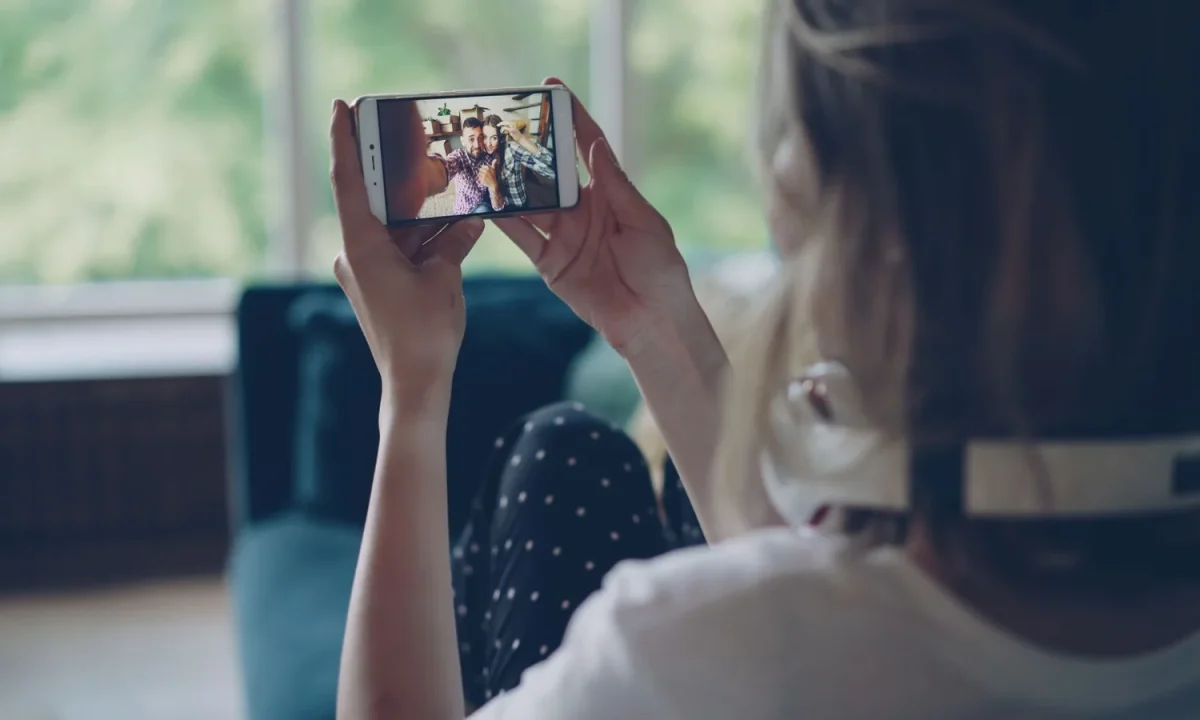
Interacting with viewers is what separates a script that is simply read from a video that actually connects. Whether you present through a teleprompter in a studio, on a live stage, or in a classroom, the audience can tell when you are talking with them rather than at them. This guide breaks down practical engagement strategies and teleprompter cues you can rehearse, apply, and refine so your delivery feels conversational even when your eyes leave the lens for only a moment.
Why Interacting With Viewers Decides Whether Your Video Holds Attention
Before any technique matters, it helps to understand what interaction actually does to a viewer. A video that broadcasts a message delivers information in one direction; a video that starts a conversation creates the psychological impression that the viewer is part of something happening right now. When a presenter addresses people directly, viewers shift from passive consumption to active participation — they anticipate the next line, mentally answer questions, and stay engaged because the exchange feels reciprocal. That shift is the single biggest determinant of whether someone watches to the end or clicks away in the first thirty seconds. The good news is that connection is not an innate talent; it is a set of deliberate habits that you can build with the right setup, script, and rehearsal routine.
The difference between broadcasting a message and starting a conversation
Broadcasting means delivering content at an audience with no expectation of response. It is efficient, but it is also easy to ignore. Starting a conversation, by contrast, implies that the viewer’s attention, questions, and reactions matter to what happens next. In practice, the difference shows up in small choices: whether you say “here is the process” or “here is what you’ll do next,” whether you pause after a point or immediately rush to the next one, and whether your eyes hold the lens or drift back to the text. Viewers may never consciously notice these details, but they consistently report that presenters who address them directly feel more trustworthy and more worth watching.
How eye contact, tone, and pacing signal that you are present with the audience
Eye contact is the fastest trust signal you have. When your gaze sits on or near the camera lens, the viewer perceives a face aimed at them, which mirrors how conversations work in real life. Tone and pacing reinforce that impression: a presenter who varies speed, drops volume for emphasis, and lets silence sit after a strong statement sounds like someone thinking with you, not reciting at you. Together, these three channels — eyes, voice, rhythm — tell the audience that you are present. When one of them breaks, for example when your eyes track visible text, the illusion collapses and the viewer retreats into observer mode.
What public sources say about attention spans in online video
Public research on instructional design and presentation practice consistently points in the same direction: audiences retain and respond better when they feel directly addressed. While exact retention figures vary by study, source, and format, the general finding is robust — passive delivery loses people faster than active, conversational delivery. That means the effort you put into interacting with viewers is not decoration; it is a structural decision about whether your content survives contact with a distracted audience. If you want the supporting arguments in depth, our guide on Effective Strategies for Interacting With Viewers During Presentations expands on the research context.
Setting Up Your Teleprompter So Interaction Feels Natural
Interaction is a performance decision, but it is also an engineering one. A teleprompter positioned a few inches off-axis from the lens, with text too small to read comfortably, forces your eyes to move visibly — and every visible eye movement reads as disengagement. The opposite is also true: a prompter that is well placed and well configured lets you deliver long passages while the viewer experiences steady, natural eye contact. Treat setup as the foundation of your engagement strategies, because no amount of charisma will compensate for hardware that constantly pulls your gaze away from the camera.
Placing the prompter close enough to the lens to protect eye contact
The goal is to make the distance between the text and the lens as small as your equipment allows. On a professional rig, a through-the-lens prompter puts the glass directly in front of the camera, which is ideal. On a desktop or budget setup, a freestanding prompter or even a laptop placed immediately beside the camera works well if the gap stays narrow — roughly the width of the lens itself. Test this by recording yourself and watching where your eyes land; if viewers can see you scan horizontally between sentences, the prompter needs to move closer to the lens or your script needs more pause markers so your gaze returns to center between phrases.
Font size, scrolling speed, and margin settings that prevent visible reading
Large text with generous line spacing lets you read a few words at a time without scanning the full width of the screen, which keeps head and eye movement minimal. A slow, steady scroll that matches your natural speaking pace removes the temptation to read ahead. Narrow margins are equally important: when lines are short, your gaze covers less distance per sentence, so the transition back to the lens looks effortless. Many experienced presenters also increase contrast and reduce line count on screen so that only two or three lines are visible at once, which keeps attention on delivery rather than on parsing dense blocks of text.
Marking the script with pause points and direct-address moments
The most underrated part of prompter setup is what you write into the script itself. Inserting explicit markers — [PAUSE], [LOOK TO LENS], [SMILE] — turns your script into a live choreography rather than a wall of prose. These markers give you permission to stop reading, hold the camera, and let a moment breathe. Over time, they also teach your eye to return to the lens at predictable intervals, which is what makes the interaction look intentional instead of accidental.
Teleprompter Cues That Invite the Viewer Into the Conversation
Teleprompter cues are the bridge between a written script and a spoken conversation. Without them, the default behavior of any presenter is to read continuously, and continuous reading flattens tone, removes pauses, and eliminates the small moments where a viewer would naturally respond. With them, your script carries instructions about performance, not just content. The following practices make your copy an active partner in interacting with viewers rather than a passive teleprompter feed.
Adding bracketed stage directions: [PAUSE], [LOOK TO LENS], [SMILE]
Stage directions inside brackets are visible to you and invisible to the audience, which makes them ideal for live delivery. Use [PAUSE] after questions and key claims, [LOOK TO LENS] before any second-person sentence, and [SLOWER] or [UPBEAT] when the tone needs to shift. Keep the vocabulary short and consistent so you can parse it instantly while speaking. Most presenters find that five to ten well-placed cues per page accomplish more than dozens of scattered reminders, because each one becomes a reliable trigger rather than background noise.
Writing in second person so the copy itself speaks to the viewer
Second person is the cheapest engagement tool available. Sentences that use “you” and “your” position the viewer as the subject of the video, which makes the content feel personalized even at scale. Compare “teams should review their workflow” with “take a look at your workflow this week” — the second version sounds like a conversation, and it gives you a natural reason to look at the lens. Sprinkle direct address throughout the script rather than saving it for a closing call to action.
Using rhetorical questions and short phrases that create natural breaks
Questions create cognitive gaps that viewers instinctively want to fill, and those gaps are exactly where pauses belong. A rhetorical question followed by a two-second silence gives the audience time to think, and it gives you a clean opportunity to hold the lens. Short phrases serve a similar purpose: after a long, dense sentence, a fragment such as “That is the whole trick” resets the rhythm and restores conversational energy.
Signaling tone shifts so your voice matches the written prompt
Tone changes that are not telegraphed tend to sound like mistakes. Marking shifts explicitly — [SERIOUS], [LIGHTER], [EMPHASIS ON “NOW”] — prepares your voice before you reach the line, which makes transitions sound deliberate. This is particularly valuable in educational and corporate videos, where the shift from explanation to example can otherwise feel abrupt. For a deeper walkthrough of cue design, see Mastering Teleprompter Cues for Engaging Presentations.
Engagement Strategies That Work During the Take
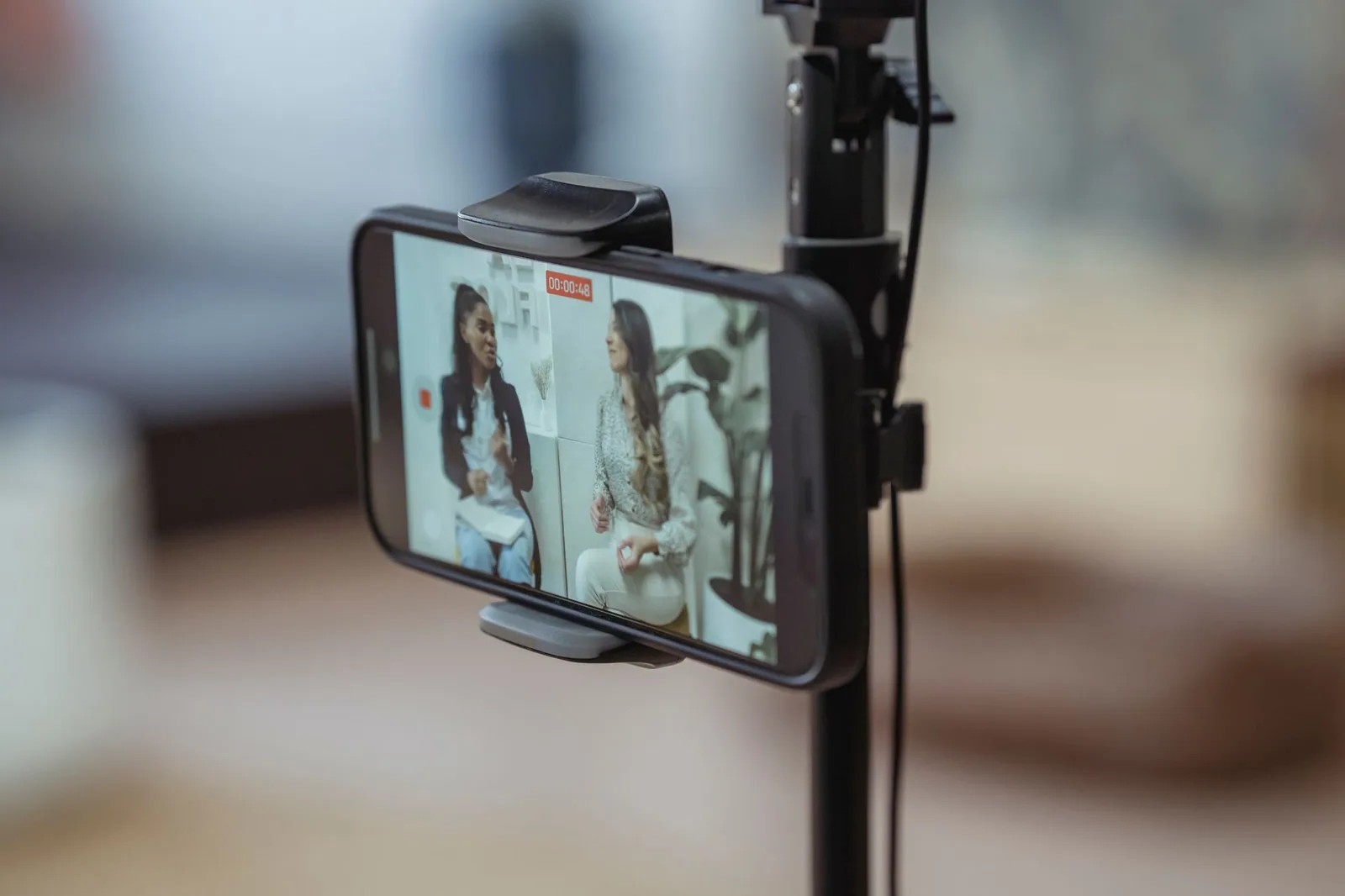
The setup gets you ready; the take is where engagement strategies either happen or do not. These habits apply whether or not you are using a prompter, and they are the same techniques that experienced speakers use on stage. The underlying principle is simple: treat the camera as a person, and behave the way you would behave in a real conversation with that person.
Speaking to one specific person instead of a vague crowd
Abstract audiences produce abstract delivery. When you imagine a real viewer — a specific role, a specific problem, a specific moment in their day — your language naturally becomes concrete and your face becomes more expressive. Many presenters keep a photo of a representative viewer next to the lens and speak to that face throughout the take. This single habit improves clarity, warmth, and consistency more than most technical adjustments, because it answers the question “who am I talking to?” before the camera starts rolling.
Varying pace and volume to mirror how people actually talk
Nobody speaks at a constant rate in a real conversation. People speed up when excited, slow down when something matters, and drop their volume to draw a listener closer. Replicating that variance on camera keeps the audience’s auditory attention alive, and it also gives you natural windows for eye contact — slowing down almost always comes with a pause, and pauses are where you look up.
Acknowledging comments, questions, or context from the live chat
In live formats, reading a viewer’s name and answering their question transforms the session from a broadcast into an event for everyone watching. Plan this in the script: leave a dedicated block after each major section where you stop, check the chat, and respond. Even in recorded videos, referencing real questions you have received in comments creates the same sense of dialogue across time.
Leaving breathing room after key points so viewers can react
Silence is an invitation. When you finish a significant claim and hold the lens for two seconds, viewers unconsciously register that they have space to think, disagree, or respond. Rushing past that space signals that you are performing for yourself rather than for them. Our related piece on Engagement Strategies: Enhance Your Presentations Effectively covers additional delivery techniques you can layer on top of these basics.
Formats That Make Two-Way Interaction Easier
Some formats are structurally better suited to interaction than others. Choosing the right container for your content determines how much back-and-forth is possible, so decide deliberately rather than defaulting to whatever you used last time. For a broader look at how format shapes connection, read Maximizing Audience Engagement with Teleprompters: A Guide.
Q&A segments planned into the script with placeholder prompts
Building a Q&A block into the script gives interaction a scheduled home. Use placeholder text such as [ANSWER: VIEWER QUESTION ABOUT ___] so you can insert a real question at recording time while keeping the surrounding structure intact. This is especially useful for solo creators who record without a live audience but still want their videos to feel responsive.
Live streams, webinars, and classes where feedback arrives in real time
Real-time formats reward presenters who can alternate between prepared content and spontaneous response. The prompter becomes a scaffold rather than a script: you deliver your core points from text, then step away from it to engage. Understanding how audience engagement teleprompters actually function in these environments is covered in Understanding Audience Engagement Teleprompters: How They Work.
Recorded videos that still invite responses through clear calls to action
Recorded content can still be two-way, provided the call to action is specific. Instead of “let me know what you think,” ask “tell me which of these two approaches you use.” Specific questions produce specific answers, and specific answers give you material for the next video, which closes the loop between production and audience.
Rehearsal Drills for Confident Viewer Interaction
Interaction feels unnatural at first because it is a new motor skill layered on top of an existing one. Rehearsal converts conscious effort into instinct, and a structured drill routine compresses that timeline considerably. The goal of every drill below is the same: make returning to the lens automatic so you can spend your attention on the viewer instead of on the mechanics.
Reading the script aloud while keeping your focus on the lens
Start without any equipment. Print or display your script slightly off to the side of a mirror, then read it aloud while keeping your reflection’s eyes steady. This builds the peripheral-reading skill that makes prompter use feel effortless, and it exposes sentences that are too long to deliver while looking up. Practical implementation tips are available in Practical Tips for Using Audience Engagement Teleprompters.
Recording short test takes and reviewing where the connection breaks
Record one minute of delivery, then watch it with the sound off first. Silent viewing makes eye drift, frozen expressions, and rigid posture obvious in a way that listening cannot. Note the exact timestamp where the connection breaks, identify the cause — usually a long unbroken passage or a missing pause marker — and fix the script before the next take.
Practicing with a stand-in audience or a colleague on a call
Interacting with a real person, even one on a video call who cannot see you, produces more natural facial behavior than performing to an empty room. Ask your stand-in to interrupt with questions mid-take; learning to absorb an interruption gracefully is a skill that transfers directly to live streams and classrooms.
Refining cue markers after each rehearsal round
Treat your cue markers as a draft. After each rehearsal, delete the ones you ignored, add the ones you needed but did not have, and keep the total count manageable. Within three or four rounds, your script usually stabilizes into a clean, reliable pattern. A structured progression for this process is outlined in Step-by-Step Audience Engagement Teleprompters That Work.
Common Mistakes That Break the Connection With Viewers
Most broken connections come from a short, predictable list of errors. Learning to recognize them in your own footage is faster than trying to add new techniques on top of old problems, so audit for these before you change anything else.
Eyes drifting back to the text instead of holding the lens between sentences
The most common failure is subtle: you finish a sentence, glance down to locate the next line, and glance back up. Viewers read that flicker as a break in eye contact, even when it lasts a fraction of a second. The fix is usually structural — larger text, narrower margins, or a [LOOK TO LENS] marker at the end of every sentence you want to land.
Over-scripting, which removes any room for spontaneous reactions
A script that leaves no breathing room makes interaction impossible, because there is nothing to pause between. Build intentional gaps into your copy, and leave at least one section loosely outlined rather than fully written so you have space to respond to what you observe. The balance between structure and spontaneity is explored further in Creating Engaging Content with Teleprompters.
Rushing through pauses where a viewer would naturally respond
Presenters often feel that pauses are dead air and fill them instinctively. On camera, that instinct works against you: the filled pause reads as nervousness, and the audience loses the moment where they would have leaned in. Trust the silence, and count to two after anything you want the viewer to consider.
Ignoring audience signals because you are focused on finishing the take
In live settings, watching the chat and the room gives you real-time data about whether your message is landing. Presenters who fixate on completing the script miss frowns, confused questions, and disengagement that could be addressed in the moment. Check your footage and your analytics afterward, too; Audience Engagement Teleprompters: Common Mistakes to Fix lists the specific failure patterns to look for, and How to Use Audience Engagement Teleprompters in Videos shows how to build review habits into your workflow.
Conclusion
Interacting with viewers is a skill built from three layers: a prompter set up for eye contact, a script written for conversation, and rehearsal that turns cues into instinct. None of the three works alone — a perfectly positioned prompter cannot rescue flat copy, and energetic delivery cannot compensate for eyes that constantly wander back to the text. Treated together, however, they produce a presentation that feels less like a performance and more like a genuine exchange with the people watching. For ongoing best-practice checklists, see Maximizing Audience Engagement with Teleprompters: Best Practices.
Start with one concrete change this week: mark your next script with a handful of teleprompter cues, record a test take, and watch carefully for the moments where the connection holds and where it slips. Small adjustments to setup, wording, and pacing compound quickly, and within a few rehearsals your delivery will begin to feel conversational by default rather than by effort.
Frequently asked questions
How can you talk to chat during a live stream without losing track of what you are doing on screen?
Set fixed checkpoints for reading chat, such as during loading screens, menu navigation, or natural pauses in gameplay or presentation. Between checkpoints, keep chat on a second monitor but only glance at it briefly, and get comfortable saying "I’ll catch up with chat in a second" so viewers know they have not been ignored. This keeps your commentary and performance coherent while still making the audience feel seen.
How should you respond to trolls or negative comments without derailing the stream?
Do not argue or give the comment a long reaction, since most trolls want visibility and emotional response. Briefly acknowledge or deflect with humor, then hand the problem to a moderator and move on within a few seconds. Banning or timing out is fine when behavior crosses a line, but avoid making a public scene, which rewards the disruption and shifts the mood for everyone else.
Should you call viewers by name when you answer their questions?
Yes, using a viewer’s display name is one of the cheapest and most effective ways to make interaction feel personal. It signals that you are paying attention to individuals rather than to an anonymous crowd, and it encourages lurkers to participate because they can see real people being recognized. Just keep it natural rather than reading every username aloud mechanically.
How do you get viewers to actually participate in chat instead of just lurking?
Ask specific, low-effort questions with clear options rather than open-ended ones, since "A or B" invites far more replies than "what do you think?" Acknowledge answers and build on them so people see that participation changes the stream. Consistency matters too: if you regularly ignore chat, viewers learn that typing is pointless.
Do small streamers really need chat moderators, and when should you add them?
Even a small channel benefits from one trusted moderator once chat moves faster than you can read it, or once you start attracting regular negative comments. A moderator lets you stay focused on content and prevents problems from escalating while you are busy. Choose people who understand your tone and rules, and write simple, visible chat rules first so moderation decisions are consistent.
How do you handle spoilers, backseat gaming, or viewers telling you what to do?
Set clear expectations up front about what kind of advice you want, such as hints only or no help at all, and repeat it calmly when someone crosses the line. Responding with frustration tends to invite more of the same behavior, while a short, firm reminder usually settles it. If it continues, a timeout is more effective than repeated verbal warnings.
Recording with a script? Try Lumi.
Keep your script near the camera and out of your final video. Try free for 3 days.
Learn more


