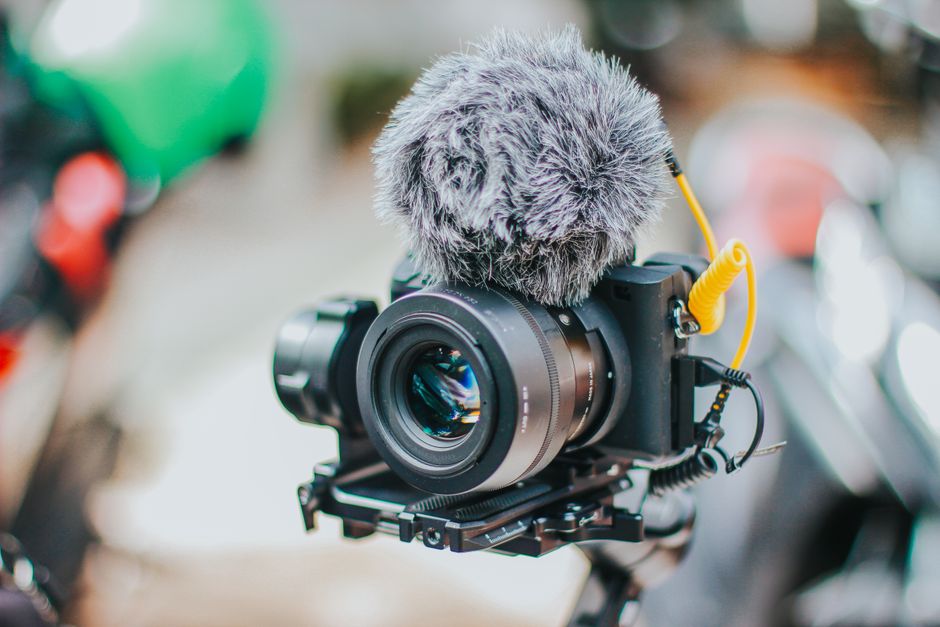
Sound quality is crucial in video production, affecting viewer engagement and content retention. This guide provides essential tips and techniques for improving sound quality in your videos, ensuring a professional finish.
Understanding Sound Quality
What is Sound Quality?
Sound quality refers to the clarity, richness, and overall fidelity of audio in a recording. It encompasses various factors, including frequency response, dynamic range, and distortion levels. High sound quality ensures that viewers can clearly hear dialogue, music, and sound effects, which is essential for an immersive viewing experience.
Importance of Sound Quality in Video
The importance of sound quality in video cannot be overstated. Poor audio can distract viewers and lead to a lack of engagement, potentially causing them to lose interest in the content. In contrast, high-quality sound enhances the storytelling aspect of a video, making it more enjoyable and memorable. By focusing on improving sound quality, content creators can elevate their productions and retain audience interest.
Choosing the Right Microphone
Types of Microphones
When it comes to best microphones for video recording, understanding the different types of microphones available is crucial. Here are the main categories:
- Dynamic Microphones: Ideal for loud environments, these microphones are durable and handle high sound pressure levels well.
- Condenser Microphones: Known for their sensitivity and wide frequency response, these are excellent for capturing detailed sound.
- Lavalier Microphones: Small and clip-on, lavalier mics are perfect for interviews and on-the-go recording.
- Shotgun Microphones: Directional and focused, shotgun mics are ideal for capturing sound from a distance while minimizing background noise.
Best Microphones for Video Recording
Choosing the right microphone can significantly impact your video’s sound quality. Here are some recommended microphones across different categories:
- Rode VideoMic Pro: A popular shotgun microphone that delivers excellent audio quality for DSLRs and camcorders.
- Zoom H1n: A portable recorder with built-in stereo microphones, perfect for capturing high-quality audio on the go.
- Shure SM7B: A dynamic microphone favored for its rich sound, making it great for voiceovers and interviews.
- Audio-Technica AT2020: A versatile condenser microphone that offers excellent audio quality at an affordable price.
Choosing the Right Microphone for Your Needs
When selecting a microphone, consider the type of content you produce and your recording environment. For instance, if you often record interviews, a lavalier microphone may be the best choice. Alternatively, for vlogging and outdoor shoots, a shotgun microphone would be more suitable due to its directional capabilities.
Audio Tips for Video Production
Setting Up Your Recording Environment
Creating an optimal recording environment is vital for audio tips for video. Here are some strategies to enhance your setup:
- Choose a quiet location: Minimize background noise by selecting a quiet space for recording.
- Use soundproofing materials: Adding carpets, curtains, and foam panels can help absorb sound and reduce echoes.
- Position your microphone correctly: Place the microphone close to the sound source to capture cleaner audio.
Using Windshields and Pop Filters
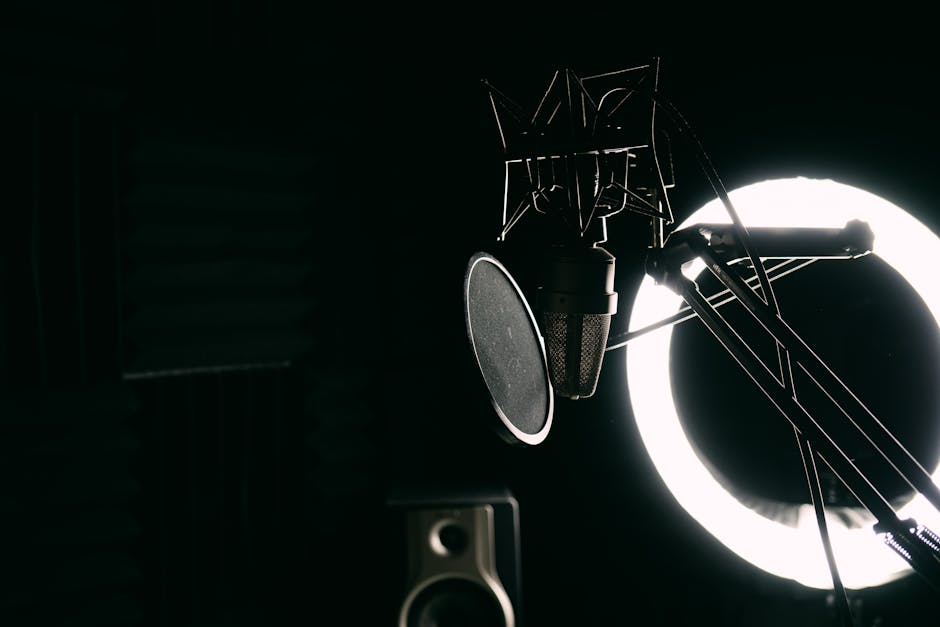
Windshields and pop filters are essential accessories that can greatly improve sound quality. Windshields help reduce wind noise when recording outdoors, while pop filters can minimize plosive sounds during speech, ensuring clearer audio.
Monitoring Sound Levels
Always monitor sound levels while recording. Using headphones allows you to hear the audio in real-time, making it easier to catch issues like distortion or background noise as they happen. This proactive approach can save time during post-production.
Post-Production Audio Enhancement
Editing Audio in Video Software
Post-production is a crucial stage for enhancing audio quality. Utilizing video editing software, you can trim, adjust, and clean up audio tracks. Most editing software includes tools for equalization, noise reduction, and volume adjustments that can significantly improve sound quality.
Using Sound Effects and Background Music
Incorporating sound effects and background music can enhance viewer engagement by adding depth to your video. However, it’s essential to maintain balance; ensure that dialogue is clear and that music or effects do not overpower the primary audio.
Balancing Audio Levels
During the editing process, it’s critical to balance audio levels across different tracks. This involves adjusting the volume of dialogue, music, and sound effects to create a cohesive listening experience. Aim for consistency to avoid jarring transitions between different audio elements.
Common Sound Problems and Solutions
Echo and Reverb Issues
Echo and reverb can be particularly problematic in recordings. To mitigate these issues, choose a recording location with minimal hard surfaces and use sound-absorbing materials to dampen sound. Additionally, consider using a directional microphone to focus on the sound source and reduce ambient noise.
Background Noise Reduction
Background noise can distract viewers and detract from the overall quality of your video. To minimize this, record in quieter environments, utilize noise gates and audio filters in post-production, and consider using directional microphones that isolate sound sources.
Handling Audio Sync Problems
Audio sync issues can arise during recording or editing. To address this, ensure that your recording devices are properly synced before starting. In post-production, you can manually align audio tracks if discrepancies are found. Utilizing software with waveform visualization can aid in this process.
Best Practices for Capturing High-Quality Audio
Recording Techniques
Adopting effective recording techniques is essential for consistently capturing high-quality audio. This includes using the right microphone, positioning it correctly, and maintaining appropriate distance from the sound source. Experimenting with different setups can help you find what works best for your specific projects.
Regular Equipment Maintenance
Regular maintenance of your audio equipment, including microphones and recording devices, ensures optimal performance. Clean microphones after each use, check cables for wear and tear, and update software as needed to avoid potential issues during recording.
Continuous Learning and Experimentation
Improving sound quality in video is an ongoing process. Stay updated with new techniques, tools, and trends in audio production. Engaging with resources such as Video Recording Tips for Professionals can provide valuable insights and enhance your skills.
Conclusion
Improving sound quality in video is an essential aspect of video production that can significantly enhance viewer engagement. By following the tips and techniques outlined in this guide, you can create professional-grade audio that complements your visual content.
Perguntas frequentes
What are some basic tips for improving sound quality in video?
Start by using a good quality microphone instead of relying on the built-in camera mic. Ensure you are in a quiet environment to minimize background noise and consider using windshields for outdoor recordings.
How important is sound editing in post-production?
Sound editing is crucial as it allows you to enhance audio quality, remove unwanted noise, and balance sound levels. Proper editing can significantly improve the overall production value of your video.
What equipment is recommended for better sound capture?
Invest in a high-quality microphone, such as a lavalier or shotgun mic, and consider using an audio interface for better sound input. Additionally, using headphones during recording helps monitor audio quality.
How can I reduce background noise in my videos?
To reduce background noise, choose a quiet location for recording and use directional microphones that capture sound from a specific source. You can also use soundproofing materials in your recording space.
Are there software options for enhancing audio quality?
Yes, there are various audio editing software options like Audacity, Adobe Audition, and GarageBand that can help enhance audio quality. These tools offer features like noise reduction, equalization, and compression.
How does microphone placement affect sound quality?
Microphone placement is critical; placing the mic closer to the sound source generally results in clearer audio. Avoid placing it too far away or near reflective surfaces that can cause echo.
What role does audio mixing play in video production?
Audio mixing is essential for balancing dialogue, music, and sound effects to create a cohesive sound experience. Proper mixing ensures that all audio elements complement each other without overpowering.
Can using music improve the overall sound quality in a video?
Incorporating music can enhance the emotional impact of a video and provide a richer audio experience. However, ensure that the music is appropriately mixed and does not overshadow the dialogue.
Recording with a script? Try Lumi.
Keep your script near the camera and out of your final video. Try free for 3 days.
Learn more


