
Interacting with viewers is what transforms a one-way recording into a real conversation. In this guide, content creators, video producers, public speakers, and educators will learn what interacting with viewers actually means, how it works in practice with teleprompter technology, and which engagement strategies and teleprompter cues keep an audience watching and responding.
What Interacting With Viewers Really Means
Most creators picture comments and heart icons when they hear the word interaction, but the practice goes much further than surface metrics. Interaction is any deliberate move you make to acknowledge that a person is on the other side of the screen and to invite them into the exchange. On a practical level, it looks like asking a question in the middle of a tutorial, naming a viewer’s problem out loud, or pausing your delivery long enough for someone to think before you continue with the answer.
Defining interaction beyond likes and comments
When you define interacting with viewers as “getting likes,” you limit yourself to what happens after publishing. Real interaction begins while you record: you anticipate objections, you leave verbal space for a nod, and you phrase sentences as though someone will answer back. A creator who says “you’ve probably tried this already, and here’s why it failed” has already interacted, even if the comment section stays empty for an hour.
The difference between broadcasting and conversing
Broadcasting delivers information in one direction, with the audience cast as passive recipients. Conversing assumes a two-way channel, even in a pre-recorded video, because you address the viewer as “you,” you reference their likely context, and you create openings they can respond to later. The shift is mostly tonal: broadcast scripts explain, conversational scripts invite, and the difference shows up clearly in retention and reply rates.
Why interacting with viewers matters for trust and retention
Trust grows when people feel seen, and retention grows when a video gives viewers a reason to stay for the next beat. Interaction signals that you are paying attention to their world, which makes your recommendations and teaching more credible. Over time, this compounds: viewers who have responded once are far more likely to respond again, share your content, and return for the next upload in your series.
How Viewer Interaction Works in Video and Live Formats
Interaction behaves differently depending on whether your audience is watching live or on demand, and understanding that difference keeps your expectations realistic. In live settings you receive feedback instantly, while in pre-recorded work you design for delayed responses that arrive in comments and community posts. Publicly available platform guidance generally recommends responding consistently and promptly in whichever mode you publish, because silence is interpreted as absence.
Reading audience signals in real time
Live signals include comment velocity, the questions people repeat, and the moments where chat suddenly goes quiet. A drop in chat activity during a technical explanation usually means you moved too fast, while a burst of questions means you touched a pain point worth expanding. In recorded videos, the equivalent signals appear in retention graphs and comment themes, which you review after publishing and fold into your next script.
The role of eye contact, pacing, and pauses
Eye contact is the most underrated interaction tool you own: looking directly into the lens simulates looking at a person, and viewers register that as personal attention. Pacing supports it by slowing down when you make a key point and speeding up through sections that are purely informational. Pauses do the heaviest lifting, because a two-second silence after a question creates a psychological opening that viewers instinctively want to fill.
How live and pre-recorded interaction differ
Live streams let you answer a question on the spot, correct a misunderstanding immediately, and adapt your agenda mid-session. Pre-recorded videos require you to pre-author those moments: you predict questions, script the answer, and then prompt viewers to continue the discussion in the replies. Both formats benefit from the same underlying habit, which is treating the camera as a person rather than a device.
Teleprompter Cues That Support Interacting With Viewers Naturally
A teleprompter does not have to be a scrolling wall of text that pulls your attention away from the audience. When you embed structured cues into the script itself, the prompter becomes a director’s track that tells you when to ask, when to pause, and when to shift tone. These cues are the bridge between a written plan and a performance that feels spontaneous, and they are what make interacting with viewers repeatable rather than accidental. If you are building this system from scratch, the fundamentals covered in Creating Engaging Content with Teleprompters give you a solid foundation to build on.
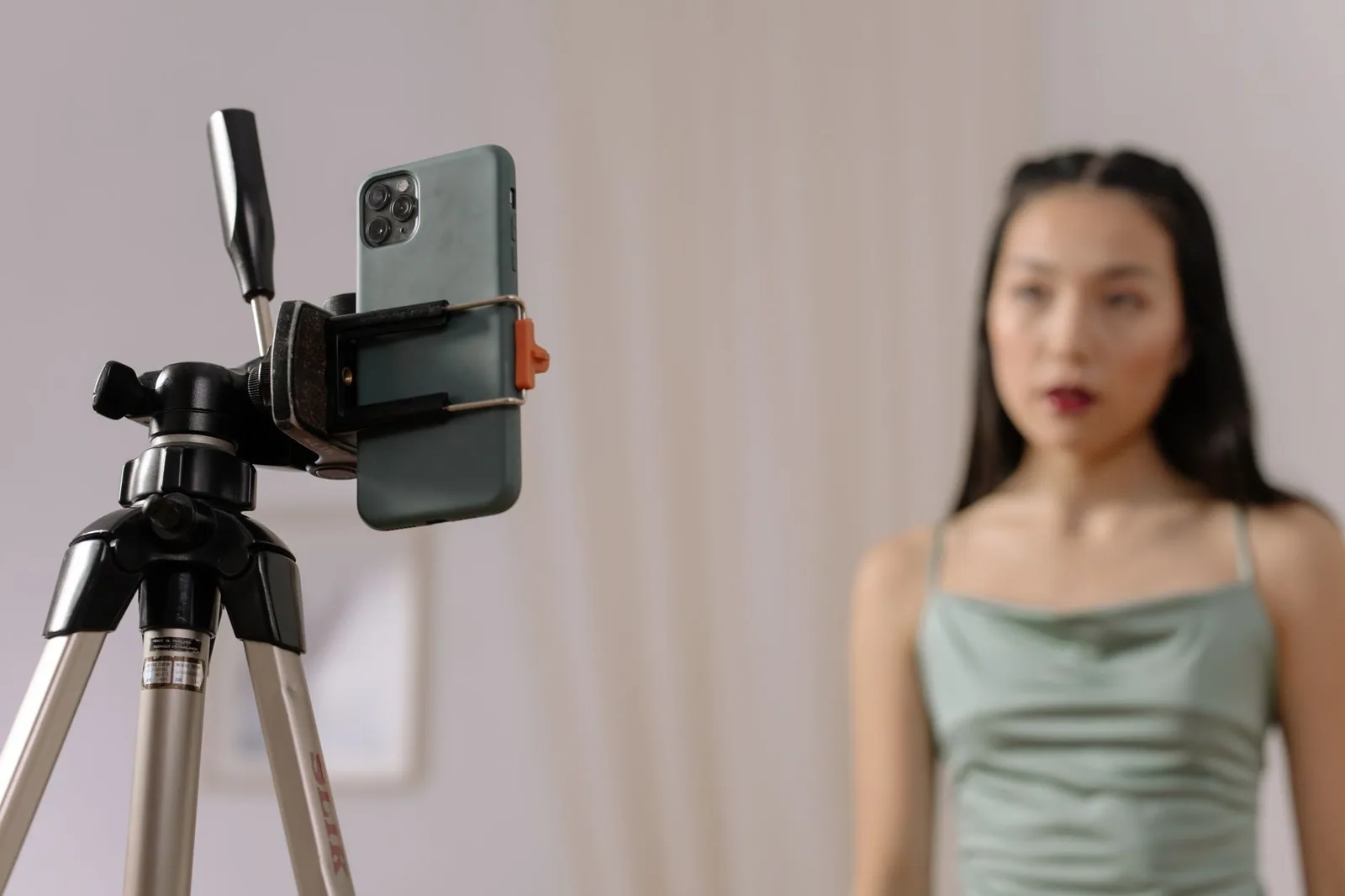
Building cue markers into your script
Decide on a small set of markers before you write anything: a symbol for “pause,” a tag for “ask question,” and a marker for “direct address.” Place them inline where the interaction should happen, not in a separate document you have to remember. The goal is that a glance at the screen tells you the next action without breaking your reading flow.
Using color codes and margin notes for prompts
Color coding lets your eye categorize information at speed: blue for questions, orange for emphasis, gray for stage directions that should never be read aloud. Margin notes work well for short prompts such as “smile,” “lean in,” or “reference last week’s comments,” because they sit beside the line rather than inside it. Keep the palette small, since too many colors turn the prompter into visual noise that competes with your words.
Timing cues for questions and callouts
A question placed mid-sentence loses its impact, so mark a beat before and after each one to protect the pause. Callouts such as “link in the description” or “drop your answer below” deserve their own cue so you deliver them with energy instead of tacking them onto a run-on sentence. Timing cues essentially choreograph your interaction, giving each engagement strategy a defined entry and exit point in the script.
Adjusting cue density to your skill level
Beginners do best with one or two cues per video, because every additional marker adds cognitive load while you are still learning to read smoothly. Intermediate creators can move to a cue every thirty to sixty seconds once reading no longer demands full concentration. Advanced users often add rhythm cues for pacing as well, but only after the basic interaction cues feel automatic.
Engagement Strategies You Can Pair With a Teleprompter
The best engagement strategies are the ones that survive contact with a script, because anything you cannot plan for will collapse under the pressure of recording. Pairing strategies with prompter cues means each one has a written home and a visible reminder. This approach also lets you measure what works, since you know exactly where each question or callout appeared and how the audience responded afterward. For a deeper survey of options, see Engagement Strategies: Enhance Your Presentations Effectively.
Prompting questions at strategic script points
Place open questions after you have delivered value, not before, so the viewer has something concrete to respond to. “Now that you have the template, what would you change first?” works because it assumes the viewer has followed along. Mark the question and the pause that follows as a single cue pair so the timing never drifts.
Direct-address segments that invite responses
Direct address is a short block where you speak only to the camera about the viewer’s situation, ideally using “you” heavily and dropping any company language. Script these segments as distinct paragraphs so your delivery visibly changes when you enter and exit them. The shift in register tells viewers that this moment is theirs, which reliably lifts comments and replies.
Repurposing viewer feedback into future content
Collect recurring themes from your comments and convert them into an on-camera acknowledgment in your next recording. A line such as “several of you asked why this step matters” validates the people who wrote in and shows newcomers that you listen. Add a cue for these callback lines so they land with warmth rather than reading like an afterthought.
Setting Up Your Workflow for Smoother Interaction
Interaction fails more often on workflow than on talent, because a rushed session leaves no room for questions, pauses, or improvisation. Treat recording as a sequence with distinct phases: structure, rehearsal, and delivery, each with its own checklist. When those phases are respected, cues stop feeling like extra work and start feeling like natural signposts in your script.
Script structure that leaves room for spontaneity
Outline your key points, write them tightly, and then deliberately leave one open slot per video where you can react to something unplanned. That slot might be an impromptu tip, a response to a recent comment, or a clarification you noticed during rehearsal. Structure gives you safety; the open slot gives you humanity, and viewers can tell the difference.
Rehearsing cues before you hit record
Run the script once at conversation speed with the prompter on, calling out each cue as you reach it, even if you are not recording yet. This dry run exposes cues placed too close together and reveals questions that land awkwardly in the middle of a breath. Adjust the markers during rehearsal rather than during the take, because mid-recording edits shatter the delivery you are trying to protect.
Choosing scroll speed to protect your delivery
If the scroll moves faster than your natural speaking rate, you will rush, flatten your intonation, and lose the pauses that make questions effective. Set the speed slightly below your comfortable pace so you always have a moment in reserve for emphasis or an unplanned aside. Revisit this setting whenever you change formats, since a live session typically runs at a different rhythm than a polished tutorial.
Common Mistakes When Interacting With Viewers
Even well-intentioned creators undermine their own interaction with habits that seem helpful in the moment. The most common failures come from over-planning, under-following-up, and splitting attention across too many screens. Recognizing these patterns early saves you from publishing videos that look interactive but feel mechanical to the people watching. A useful checklist of these pitfalls is collected in Audience Engagement Teleprompters: Common Mistakes to Fix.
Over-scripting interaction until it feels fake
When every sentence contains a question and every pause is choreographed, the performance starts to resemble a telemarketing script. Viewers are remarkably sensitive to forced enthusiasm, and one unnatural callout can undo the trust you built in the previous minutes. Keep your questions few, specific, and genuinely open-ended, and let the silence after them do the persuading.
Ignoring comments after the video goes live
Asking for responses and then never replying teaches your audience that the conversation is one-sided, which suppresses future engagement. Block fifteen minutes after publishing to answer early comments, pin a thoughtful reply, and thank people who add detail. That small window signals that interacting with viewers extends beyond the recording and into the community you are building.
Multitasking between prompter and chat
Reading live chat while your script scrolls guarantees that you will miss a cue, stumble on a line, or lose eye contact at the moment it matters most. Assign interaction duties by phase: deliver first, then respond, or have a moderator surface the two or three comments worth addressing on camera. Splitting your attention cheapens both tasks and leaves viewers with a presenter who looks distracted.
Practicing and Improving Over Time
Interaction improves the same way any performance skill does: through deliberate review and small, repeatable adjustments. Treat each video as an experiment with a hypothesis, such as “a question at the two-minute mark will lift replies.” Over a handful of projects, patterns emerge that tell you which cues earn responses and which ones you can retire.
Reviewing recordings for interaction moments
Watch your own recordings once with the sound off to study your eye contact, gestures, and the physical pauses around each question. Then watch again with sound to judge whether your tone matched the intent of the cue. Jot down the two moments that felt most natural and the two that felt forced, because those notes become the agenda for your next rehearsal.
Soliciting feedback on your delivery style
Ask a small group of regular viewers or colleagues a specific question, such as “did the questions feel natural or scripted?” rather than a vague “what did you think?” Specific feedback is actionable, and it protects you from redesigning a system that mostly works. Consider pairing this with a review of Effective Strategies for Interacting with Viewers During Presentations to compare live-stage techniques with your on-camera habits.
Iterating on your cue system each project
At the end of each project, retire one cue that did not pay off and add one new experiment, keeping the total count stable. This one-in, one-out rule prevents your prompter script from growing into an unreadable map of symbols. Over several months, you will arrive at a personal cue vocabulary that supports your style instead of fighting it.
Conclusion
Interacting with viewers is a skill you build, not a talent you are born with. By scripting deliberate teleprompter cues, pairing them with proven engagement strategies, and refining your workflow after each recording, you turn the prompter from a reading aid into an interaction tool. Start with one or two cues in your next video and expand as your confidence grows. If you want a structured path, work through Step-by-Step Audience Engagement Teleprompters That Work alongside Practical Tips for Using Audience Engagement Teleprompters, then revisit your results after three uploads and adjust from there.
Frequently asked questions
How do you interact with viewers when your chat is barely active?
Ask specific, low-effort questions rather than open-ended ones — for example, "pick A or B" or "vote with an emoji" — so a single reply feels rewarding instead of lonely. Talk to the chat as if it is busy even when it is not, narrating your reasoning and reading out anything you get. Early momentum matters more than volume: one engaged viewer who gets acknowledged tends to stick around and bring others.
How quickly should a streamer respond to chat messages?
Respond within a few seconds when possible, but do not interrupt a moment that needs focus, such as a competitive play or a story beat. Acknowledge gaps instead of ignoring them — say you will get back to chat in a minute — so viewers know they were seen. Replying late is still better than not replying at all, but consistently delayed responses make chat go quiet.
How do you handle toxic or disruptive viewers without killing the vibe?
Address mild negativity once with humor or a clear boundary, then escalate to timeout or ban without debating it on stream. Never give a troll a spotlight, since arguing with them validates the behavior and teaches chat that disruption earns airtime. Set rules visibly in your channel description so enforcement feels consistent rather than personal.
Do small streams really need a chat moderator?
Yes, even a small channel benefits from one trusted moderator, since the streamer cannot watch chat and content at the same time. A mod filters spam, answers repeat questions, and keeps conversation moving during gameplay or talking segments. Waiting until you are large to add moderation usually means the toxic habits have already set the culture.
How do you keep viewers engaged without derailing your content?
Build interaction into planned checkpoints, like a chat question during loading screens or a poll between segments, instead of reacting to every message in real time. This keeps the show structured while giving viewers predictable moments where their input changes what happens. Balancing scripted beats with spontaneous responses is what separates a lively stream from one that feels like reading a comment feed.
Recording with a script? Try Lumi.
Keep your script near the camera and out of your final video. Try free for 3 days.
Learn more


