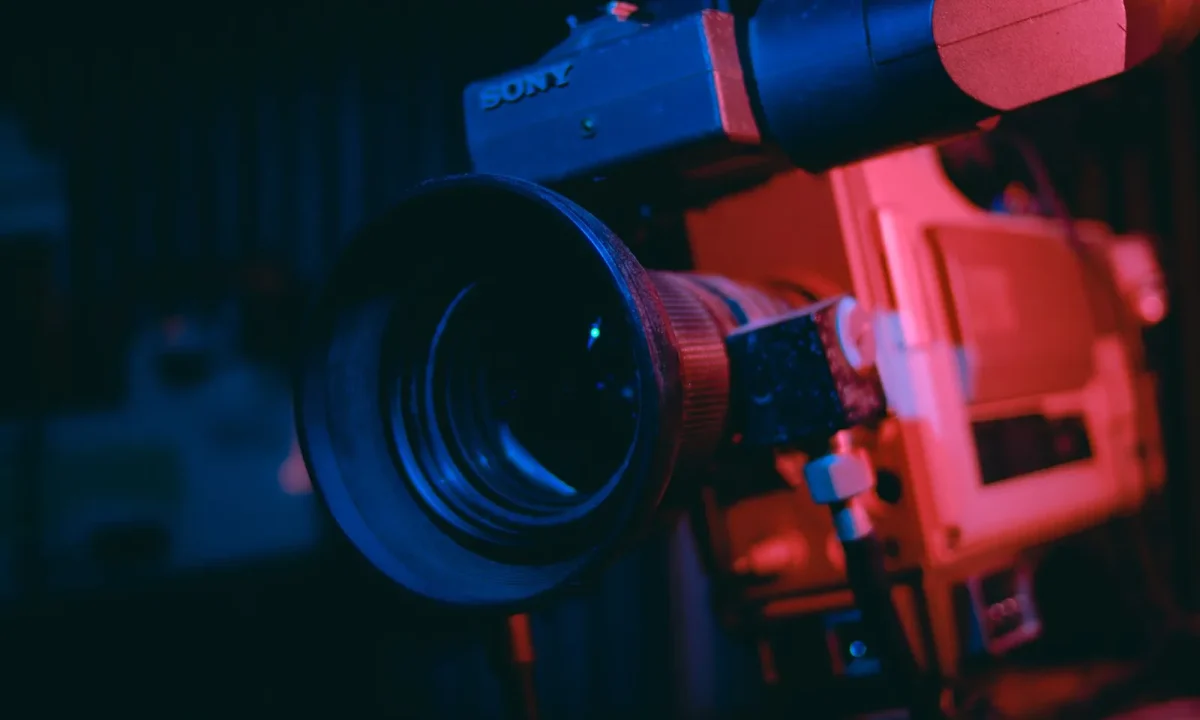
Teleprompters have moved far beyond the glass-and-script boxes of broadcast studios. Today, the trends in teleprompter technology center on software-driven scrolling, AI-assisted pacing, and multi-device syncing, and they are quietly changing how creators, speakers, and educators prepare and deliver their messages. This guide explains what the main trends actually are, how the underlying tools work, and how you can put them to use in content creation, teleprompters in education, and teleprompters in corporate training.
What Trends in Teleprompter Technology Really Mean
Defining the term in plain language
When people talk about trends in teleprompter technology, they are usually describing a shift in how the script reaches the speaker’s eyes rather than a change in the script itself. A traditional prompter was a physical device: a monitor laid flat, a sheet of beam-splitter glass angled in front of the lens, and a fixed scroll speed controlled by an operator. The modern definition is broader and mostly software-based — any change in how text is displayed, paced, tracked, and synchronized across the devices you already own. AI pacing, cloud sync, eye-line correction, and accessibility options all qualify, because each one alters the delivery workflow rather than the equipment. Keeping this plain-language definition in mind helps you sort genuine improvements from marketing language when a new app launches.
Why the shift from hardware to software matters
The hardware-to-software transition matters because it lowers the cost, footprint, and learning curve of prompting. When the core functionality lives in an app, a solo creator can prompt from a phone propped beside the camera instead of renting a studio cart, and a teacher can run a lesson from a laptop without installing anything exotic. Software also updates faster than hardware: scroll physics, font rendering, and voice tracking improve with each release, while a physical prompter stays the same for years. That said, hardware is not obsolete — beam-splitter glass still delivers the most precise eye-line for polished broadcast work. The practical takeaway is that you can now choose your level of investment instead of buying into a fixed setup.
The audience benefiting most from the shift
Three groups gain the most. Solo content creators get broadcast-quality delivery without a crew, since a phone app plus a lapel mic replaces what used to require an operator. Educators and students get an affordable rehearsal tool, which is why Exploring the Potential of Teleprompters in Education has become a more relevant read every year. Corporate communication teams get consistency at scale, because a shared, synced script lets dozens of regional presenters deliver identical messaging. If you fall into any of these groups, the trends below are worth evaluating against a real project rather than a demo reel.
How Modern Teleprompters Work Under the Hood
Scrolling engines and reading-speed controls
At its core, a software prompter is a scrolling engine tied to a speed variable. You set a words-per-minute target or a physical scroll rate, and the engine moves the text vertically in sync with your delivery. Better engines let you fine-tune margins, line length, and font size so your eye does not have to travel far between lines — a short line length reduces head movement and keeps your gaze closer to the lens. Some engines also allow hotkeys or foot pedals to nudge the speed up or down mid-sentence, which is how operators handle a speaker who suddenly accelerates. Understanding this mechanism explains why two apps with identical features can feel completely different in practice: the quality of the scroll physics is the product.
Mirror displays and beam-splitter glass
Mirrored text exists for a specific physical reason. When a monitor sits below the camera and reflects off angled glass, the image must be flipped horizontally so it reads correctly in the reflection. Beam-splitter glass is engineered to pass most light through while reflecting enough of the monitor image for the speaker to read — that balance is what keeps both the presenter’s eyes and the camera image visible. Cheaper setups often fail here, producing a dark or ghosted reflection that forces the speaker to squint. If your work demands a perfect eye-line, a quality glass rig still outperforms any app-only arrangement, which is why professional studios continue to invest in it.
Remote control and voice-follow mechanisms
Controlling the scroll is the second half of the equation. Options range from a handheld Bluetooth remote and keyboard shortcuts to voice-follow, where the software listens to your microphone and advances the text at the pace you actually speak. Voice-follow is the most forgiving for beginners because it eliminates the panic of falling behind or racing ahead of the text. Remote control, by contrast, gives an operator or the presenter precise manual command, which remains preferable for scripted pieces with deliberate pauses. For a deeper look at how these mechanisms are evolving, see our Innovations in Teleprompter Technology pillar.
The Key Trends Worth Paying Attention To
AI-powered pacing and auto-scrolling
The most discussed development is AI-assisted pacing, where the software estimates your speaking rate and adjusts the scroll in real time. In practice this reduces the stuttering starts and sudden rushes that make a read feel mechanical, and it is especially helpful when you are nervous or reading dense material. The technology is not magic, though: it performs best on a clean script with predictable sentence structure and can still drift if you improvise heavily. Treat AI pacing as a co-pilot and verify it with a test take before you roll anything you intend to publish.
Cloud sync across phone, tablet, and desktop
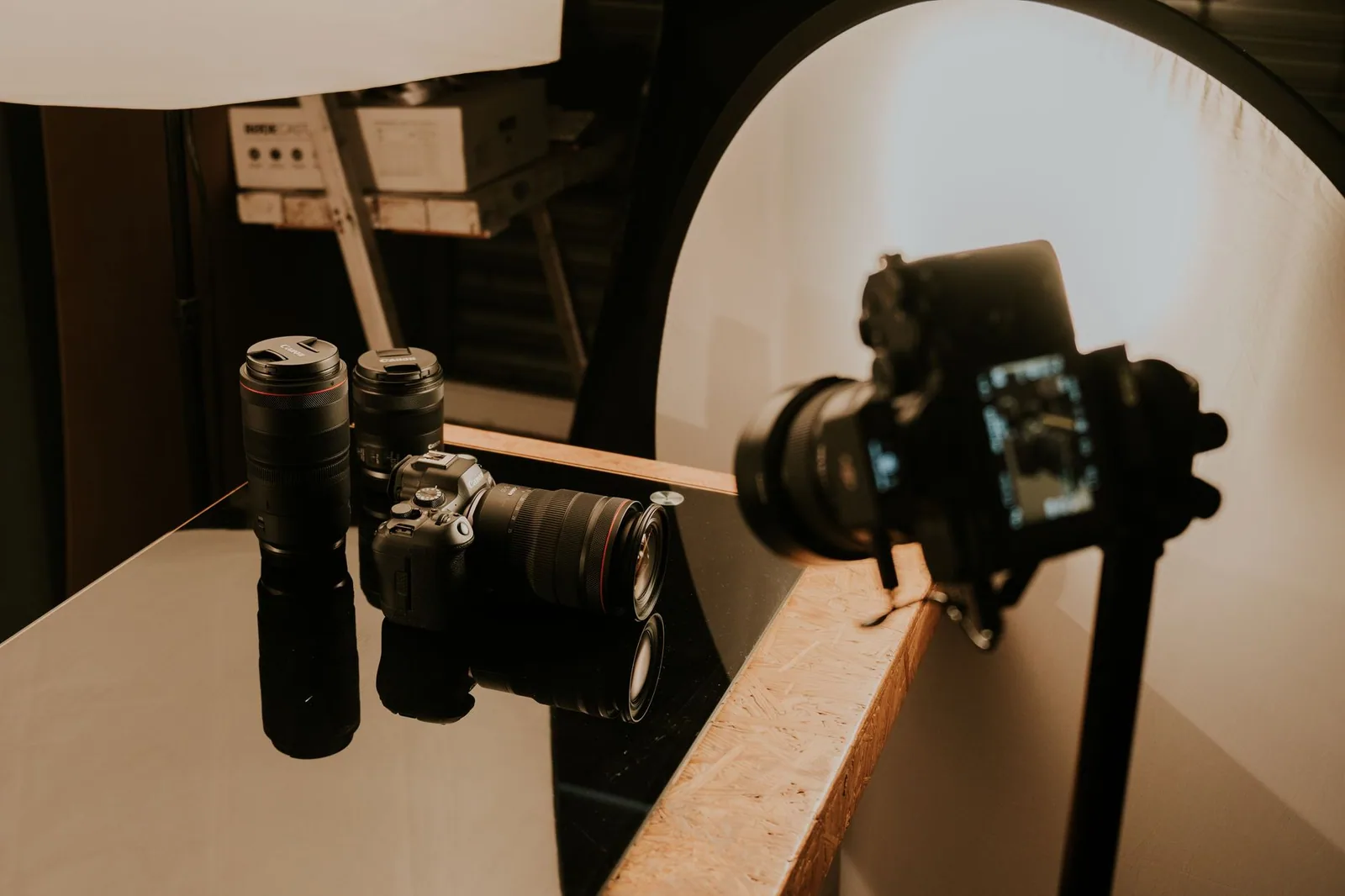
Cloud synchronization lets you draft a script on a laptop, refine it on a tablet, and record from a phone without ever exporting a file. For teams, it means one canonical version of the script that everyone reads from, which prevents the classic problem of presenters working from outdated drafts. Sync also makes collaboration easier — a producer can edit a line while the presenter rehearses, and the change simply appears. The main caution is connectivity: always confirm the script has downloaded locally before you step in front of the camera, since a dropped connection during a take costs more than any feature saves.
Eye-line correction and camera-integrated apps
Eye-line correction addresses the age-old problem of a speaker who appears to be reading instead of speaking to the viewer. Some apps float the script around the camera cutout so your gaze stays near the lens, while camera-integrated apps place the text directly around the viewfinder. The result is a more natural connection with the audience, which matters enormously for social video where attention is measured in seconds. If eye contact is a priority for your brand, this is one of the trends with the clearest, most immediate payoff.
Accessibility features for diverse presenters
Accessibility has moved from an afterthought to a core feature set: high-contrast modes, adjustable type sizes, dyslexia-friendly fonts, and voice-follow all help presenters with different needs deliver confidently. These options also benefit everyone else — larger type and higher contrast reduce eye strain during long recording sessions, regardless of ability. When you evaluate tools, check whether these settings are exposed on the main screen or buried in menus, because a feature you cannot reach quickly during a shoot is effectively absent.
Trends in Teleprompter Technology for Content Creators
Faster script-to-record workflows
For creators, the headline benefit is compression of the time between writing and recording. Because drafting, prompting, and capturing now happen inside one connected workflow, you can go from a finished outline to a lit, framed, rolling take in a fraction of the old setup time. That speed compounds over a publishing schedule: shaving fifteen minutes off each of five weekly videos returns hours to your month. The practical move is to standardize a single template — margins, font, speed, and hotkeys — so every session starts from a known baseline instead of a blank configuration screen.
Mobile-first setups for solo creators
Mobile-first prompting suits creators who shoot on location, in a car, or in a small home space where a full rig is impractical. A phone mounted just above or below the lens, a clip-on lav mic, and a simple LED panel constitute a complete kit that fits in a backpack. The trade-off is screen size, so prioritize apps with aggressive line-length control and large type rather than those that simply mirror a desktop layout onto a small display. Consistency matters more than gear here: a modest kit you use every week beats a cinema package that only comes out on special occasions.
Integrations with editing and recording apps
The most useful integrations connect prompting to capture and post-production. Look for tools that record synced video and audio while scrolling, export a time-coded transcript for faster captioning, or hand markers to your editor when you nail a take. These connections remove repetitive handoffs — re-typing captions, hunting for flubbed lines, or re-syncing audio — and they are where software prompters genuinely outclass their hardware ancestors. If you are mapping a longer-term production strategy, our Exploring the Future of Teleprompters: Trends and Insights piece expands on where these integrations are heading.
Teleprompters in Education: What’s Changing in Classrooms
Student presentations and speech practice
In classrooms, prompting tools are becoming rehearsal aids rather than crutches. Students can practice a speech with the text scrolling at a target pace, then repeat the exercise with the scroll removed to test memorization — a controlled, low-stakes way to build confidence. Teachers report that the visible structure of a script helps students understand pacing, transitions, and the difference between reading and speaking. The pedagogical value lies in the iteration: prompter practice gives immediate, repeatable feedback that a one-off classroom rehearsal never could.
Remote and hybrid lecture delivery
Remote and hybrid teaching amplifies the need for a shared script, because an instructor lecturing to a camera has no natural audience cues to pace against. A prompter with a synced script lets the lecturer maintain eye contact with the webcam while keeping the lesson plan in view, and it keeps the recorded version consistent with what live participants heard. It also makes guest lecturers and co-teachers easier to coordinate, since everyone works from the same text. The setup does not need to be elaborate — a laptop positioned beside the camera is usually enough to transform the delivery.
Low-cost tools schools can adopt
Budget constraints rule out expensive hardware in most schools, which is precisely why app-based prompting has found a foothold. Free or low-cost tools running on existing lab machines and tablets require no installation rights in many cases, and they can be assigned as homework for speech and media classes. Adoption works best when a single standard tool is chosen across departments so students, teachers, and IT staff learn one interface. For more context on classroom use cases, see How Teleprompters Enhance Corporate Training Effectiveness, which covers similar delivery challenges at an organizational scale.
Teleprompters in Corporate Training at Scale
Consistent messaging for internal comms
Internal communications fail when different leaders describe the same initiative in different words. A synchronized script ensures that a company-wide announcement sounds identical whether it is delivered by the CEO in headquarters or a regional manager on video. Prompters also let communications teams approve wording in advance, which shortens legal and compliance review cycles. The result is messaging that is both faster to produce and more uniform once it reaches employees.
Onboarding and compliance video production
Onboarding and compliance content is high-volume, update-heavy, and painfully expensive to reshoot — a perfect fit for prompting. Because the script lives in software, updating a policy line does not require recalling a presenter to a studio; one person can re-record a single segment while the rest of the module stays intact. Teams producing this kind of content at scale often benefit from the structured approach described in Future of Teleprompters: Trends and a Practical Roadmap, which sequences adoption so tools are introduced before the production calendar demands them.
Multi-language delivery with synced scripts
Global organizations need the same training delivered in many languages, and synced scripts make that practical. Translators can work directly in the shared prompter document, presenters can record in their native language with properly paced text, and version control keeps every locale aligned to the same approved source. This workflow reduces the drift that usually appears when separate regional teams maintain separate script files. For a broader look at where this is trending, our Exploring the Latest Trends in Teleprompter Technology Today article covers the tooling side in more detail.
How to Evaluate a Teleprompter Tool Before You Commit
Match features to your use case
Start by naming the exact job the tool must do: solo talking-head videos, live streams with an operator, recorded classroom lectures, or multi-language training modules. Each use case prioritizes different features — a live stream needs reliable remote control, while a lecture recording benefits most from voice-follow and cloud sync. Writing your primary use case down in one sentence prevents you from paying for advanced capabilities you will never touch. A tool that excels at your real workflow will outperform a more powerful one aimed at someone else’s.
Test scroll control and font readability
During any free trial, run a full-length script at your actual speaking pace and watch two things: whether the scroll starts, stops, and corrects smoothly, and whether the type remains comfortable to read from your real shooting distance. Sit where your camera sits, not at your desk, because font size that looks fine at arm’s length can be illegible from four feet away. Also test the awkward moments — a long pause, an emphasized word, a sudden speed-up — since these are where weak engines expose themselves. Readability issues discovered in a trial cost you a few minutes; discovered mid-shoot, they cost you the session.
Check device and platform compatibility
Confirm that the tool runs natively on every device in your chain, not just the one you plan to buy. Check whether your operating system version is supported, whether a Bluetooth remote pairs reliably, and whether recording works without third-party drivers. If your team is involved, verify that collaboration features function across mixed platforms — a script that syncs from Windows to macOS but not to a tablet will quietly break your workflow. Compatibility problems rarely announce themselves until they interrupt a live recording.
Consider long-term pricing and support
Look past the introductory price to the renewal cost, because prompting tools are typically subscriptions rather than one-time purchases. Ask what happens to your scripts if you stop paying, whether exports are available, and how responsive support is when something fails before a deadline. Documentation quality is a good proxy for long-term health: a product with clear guides and an active changelog is usually a product that keeps improving. If you want a structured way to weigh these factors, Looking Ahead: Best Practices for the Future of Teleprompters offers a practical checklist.
Practical Tips for Getting the Most From New Features
Write for the prompter, not the page
Script written for the eye does not work for the ear. Prompter-friendly writing uses short sentences, spoken phrasing, and deliberate paragraph breaks at natural transition points — the same principles that make any spoken delivery clearer. Avoid dense parentheticals and long subordinate clauses, because the scroll will move past them before you can finish saying them comfortably. Breaking your script into visual blocks also gives the scrolling engine clean places to pause, which makes AI pacing far more accurate.
Practice with the tool before recording
Give yourself at least one full rehearsal in the exact setup you will record in, with the same lighting, distance, and scroll speed. This is where you discover that your font is slightly too small, that the remote sits out of reach, or that you tend to rush the opening paragraph. Practice also separates tool problems from performance problems — if a take feels off, you can tell whether it was the script, the pacing, or your delivery. Skipping rehearsal is the most common and most avoidable mistake new prompter users make.
Adjust pacing to your natural speaking rhythm
Resist the urge to match someone else’s speed. Set the scroll to the pace you actually speak comfortably, then let the tool follow you rather than the reverse. Most apps let you save multiple speed presets, so a measured corporate update and a brisk social clip can each have their own setting. Over a few sessions you will develop a consistent rhythm that reads as confident and relaxed on camera — which is, in the end, exactly what these tools are built to support.
Conclusion
The trends in teleprompter technology are converging on the same goal: making natural, confident delivery easier for everyone, whether you are a solo content creator, a teacher running a classroom, or a team producing corporate training. Understanding how these tools work — and matching the right feature to your real use case — lets you spend less time fighting the technology and more time connecting with your audience. Start small, test each new capability against an actual script, and adopt only what genuinely improves your delivery. If you want to keep building on this foundation, our guides on The Future of Teleprompters: Trends and Innovations Ahead, Practical Insights on the Future of Teleprompters in Use, and Key Mistakes to Avoid Regarding the Future of Teleprompters cover the next steps in depth.
Frequently asked questions
How does AI-powered eye-contact correction differ from a traditional teleprompter?
A traditional teleprompter uses a beam-splitter glass and a monitor so the speaker reads real text while looking toward the camera lens. AI eye-contact correction works the opposite way: the speaker looks slightly off-camera or at a co-interviewer, and software redirects their gaze toward the lens in post or in real time. Correction is faster to set up but can look subtly artificial on close-ups, so broadcast studios still favor hardware rigs.
What is a presidential teleprompter and why is it still the standard for speeches?
A presidential setup places two angled glass panels on stands to the left and right of the podium, each with a monitor at its base. The speaker reads one panel at a time while appearing to scan the audience, which is why it dominates keynote and political formats. Trends here are mostly in brightness, anti-reflective coatings, and thinner panels rather than a change in the underlying optics.
Are smartphone teleprompter apps accurate enough for professional video?
Apps handle scrolling and speed control well, but they struggle with two things professionals care about: consistent reading speed when the presenter slows down, and eye-line, since the text sits far from the lens. Modern apps close the gap with voice-tracking that auto-scrolls based on spoken words and with remote control for an operator. For talking-head content, pair the app with a compact beam-splitter hood so the lens stays inside the text area.
What does voice-recognition scrolling actually change for a presenter?
Instead of locking the speaker to a fixed words-per-minute rate, voice-tracking follows the natural pace and pauses of the delivery, so ad-libs and emphasis no longer throw the script out of sync. The main limitation is accuracy on technical terms, accents, and loud environments, which is why most systems still keep a manual speed override. It works best as an assist rather than a full replacement for a human operator.
Which trend matters more for remote presenters: hardware size or software integration?
For remote and hybrid presenters, integration matters more than optics. Being able to control the script from a phone or tablet, share it with a producer over the cloud, and sync it to a conference call removes most of the friction that hardware upgrades solve in studios. Hardware choices then reduce to a compact hood that fits the webcam and keeps the eye-line tight.
Recording with a script? Try Lumi.
Keep your script near the camera and out of your final video. Try free for 3 days.
Learn more


