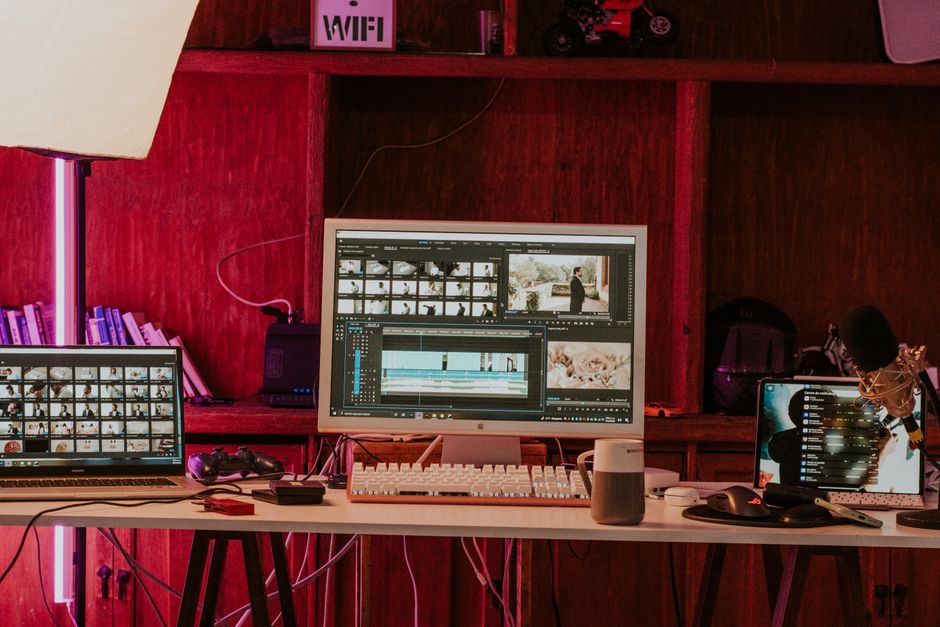
Are you a beginner looking to enhance your video editing skills? This comprehensive guide offers essential video editing tips for beginners, covering basic techniques and software recommendations to help you create professional-quality videos.
Understanding Basic Video Editing Techniques
Cutting and Trimming Clips
One of the fundamental skills in video editing is the ability to cut and trim clips effectively. This process involves removing unnecessary footage to create a more cohesive and engaging story. Learning how to do this will significantly improve the pace and flow of your videos.
Adding Transitions
Transitions help to smooth the shift from one clip to another, enhancing the overall viewing experience. Beginners should start with simple transitions, such as fades and wipes, before experimenting with more complex effects. Remember, subtlety is key—overusing transitions can distract from your content.
Incorporating Audio
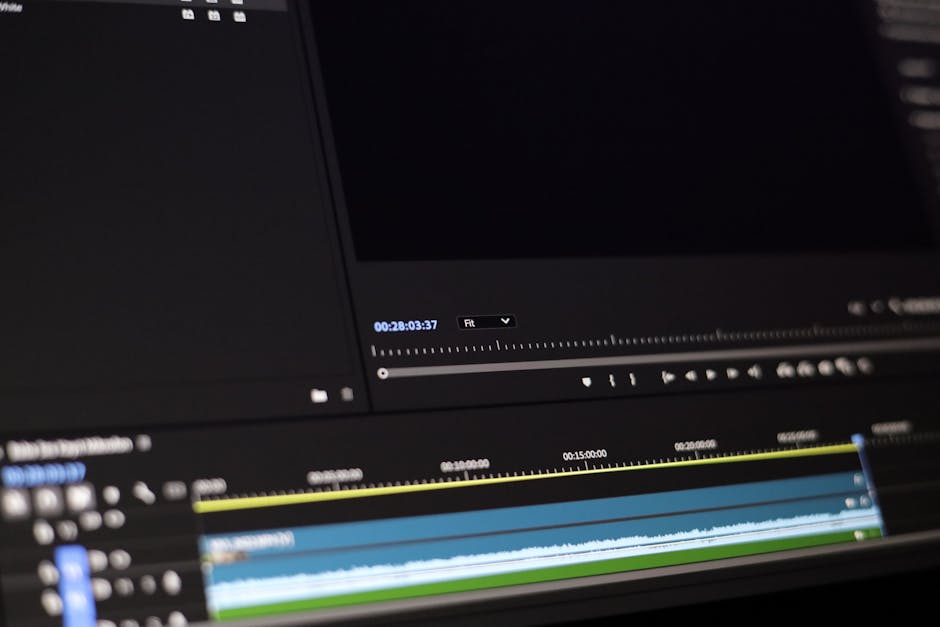
Audio plays a crucial role in video production. It sets the tone and mood of your project. Make sure to incorporate background music and sound effects that complement your visuals. Also, pay attention to the volume levels; audio should be balanced and not overpower the dialogue or main audio track.
Choosing the Right Editing Software
Free vs. Paid Software
When starting out, you may wonder whether to opt for free or paid editing software. Free software can be a great way to learn the basics without financial commitment. However, paid software often offers more advanced features and better support, which can be beneficial as you progress in your editing journey.
Popular Video Editing Software Recommendations
- iMovie: Perfect for Mac users, iMovie offers a user-friendly interface with essential editing tools.
- DaVinci Resolve: A robust editing tool that is free and includes powerful color grading options.
- Adobe Premiere Rush: Designed for beginners, it allows for quick edits and easy sharing on social media.
User-Friendly Interfaces for Beginners
When choosing editing software, look for programs with intuitive interfaces. Software like Filmora or HitFilm Express are known for their ease of use, making them ideal for beginners. A user-friendly interface can greatly reduce the learning curve, allowing you to focus more on your creative process.
Essential Video Editing Tips for Beginners
Keep It Simple
As a beginner, it’s tempting to explore all the features available in your editing software. However, keeping your edits simple can often lead to better results. Focus on telling your story clearly and concisely without overcomplicating your edits.
Use High-Quality Footage
The quality of your footage significantly impacts the final product. Always aim to use the highest quality clips possible. This will make a noticeable difference in how professional your finished video appears.
Experiment with Color Grading
Color grading can transform the mood and aesthetic of your video. While it might seem daunting at first, experimenting with different color palettes can enhance your storytelling. Begin with basic adjustments, such as brightness and contrast, and gradually explore more advanced color correction techniques.
Improving Your Workflow
Organizing Your Media
Keeping your media organized is crucial for a smooth editing process. Create folders for different types of content (e.g., video clips, audio files, images) and utilize descriptive naming conventions. This will save you time and frustration when searching for specific files.
Using Keyboard Shortcuts
Learning keyboard shortcuts can greatly enhance your editing efficiency. Most editing software has a range of shortcuts for common tasks, such as cutting clips or adding transitions. Familiarize yourself with these shortcuts to streamline your workflow.
Setting Up a Consistent Project Structure
Consistent project structures help maintain organization across multiple video projects. Set up templates for project files, including naming conventions and folder structures, to make starting new projects easier and quicker.
Finalizing Your Video
Export Settings Explained
Export settings determine the quality and size of your final video. Understanding these settings is essential for ensuring your video plays well on various platforms. Pay attention to resolution, bitrate, and frame rate to optimize your video for its intended use.
Choosing the Right File Format
Different platforms support various file formats, so it’s important to choose the right one for your video. Common formats include MP4, MOV, and AVI. For most purposes, MP4 is a safe choice due to its compatibility with most devices and platforms.
Sharing Your Video Online
Once your video is finalized, consider how you will share it online. Platforms like YouTube, Vimeo, and social media channels each have their unique requirements. Tailor your export settings and file format accordingly to ensure optimal playback.
Common Mistakes to Avoid
Overusing Effects
While effects can enhance your videos, overusing them can lead to a cluttered and distracting final product. Stick to a few key effects that serve a purpose and contribute to your storytelling.
Neglecting Audio Quality
High-quality audio is as important as high-quality visuals. Avoid using low-quality audio files, and ensure that any voiceovers or dialogue are clear and crisp. Investing in a good microphone can significantly improve your audio quality.
Not Backing Up Your Projects
One of the biggest mistakes beginners make is not backing up their projects. Always save copies of your work on an external hard drive or cloud storage to prevent data loss. This practice ensures that you can revisit or recover your projects when needed.
Conclusion
With these video editing tips for beginners, you can elevate your video production skills and create engaging content. Remember to practice regularly and explore different techniques to find your unique editing style. For more insights on video creation, check out our Video Recording Tips for Professionals to further enhance your skills.
Perguntas frequentes
What are some essential video editing tips for beginners?
Start by familiarizing yourself with basic editing software tools. Focus on learning how to cut, trim, and arrange clips effectively to tell your story.
How can I improve my video editing skills?
Practice regularly by working on small projects and experimenting with different techniques. Watching tutorials and analyzing other videos can also provide valuable insights.
What is the importance of sound in video editing?
Sound enhances the overall viewer experience and can significantly affect the mood of your video. Make sure to balance background music, dialogue, and sound effects for clarity.
Should I use transitions in my videos?
Transitions can help create a smoother flow between scenes, but they should be used sparingly. Overusing them can distract viewers and take away from the content.
What file formats should I use for my video projects?
Common formats like MP4 and MOV are widely supported and offer a good balance of quality and file size. Choose a format that suits your distribution platform.
How can I make my videos more engaging?
Incorporate dynamic visuals, compelling storytelling, and effective pacing to keep the audience interested. Adding text overlays or graphics can also help convey information more clearly.
What is color grading and why is it important?
Color grading adjusts the colors and tones in your video to create a specific mood or aesthetic. This process can greatly enhance the visual appeal and consistency of your footage.
Is it necessary to use a storyboard before editing?
Creating a storyboard can provide a clear outline of your video, helping you visualize the flow and structure. It can save time during the editing process and ensure you don’t miss important elements.
Recording with a script? Try Lumi.
Keep your script near the camera and out of your final video. Try free for 3 days.
Learn more


